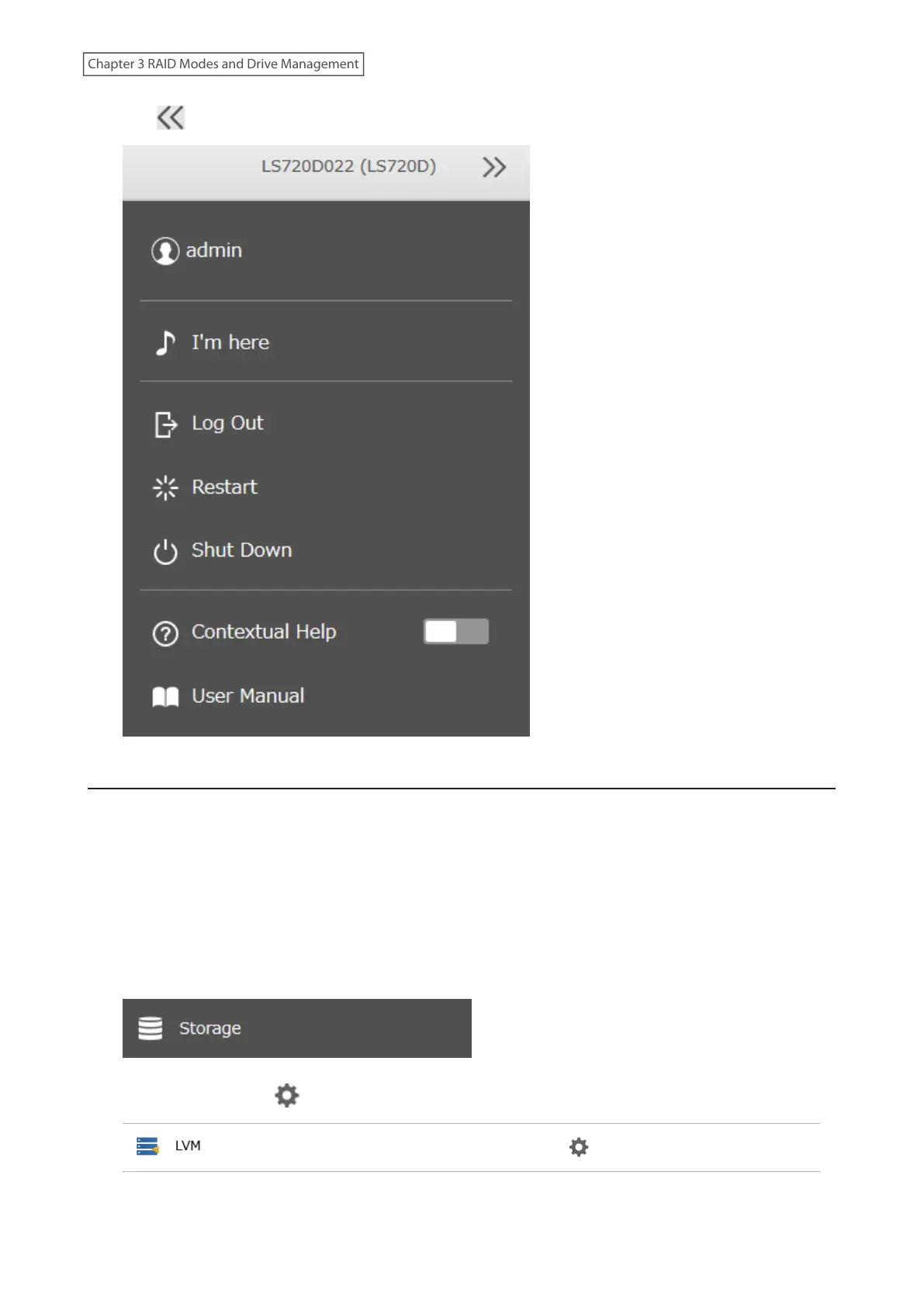
10 Click at the top-right of Settings and choose Restart.
Size Limits
If LVM is enabled, volumes can be created with maximum size limits.
Notes:
• When creating an LVM volume, all data in the area you specified for the LVM volume will be erased. Before
changing any settings, back up any important data.
• Do not use any of the following words for the name of a volume as these words are reserved for internal use by
the LinkStation: array x, authtest, disk x, global, homes, info, lost+found, lp, mediacartridge x, msdfs_root, mt-
daapd, printers, ram, spool, usbdisk x. Any instances of “x” denote a number (for example: array1 or disk3)
1 From Settings, click Storage.
2 Click the settings icon ( ) to the right of “LVM”.
63
Chapter 3 RAID Modes and Drive Management











 To Next Page