• Settings will not be available while the firmware is updating. Don’t try to access Settings from another computer
or mobile device until the update is finished.
Updating Manually
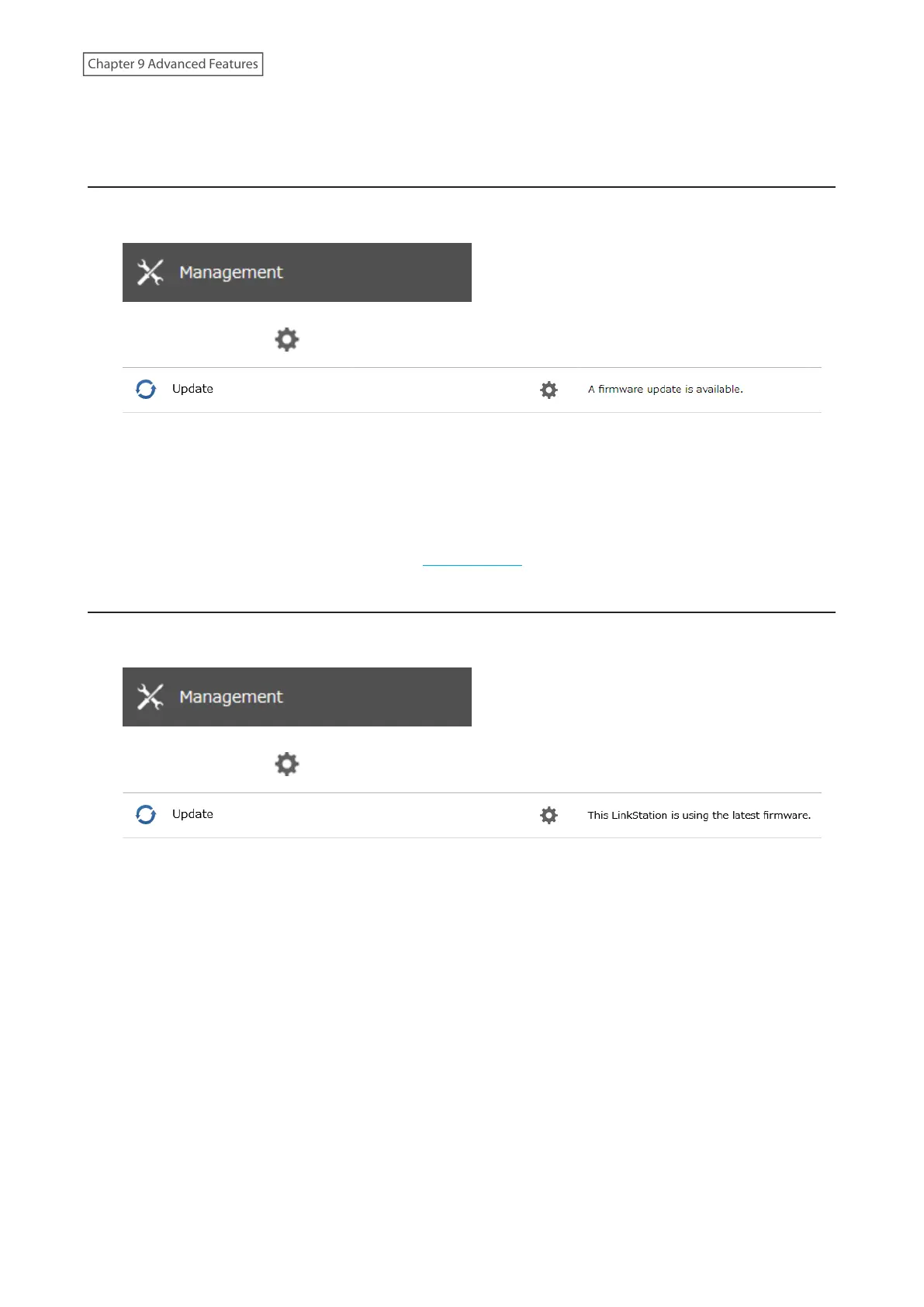
1 From Settings, click Management.
2 Click the settings icon ( ) to the right of “Update”.
3 Click Install Update.
4 The “Confirm Operation” screen will open. Enter the confirmation number, then click OK.
5 When updating the firmware is finished, refresh the browser and log in to Settings again.
You can also download the latest firmware from the Buffalo website.
Updating Automatically
1 From Settings, click Management.
2 Click the settings icon ( ) to the right of “Update”.
3 Click Edit.
177
Chapter 9 Advanced Features











 To Next Page