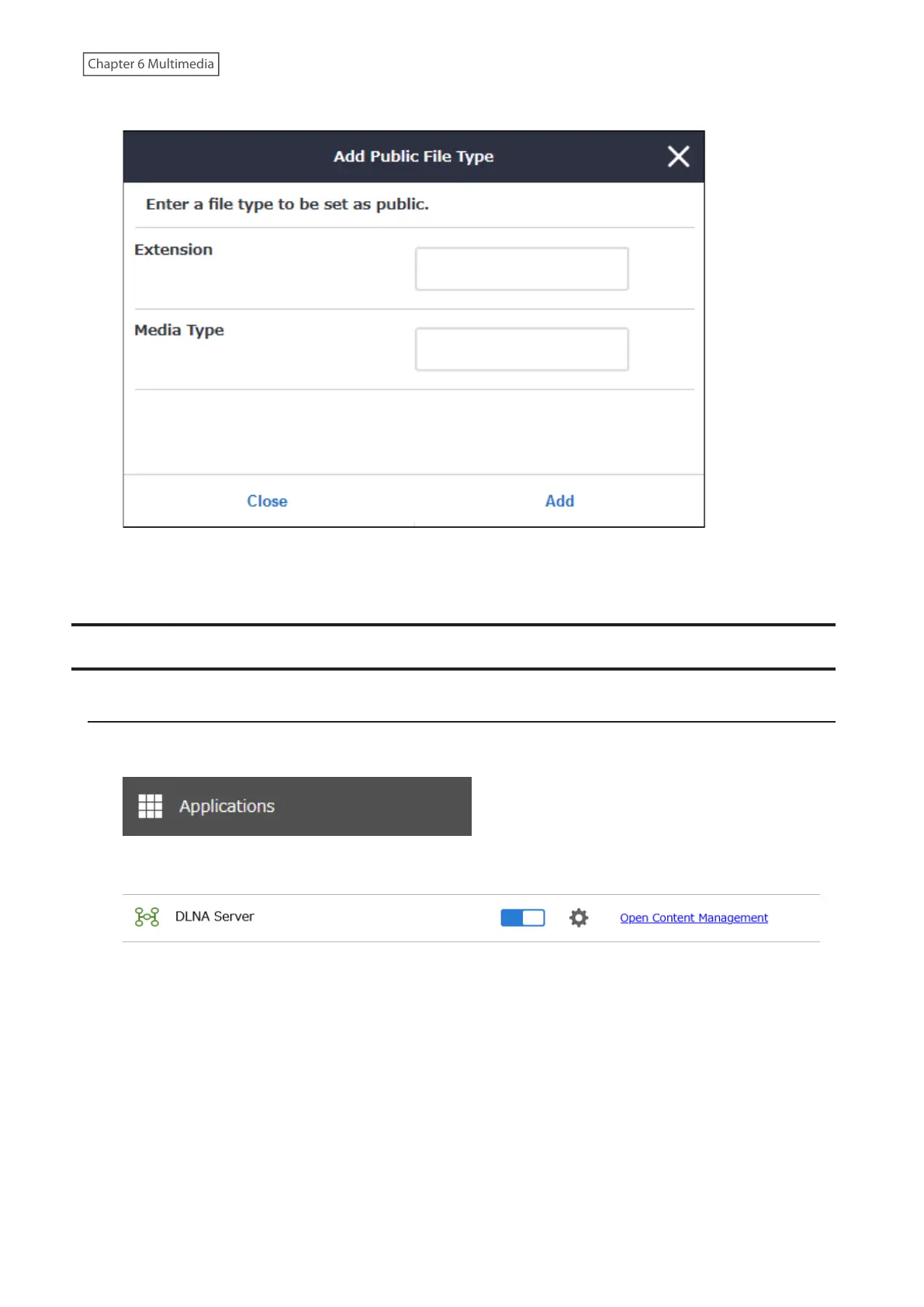
5 Enter an extension and media type (MIME type), then click Add.
Note: If you want to restore the file type list to the factory default after changing the file types, click Reset on the
page at step 4.
Advanced Settings
Changing Device Display Name
1 From Settings, click Applications.
2 Click Open Content Management.
3 Navigate to Basic Settings > Friendly Name.
140











 To Next Page