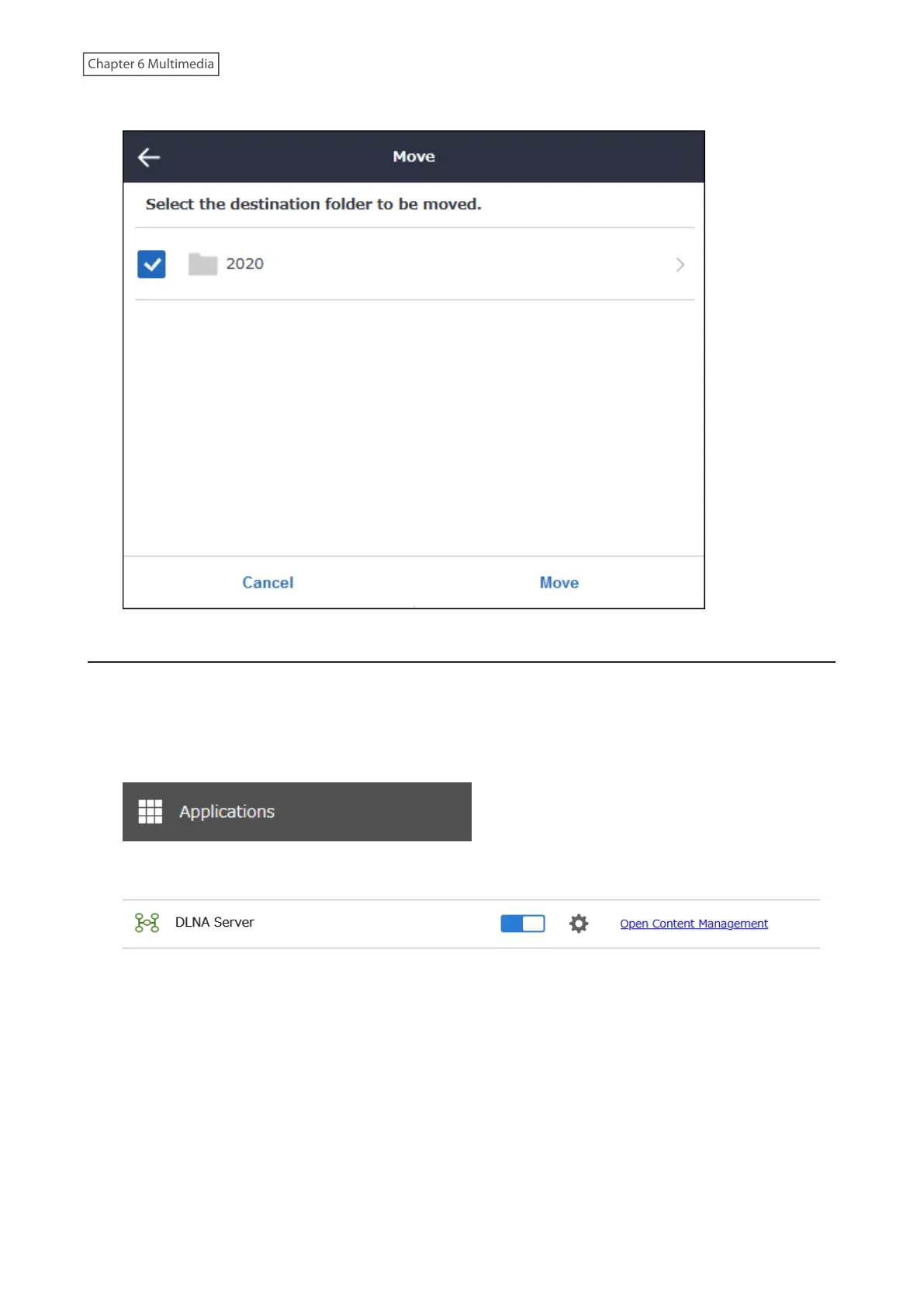
8 Select a folder that the file will be moved to and click Move.
Renaming Files or Folders
Media file titles or folder names can be renamed.
Note: If filenames are renamed, the changes will appear under “Title” in Properties. Names displayed when accessing
from computers will not be affected.
1 From Settings, click Applications.
2 Click Open Content Management.
3 Navigate to Content Management > Media Content.
147











 To Next Page