2 Click the settings icon ( ) to the right of “Groups”.
3 Select the group that will be given a quota and click Edit. If you want to set a quota for a new group, create a
group by referring to the “Adding a Group” section in chapter 2.
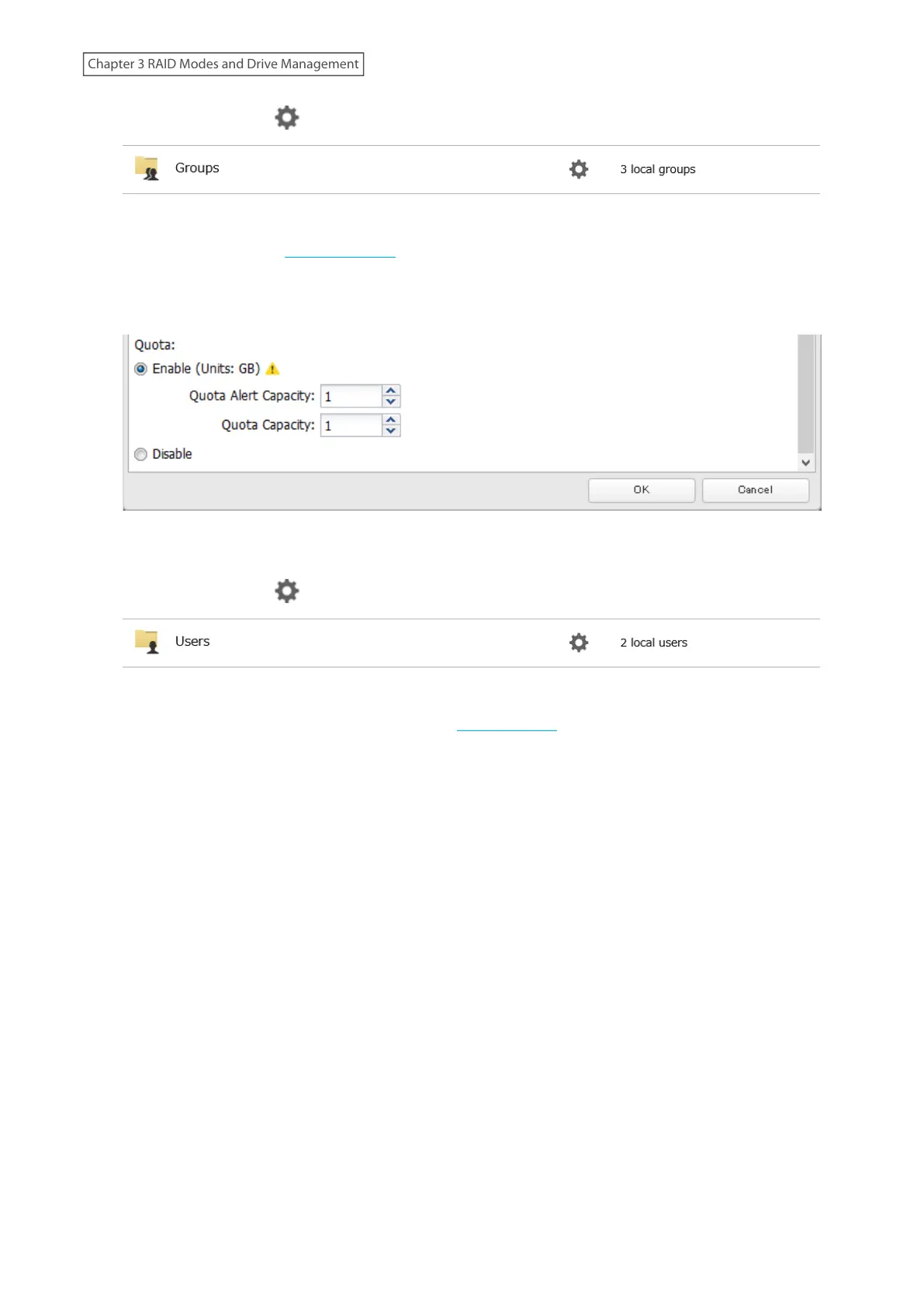
4 Enable quotas, choose the alert and the maximum amount of space the group will be allowed to use, and click
OK.
5 Click Close.
6 Click the settings icon ( ) to the right of “Users”.
7 Select the user that will inherit the group quota settings and click Edit. If you want to add a new user to a
group with a quota, create a user by referring to the “Adding a User” section in chapter 2.
8 Select the group’s checkbox to join and change the user’s primary group to the group with the quota, then
click OK.
9 Click Close.
62
Chapter 3 RAID Modes and Drive Management











 To Next Page