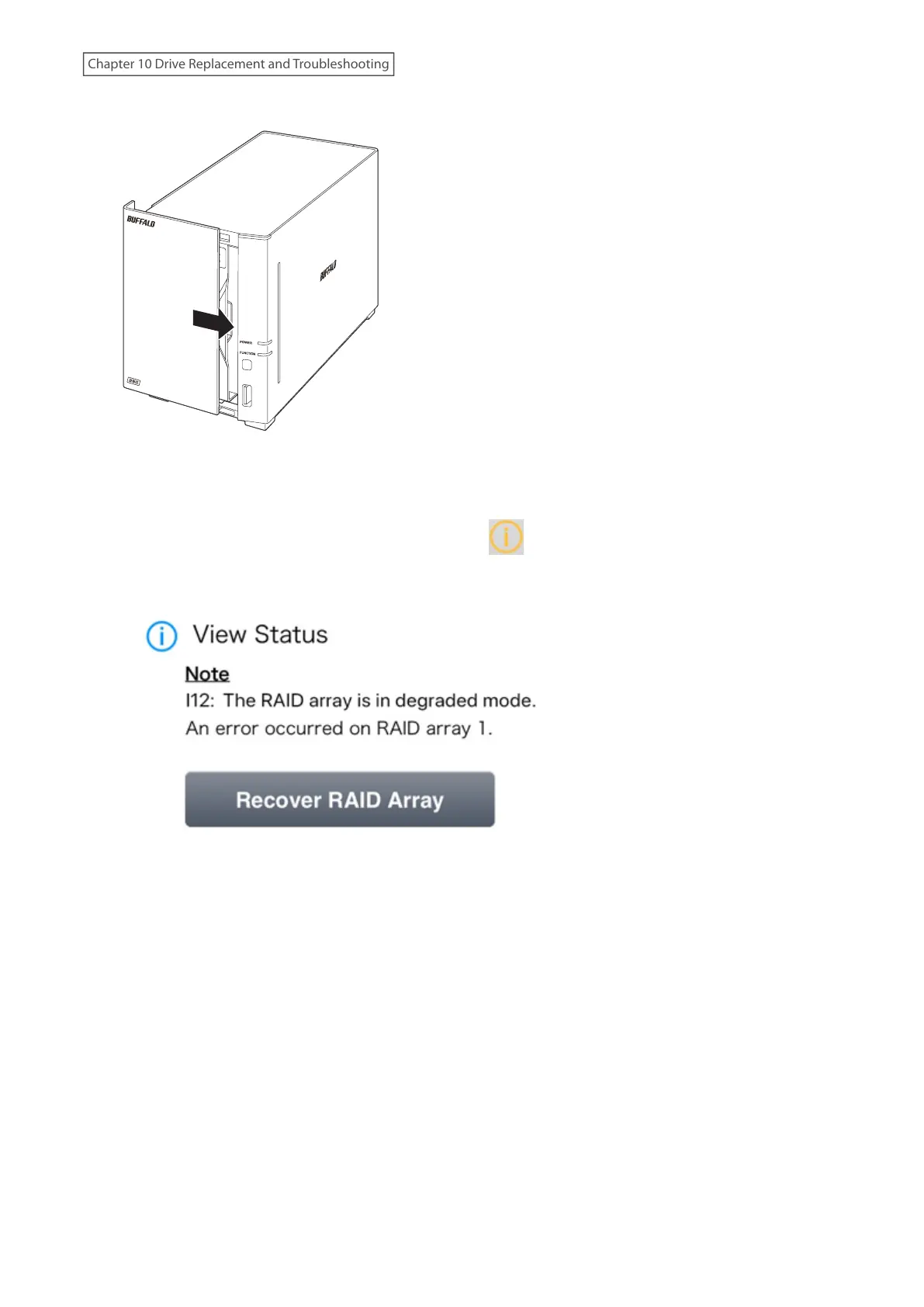
9 Return the front panel and slide it right to close.
10 Connect all cables, then turn on the LinkStation. When the replaced drive is detected, the power LED will glow
amber.
11 From Settings, tap the blinking yellow information icon ( ).
12 Tap Recover RAID Array.
190
Chapter 10 Drive Replacement and Troubleshooting











 To Next Page