Using a Mobile Device
1 Log in to Settings using SmartPhone Navigator on your mobile device.
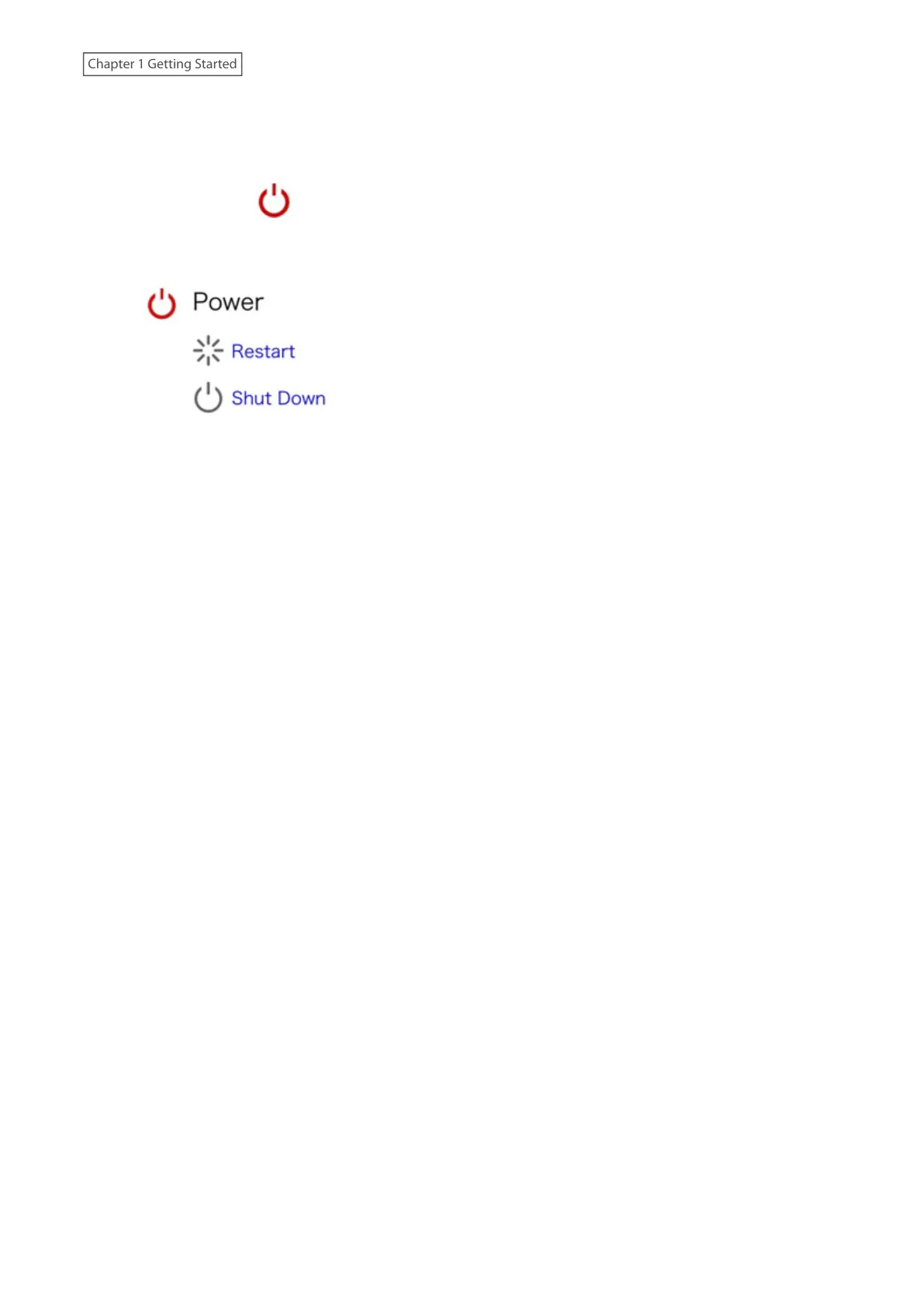
2 Tap the power icon ( ) at the top-right corner of Settings.
3 Tap Shut Down or Restart.
4 Tap Yes.
5 The “Confirm Operation” screen will open. Enter the confirmation number, then tap OK.
If shutting down the LinkStation, the shutdown process will finish once the power LED turns off. To shut down
completely, move the power switch to the “Off” position. If you leave the power switch in the “On” position, you can
power on the LinkStation using Wake-on-LAN remotely or the function button.
If restarting the LinkStation, wait until the power LED changes to a steady white.
21
Chapter 1 Getting Started











 To Next Page