Notes:
• Devices that don’t cause the function LED to light up are not supported.
• When you connect PTP devices, the function LED may not light up. In such a case, disconnect the PTP device
from the LinkStation, then reconnect it.
2 You now have 60 seconds to press the function button once while the function LED is glowing.
3 The function LED will blink as all the files on the USB device are copied to the Direct Copy folder on the
LinkStation. When the copy operation is finished, the access LED of the USB device will stop blinking.
Using a Mobile Device
1 Connect the USB device to any USB port on the LinkStation.
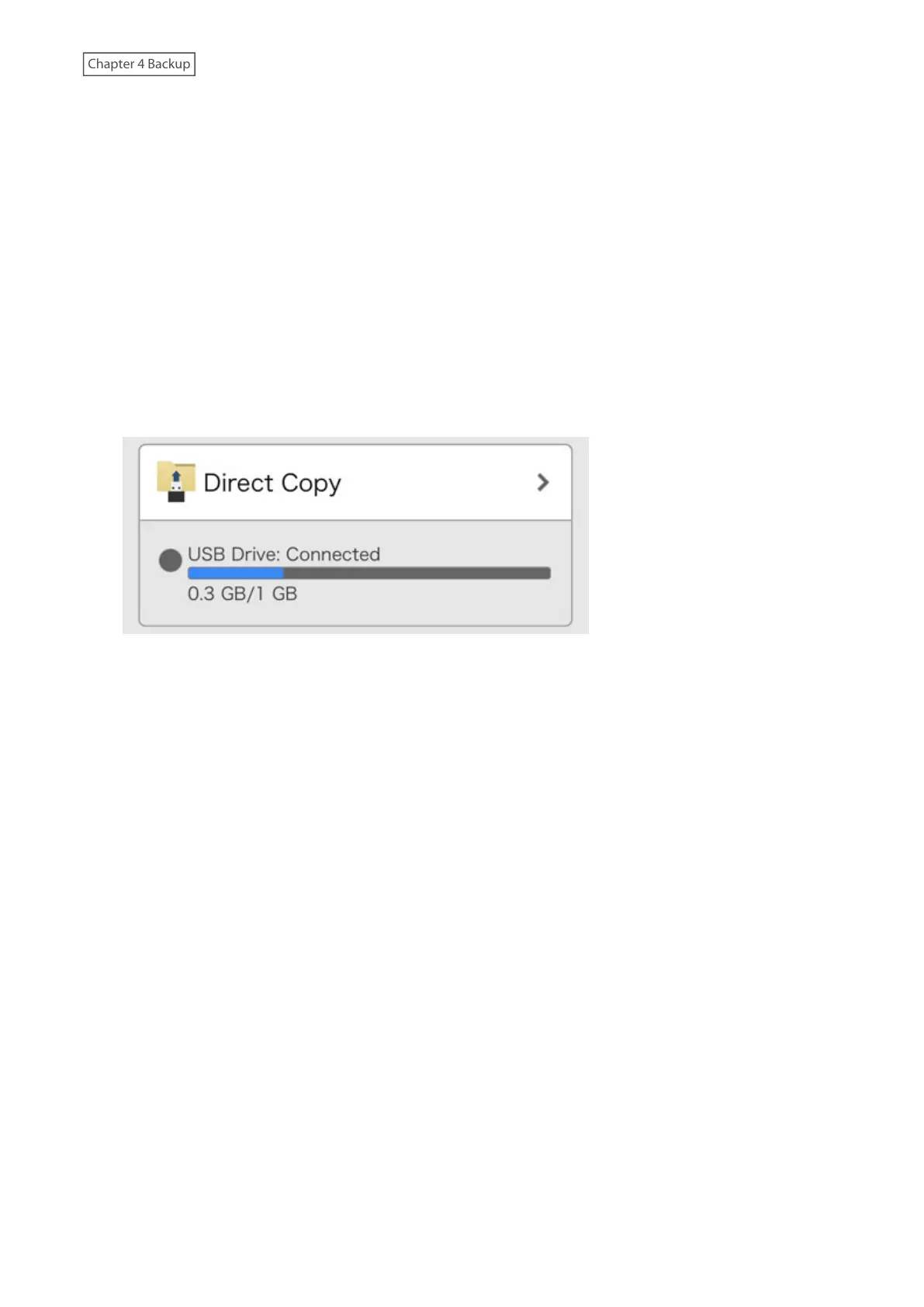
2 From Settings, tap Direct Copy.
86











 To Next Page