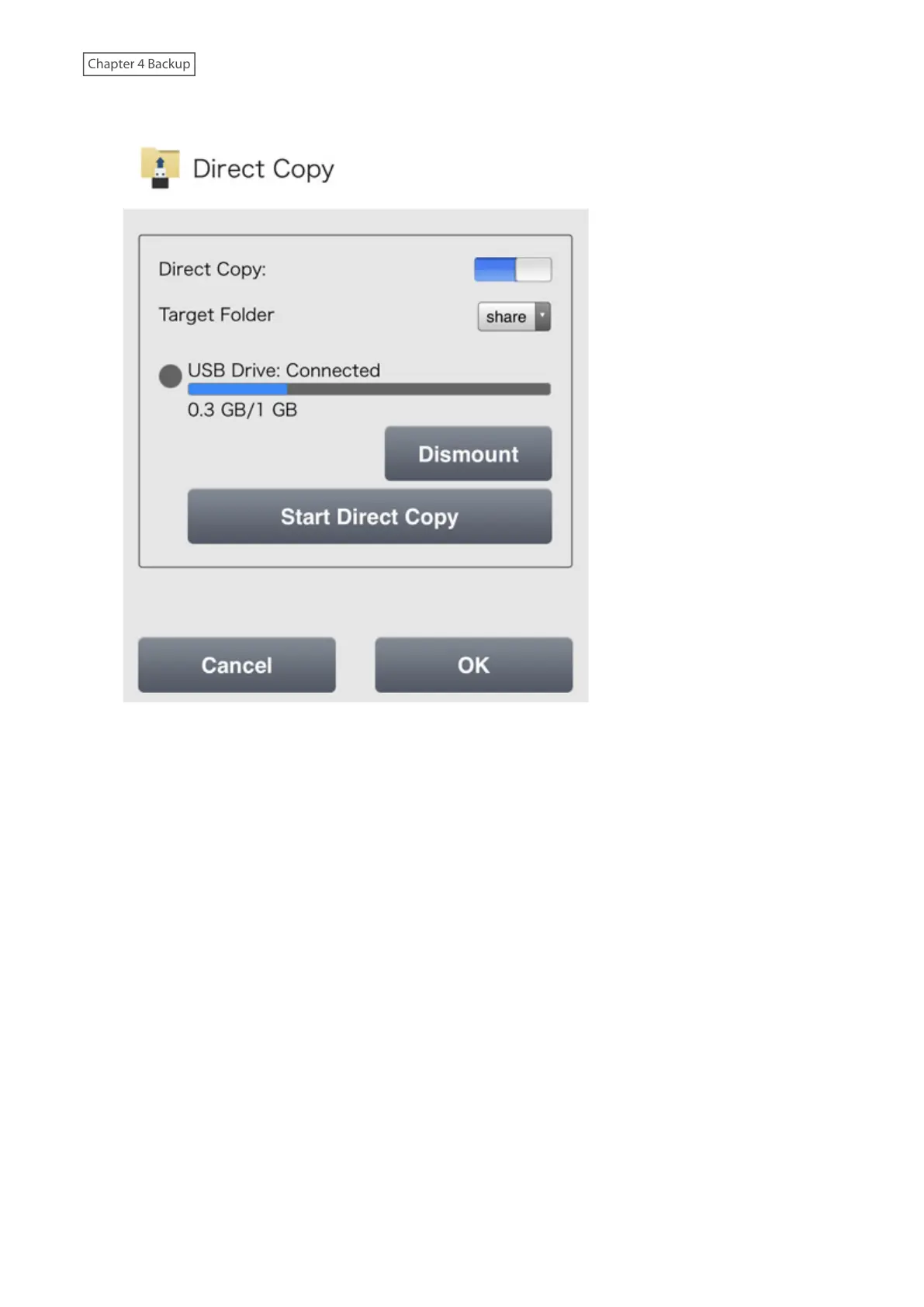
3 Tap Start Direct Copy.
4 The function LED will blink as all the files on the USB device will now be copied to the Direct Copy folder on the
LinkStation. When the copy operation is finished, the access LED of the USB device will stop blinking.
Notes:
• While the function LED is blinking, press and hold the function button for three seconds to cancel the copy
operation for Direct Copy. You can also cancel the copy operation from a mobile device by logging in to Settings
and tapping Cancel Direct Copy.
• If files could not be copied using Direct Copy, connect the USB device to a computer on the network instead and
use it to copy files into a shared folder on the LinkStation.
87











 To Next Page