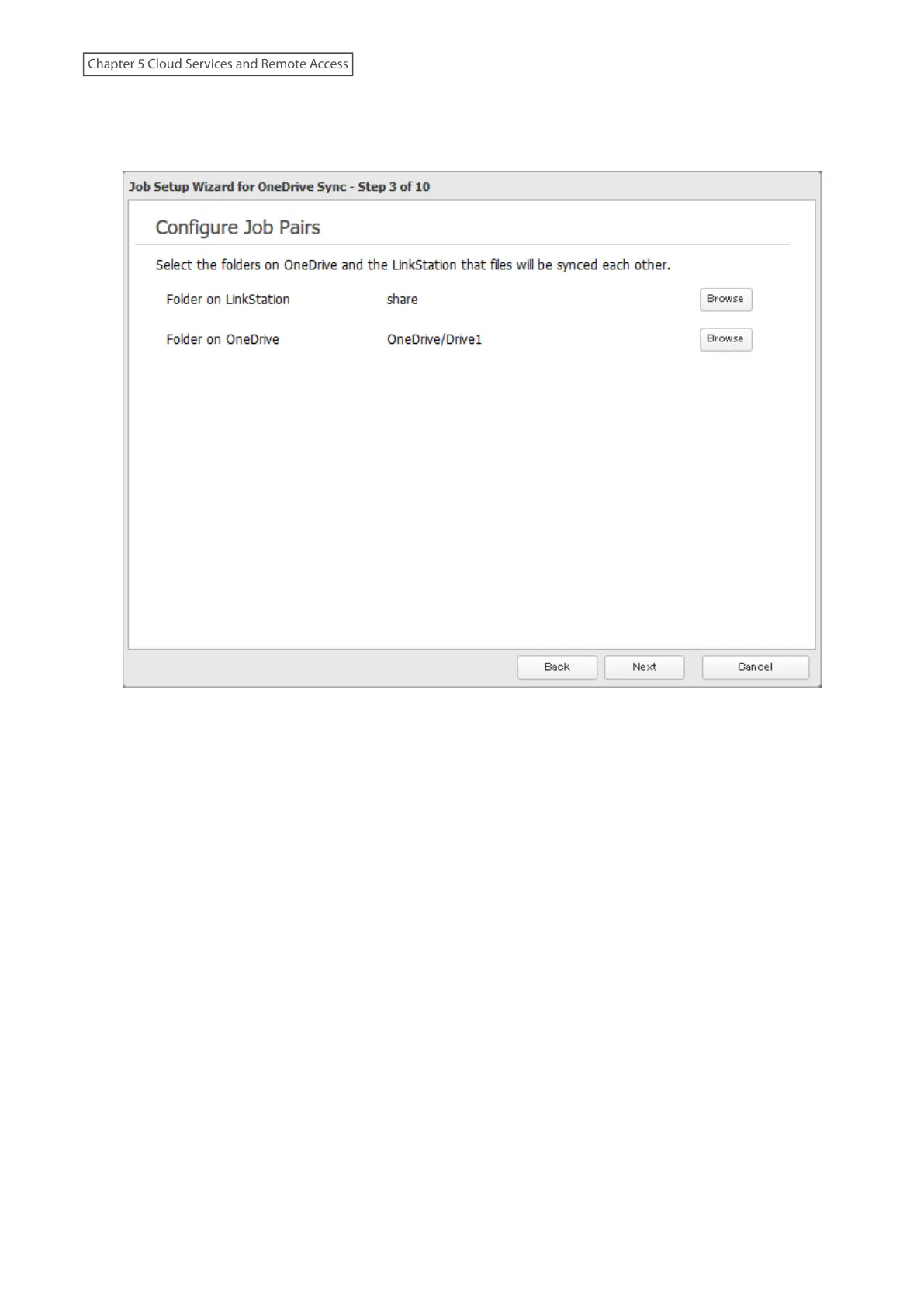
8 Select the desired LinkStation and OneDrive folders. If you want to create an empty folder first, click Browse
under “Folder on LinkStation”, then click Create Folder on the selecting folder window that appears. Click Next
after selecting the folders.
Notes:
• The sixth level and deeper of shared and OneDrive folders cannot be selected.
• Do not use a shared folder configured as a Time Machine backup folder for OneDrive Sync.
113
Chapter 5 Cloud Services and Remote Access











 To Next Page