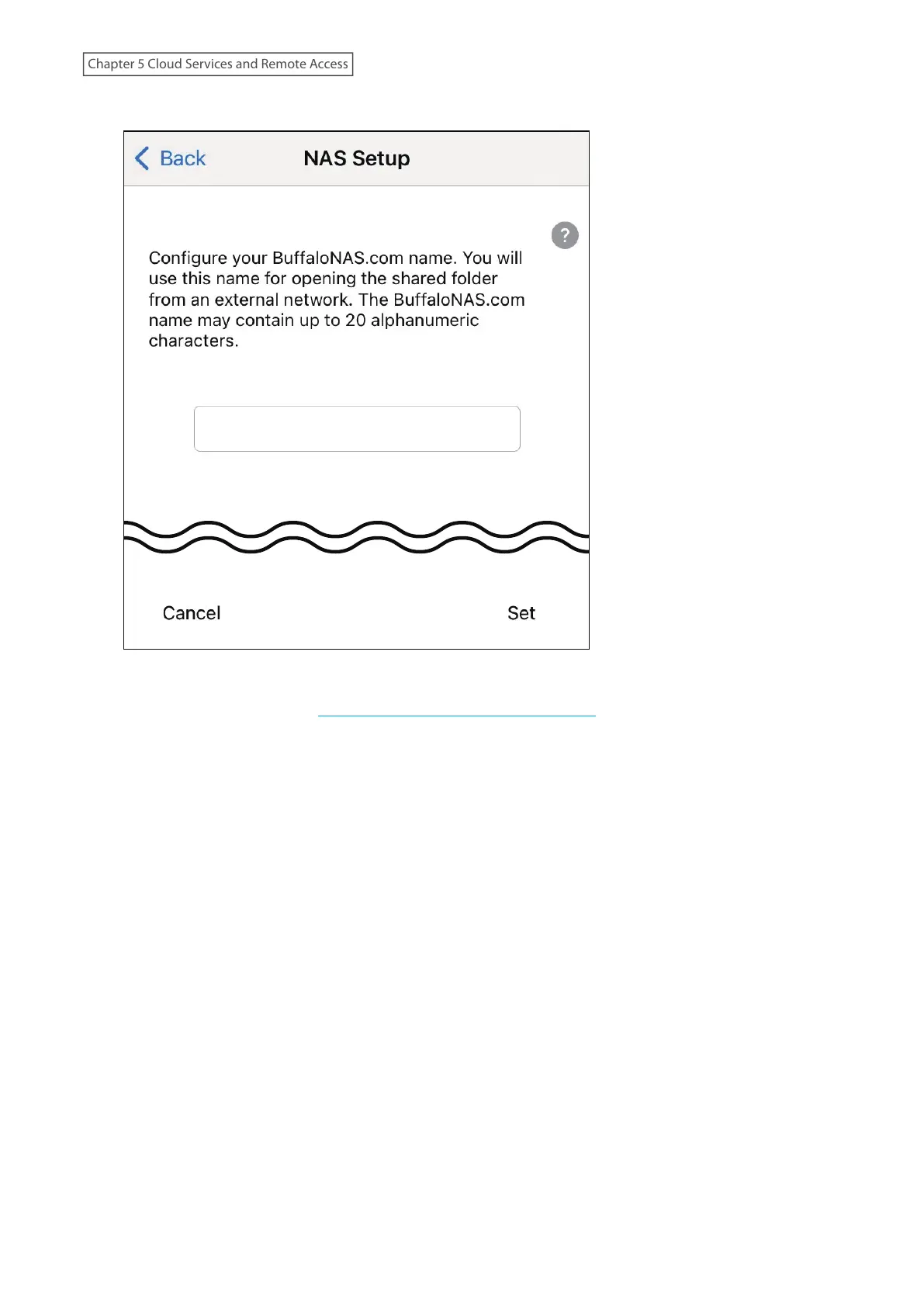
5 Enter the desired BuffaloNAS.com name and tap Set.
If UPnP is not enabled on your network, setup will finish at the screen below and you will only be able to
access your NAS device from the local network. To use WebAccess from outside your home, reconfigure
WebAccess by referring to the “Unable to Create a BuffaloNAS.com Name” section below.
128
Chapter 5 Cloud Services and Remote Access











 To Next Page