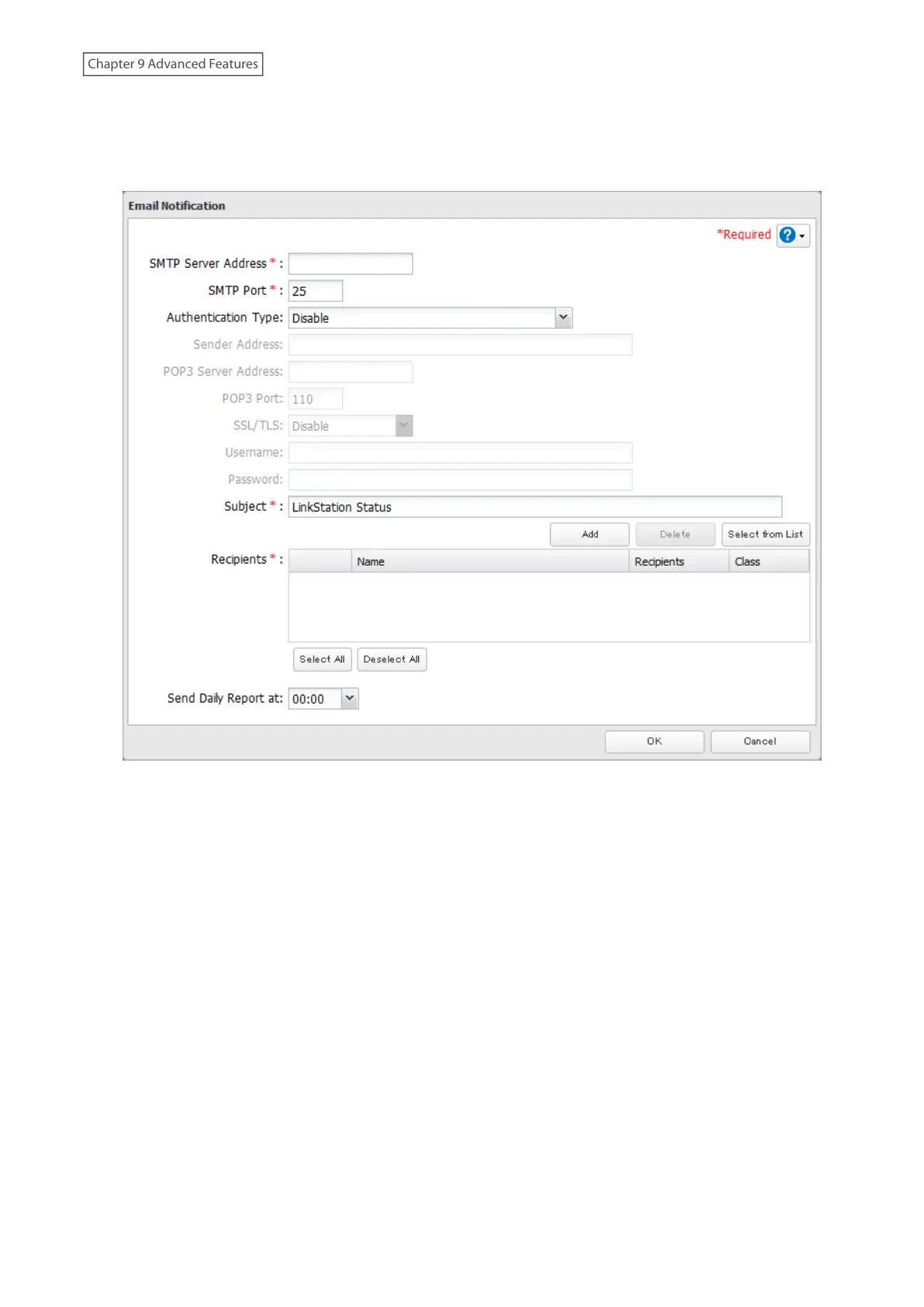
5 Enter your email server settings and the notification email’s default subject, then configure recipients and the
time when email reports will be sent. Click OK to save the configured settings and have a test email sent.
If you select an authentication type other than “Disable” from the drop-down list, you can enter the sender
email address and credentials of the email server.
167
Chapter 9 Advanced Features











 To Next Page