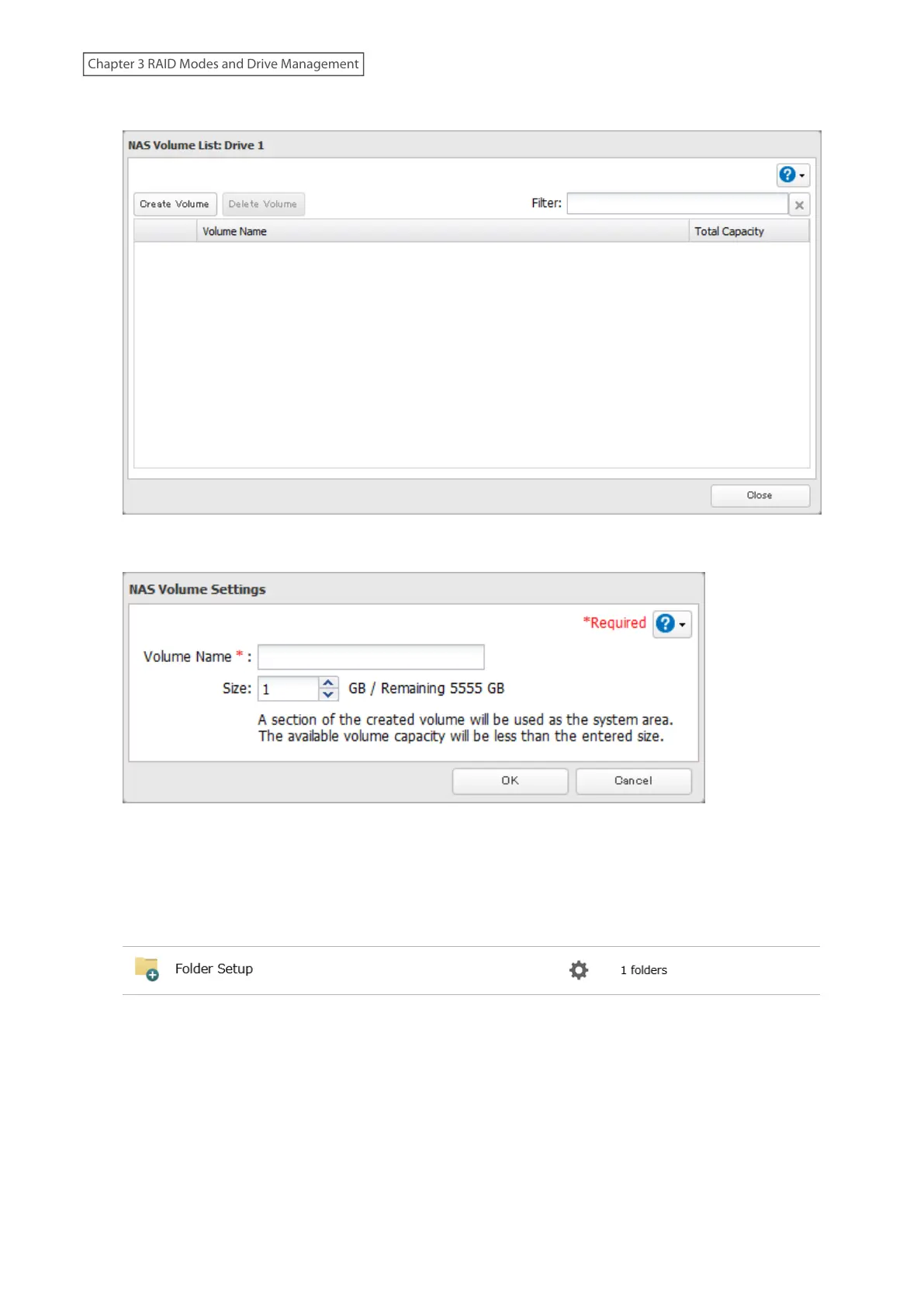
7 Click Create Volume.
8 Configure the desired settings, then click OK.
9 Click OK.
10 Click Close, then click Close again.
11 Navigate to File Sharing > Folder Setup.
12 Click Create Folder.
13 Configure the settings.
14 Select the volume that you created for “Drive/Array” on the Basic tab and click OK.
Notes:
• If you click Show under “Volume List”, the volumes will be listed on the screen and you can see if these volumes
are being used as NAS.
65
Chapter 3 RAID Modes and Drive Management











 To Next Page