5-11
Arranging
To Move Clips Using Cut and Paste…
1. Select the clips you want to move.
2. Choose
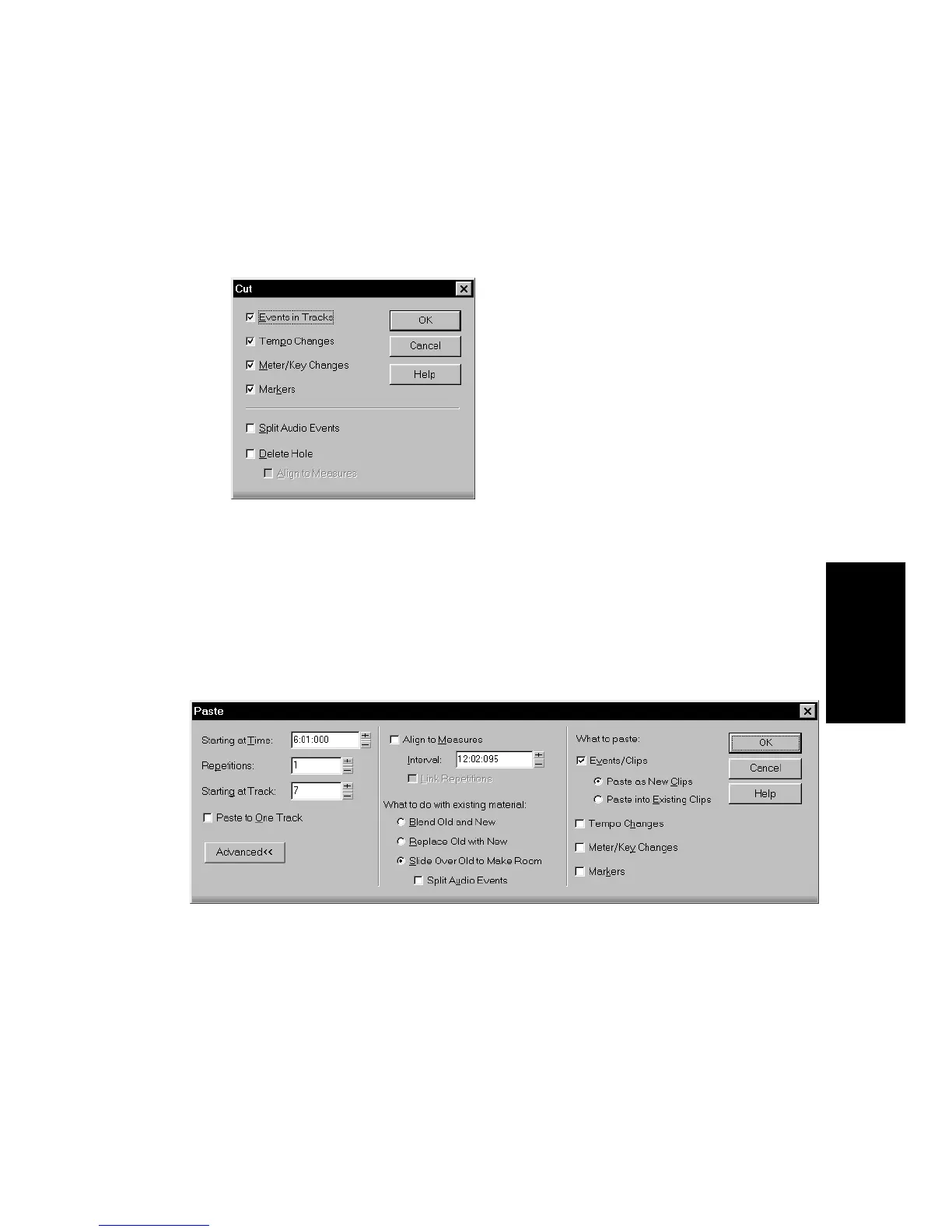
Edit-Cut
to display the Cut dialog box.
3. Choose the options you want and click OK. Pro Audio cuts the
clips from the project and places them on the Windows
clipboard.
4. Click in the Track pane to set the current track to be the one
where clips should be pasted.
5. Set the Now time to be the time at which the clips should be
pasted.
6. Choose
Edit-Paste
to display the Paste dialog box.
7. Choose the options you want and click OK.
Pro Audio places the clips in their new location.



 To Next Page