6-23
Editing Events
as many times as necessary. You can also create a groove template based
on an audio clip using the Edit-Audio-Extract Timing command.
To Define a New Groove...
1. Select the music that defines the groove using any of the
selection tools and commands.
2. Choose
Edit-Copy
to place the music onto the Windows
clipboard.
You can now use the
Groove Quantize
command with the clipboard as
the “Groove File.”
To Save a Groove Pattern...
1. Select the music that defines the groove using any of the
selection tools and commands.
2. Choose
Edit-Copy
to place the music onto the Windows
clipboard.
3. Choose
Edit-Groove Quantize
to display the Groove Quantize
dialog box.
4. Choose the Clipboard as the groove “Groove File.”
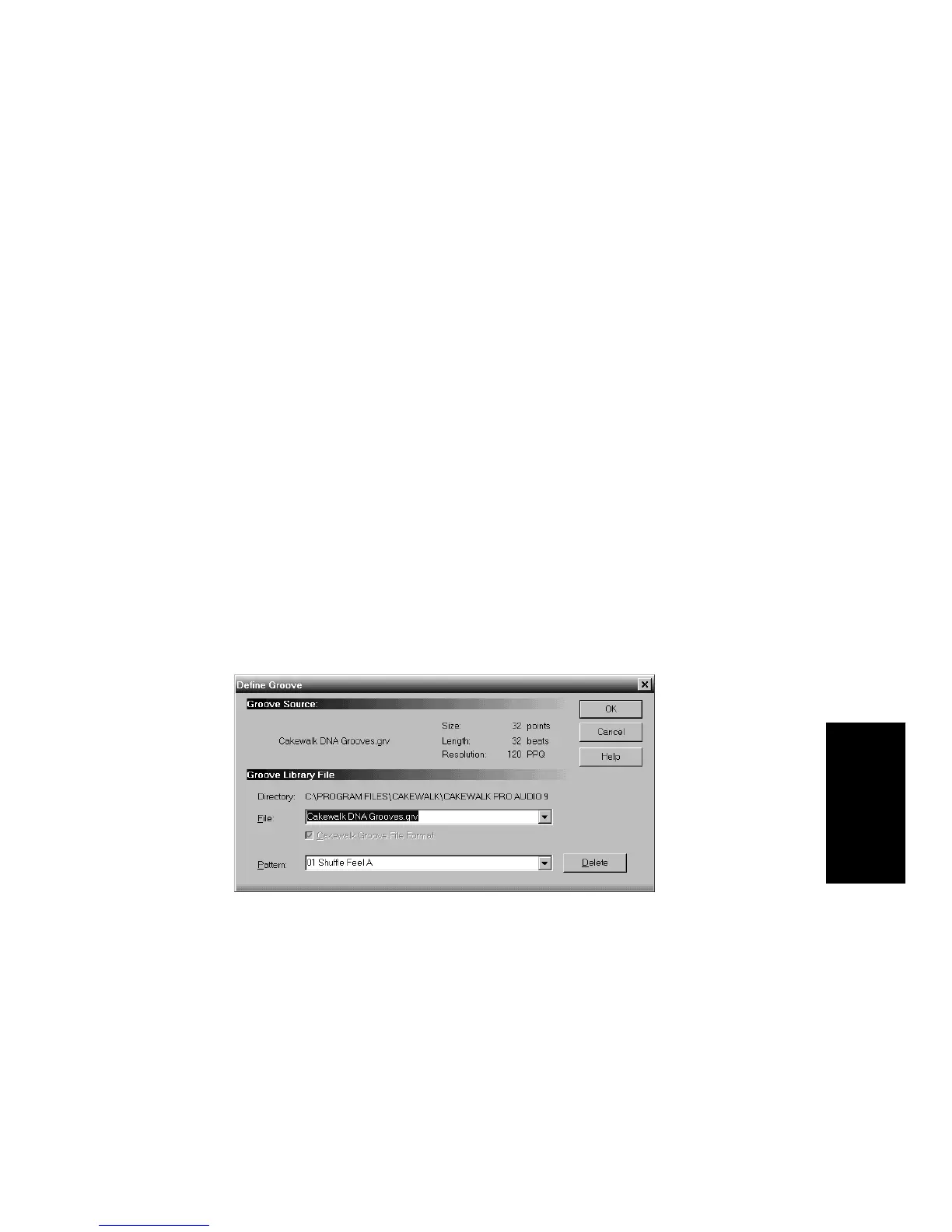
5. Click the Define button to display the Define Groove dialog box.
6. Select an existing groove file, or enter the name for a new groove
file.
7. Enter a pattern name, or choose an existing pattern to replace.
8. Click OK.



 To Next Page