1-7
Introduction
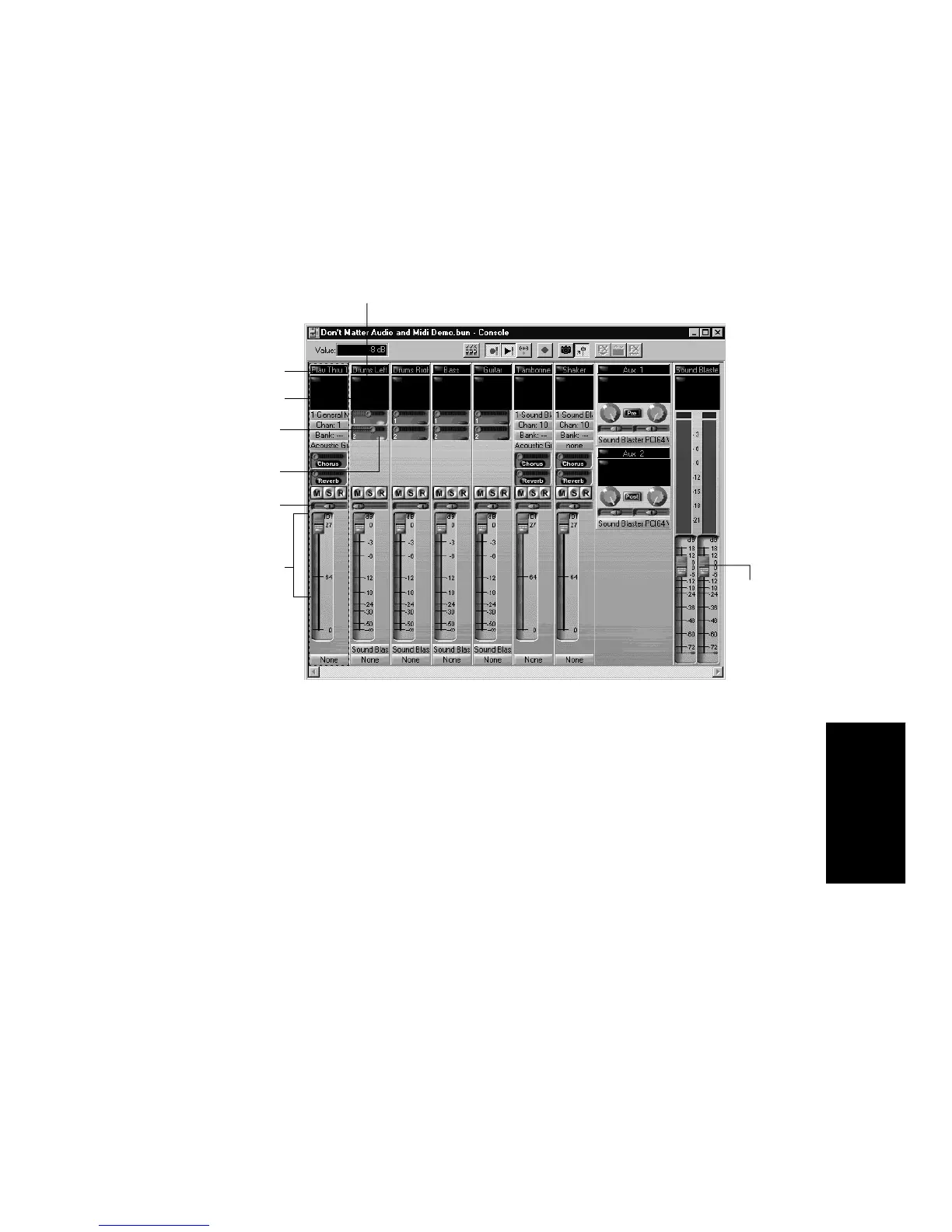
The Console View:
As in the Track view, you can change track settings or record new music
or sound in the Console view. You may choose to use one view or the
other, or the choice you make may depend on which project you are
working on.
Other Views
Pro Audio has a number of other views you can use to display and work
on your project. To display these views, select one or more tracks and:
¥ Click the icon for the view
¥ Choose the view you want from the View menu
¥ In the Track view, right-click on a selected track and choose the view
you want from the menu
Audio module
MIDI module
Mute, Solo, and
Track Arming
buttons
Patch point for
real-time effects
Aux Send slider
Pan and volume
fader for each
track
Master
volume
faders
Aux Send Enable



 To Next Page