1-8
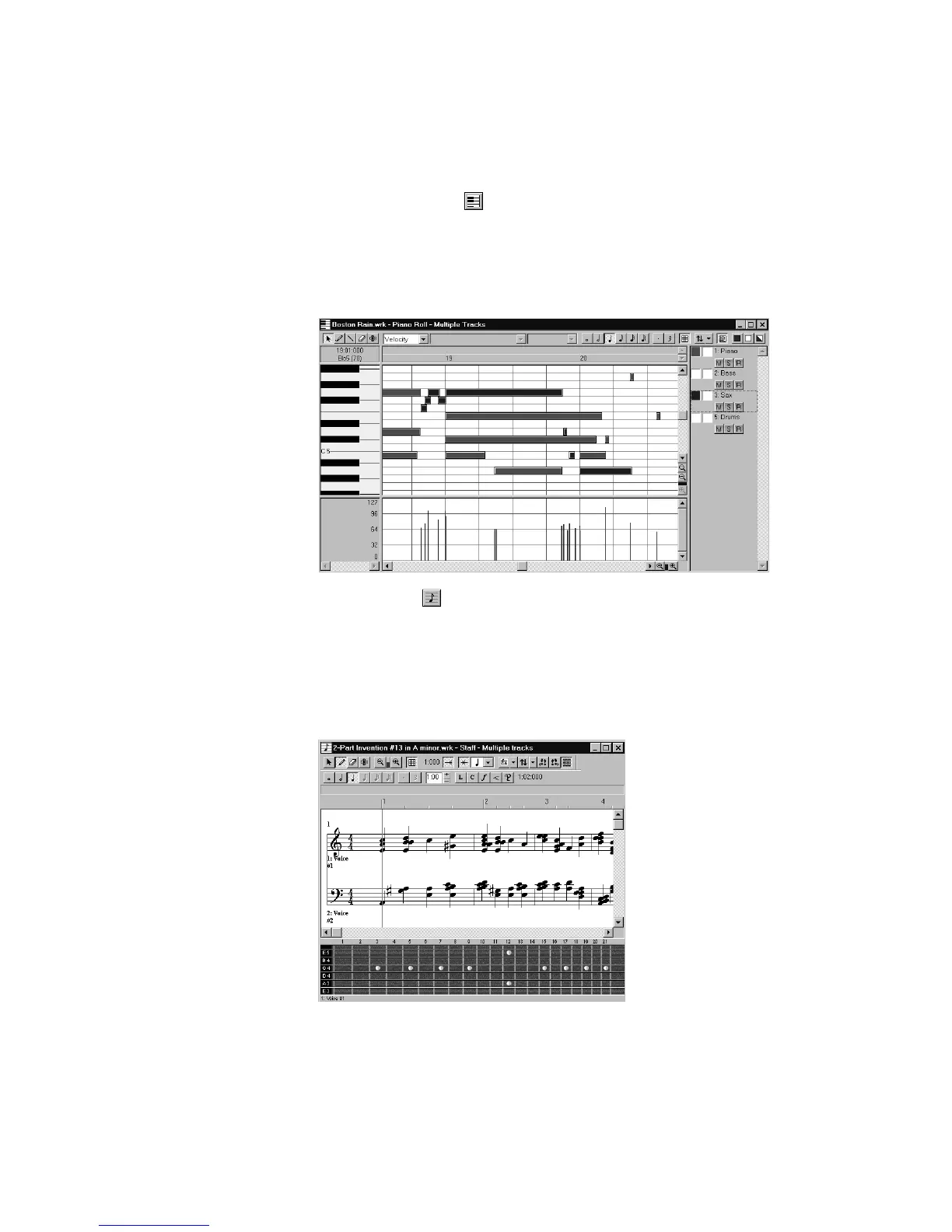
The Piano Roll view shows the notes from a track or track as they
would appear on a player-piano roll. You can move the notes around,
make them longer or shorter, and change their pitches by just dragging
them with the mouse. You can also use the Piano Roll view to display
and edit MIDI velocity, controllers, and other types of information.
The Staff view displays the notes from one or more tracks using
standard music notation, similar to the way the notation would appear
on a printed page. You can add, edit, or delete notes; create percussion
parts; add guitar chords and other notation markings; display guitar
tablature; display the Fretboard pane; and print whole scores or
individual parts to share with other musicians.



 To Next Page