7-29
Editing Audio
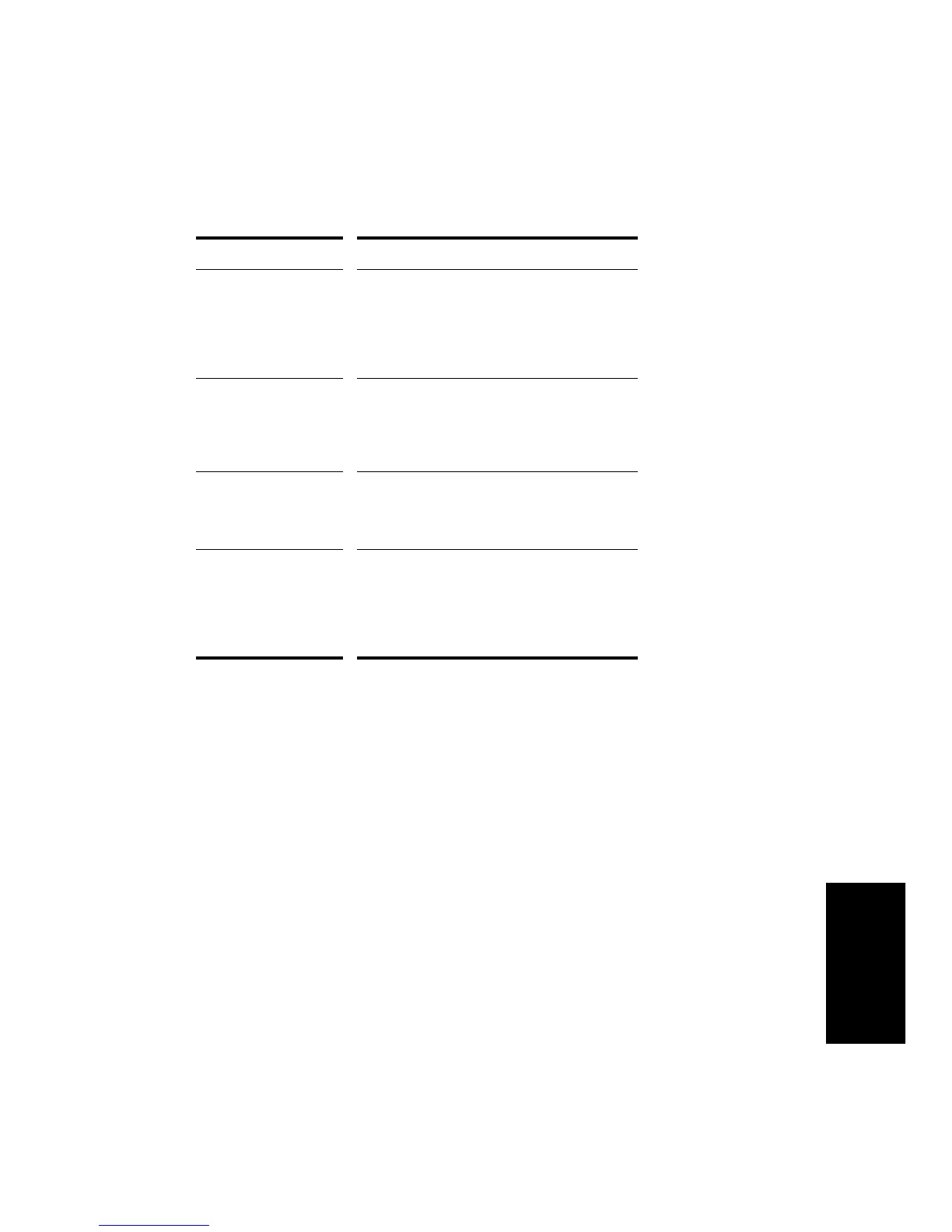
The Timing Synthesis parameters are as follows:
When using Extract Timing, keep in mind the following:
¥ It knows nothing about the musical context of the audio
¥ It does not know, and cannot Þgure out, the approximate tempo of
the audio, the feel, or the time signature
It only knows how to listen for sudden changes in volume. You must
guide it with your own knowledge about the music.
Parameter/Option... Meaning...
Insert Tempo Changes Tells Pro Audio to insert tempo changes in the
appropriate places in your song to ensure that
the sequence plays in time with the rhythm
track. Remember to also set the Expected Pulse
Duration, because it defines the metronome
markings for all tempo changes.
Expected Pulse Duration The musical time value for each pulse that was
found. For example, if you’re analyzing a drum
beat that has steady eighth notes on the high-
hat, you should set this value to Eighth for the
correct tempo changes to be inserted.
Convert Pulses to MIDI
Note
Tells Pro Audio to create a MIDI note event for
each pulse that was found. The Note Velocities
parameter lets you choose which velocity will
be used
Note Velocities The velocity of generated MIDI notes. You can
either select Vary With Pulse Level to adjust
velocity to the dynamic structure of the original
source material, or select Set All To Same Value
to assign each inserted MIDI note a specified
velocity.



 To Next Page