7-30
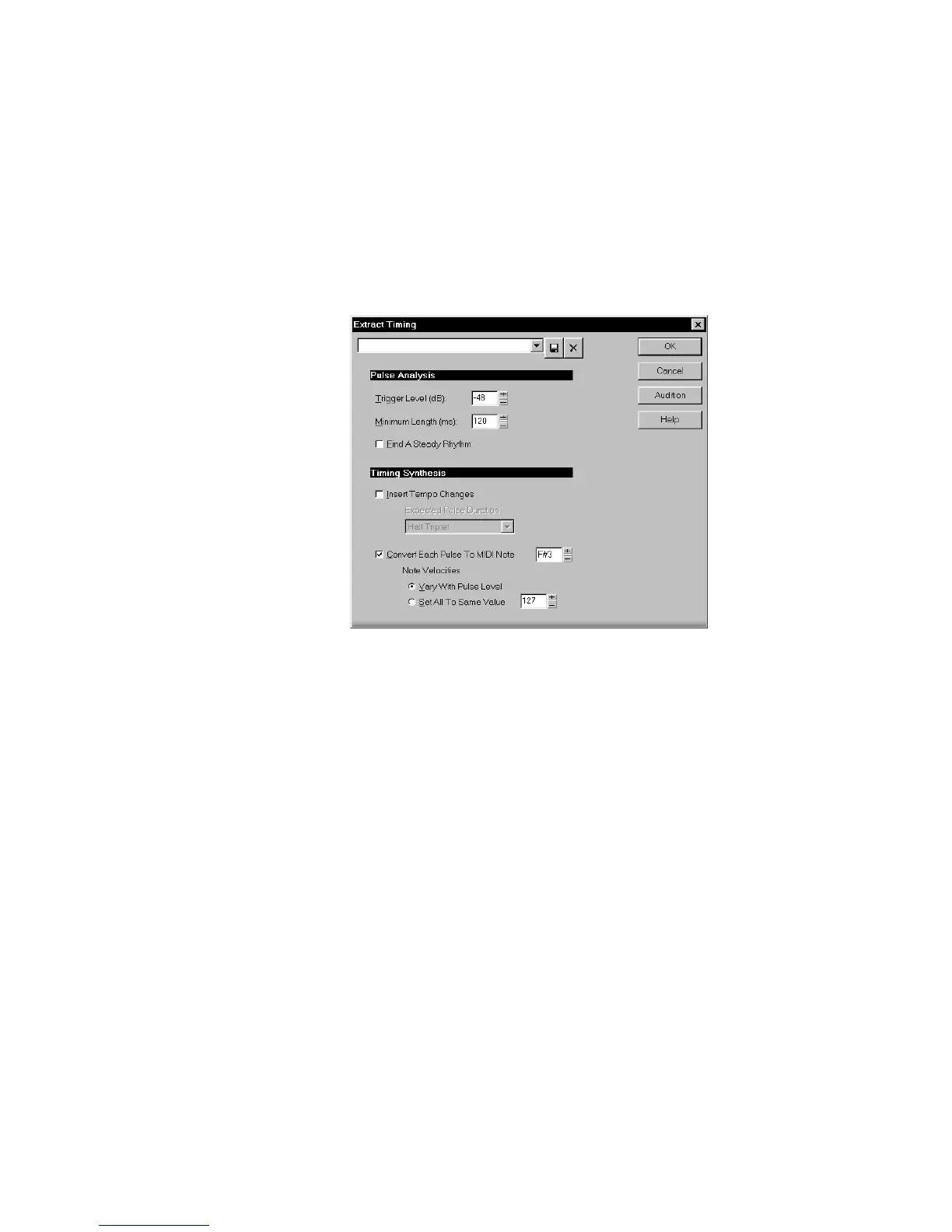
To Extract Timing from Audio Data...
1. Select the audio data to be analyzed.
2. Choose
Edit-Audio-Extract Timing
, or right-click in the Audio
view and choose
Extract Timing
from the menu, to open the
Extract Timing dialog box.
3. Set the Pulse Analysis parameters as described in the table above.
4. Click Audition to get visual feedback in the Audio view, so you
can be sure the pulses are aligned to your liking. If not, re-adjust
the parameters and try again.
5. Set the Timing Synthesis parameters as described in the table
above.
6. Click OK.
The generated events are automatically placed on the Clipboard. You
can paste them to a new track, or use them directly in another
command (such as
Groove Quantize
).



 To Next Page