9-11
Mixing & Effects
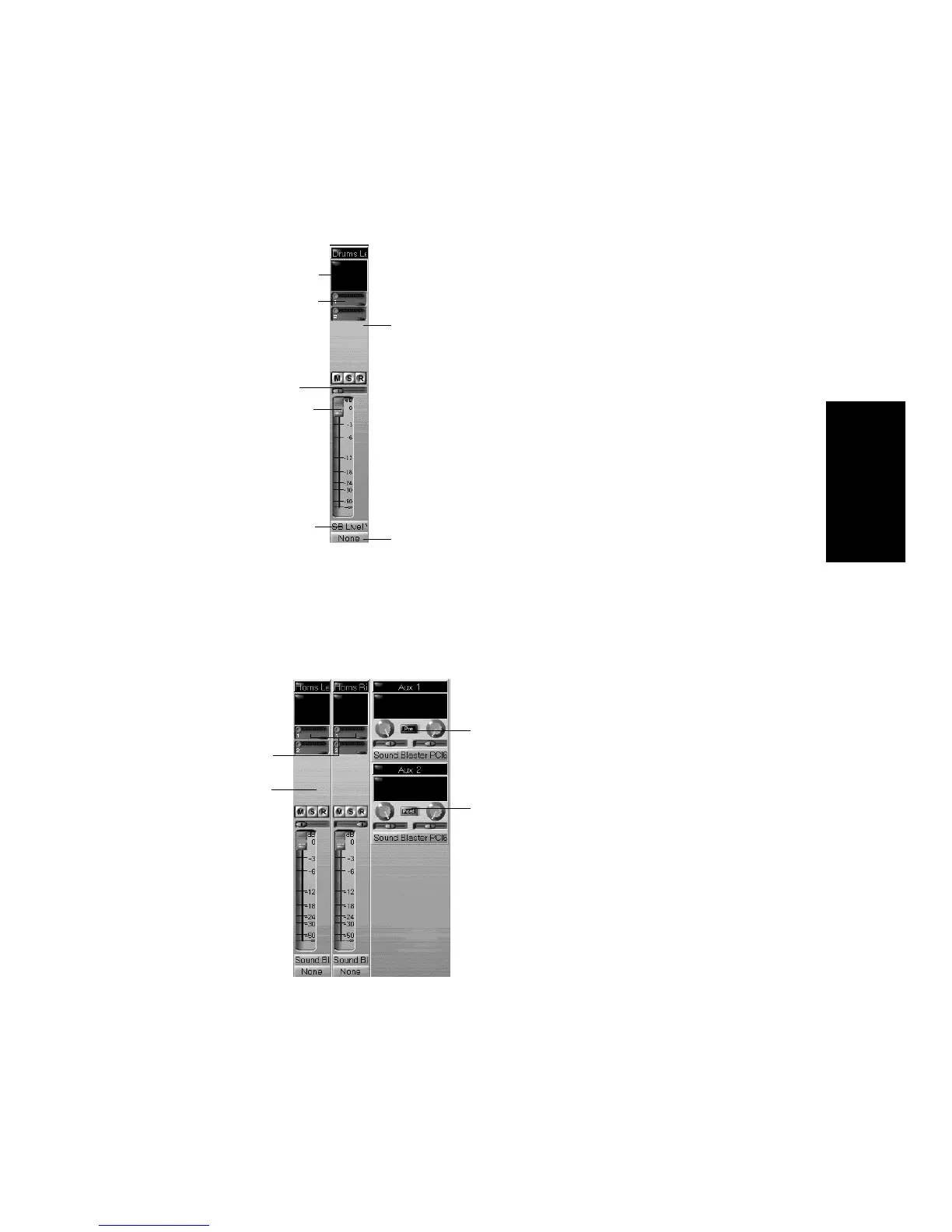
This is shown in the picture below:
Any audio track can be tapped, before or after the track volume control,
and sent to one or more aux busses. An aux bus can tap any number of
audio tracks. Each trackÕs data passes through the trackÕs send level
knob on its way to the aux bus. This is shown in the diagram below:
Real-time effects (if any)
Aux Send level sliders
Aux Send on/off button
Pan control
Volume fader
Destination (main output)
Source (audio input)
Both tracks routed
to Aux 1
This track is routed
to Aux 2
Pre-fader (volume is not adjusted by
the incoming track volume fader)
Post-fader (volume is adjusted by the
incoming track volume fader)



 To Next Page