9-21
Mixing & Effects
Relative
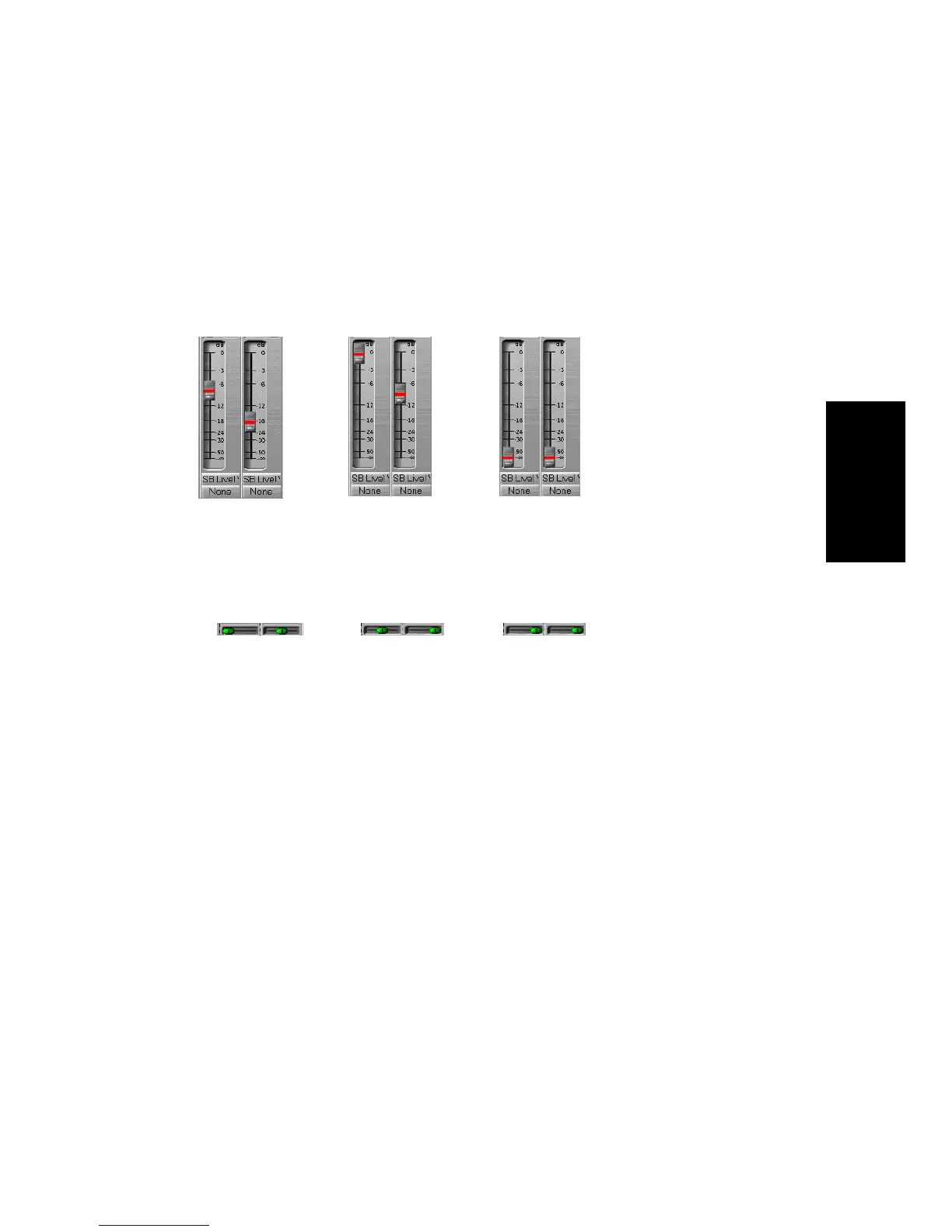
The range of motion for controls in the group is not the same. All controls
in the group have the same value at one pointÑthe lowest level for send,
return, and volume levels, and zero for pan controls. Here are two
examples:
Custom
Sometimes you want to deÞne a more complex relationship between the
controls in a group. For example:
¥ You want two controls two operate in reverseÑwhen one fader
drops, the other increases (cross fade).
¥ You want two volume faders grouped so that they are locked
together at maximum level, but drop at different rates.
¥ You want two faders to be locked together with the same range of
motion, but a third fader grouped with them to have a different
range of motion.
Custom groups let you set the range of motion for each control in the
group by entering a starting and ending value. As any one control in the
group is moved from is starting position to its ending position, the other
controls in the group exercise their full range of motion.
The volume controls are
grouped in this position
The first control is raised
to maximum volume
The first control is
lowered to zero volume
The pan controls are
grouped in this position
The first control is panned
to center
The first control is panned
to the right



 To Next Page