9-22
When you have deÞned a custom group, you can adjust the starting and
ending position of each control using the Group Settings dialog box or
using pop-up menus on the controls in the group.
To Add a Control to a Group...
1. Right-click on the control.
2. Choose a group from the
Group
submenu.
Pro Audio adds the control to the group. Knobs and faders are
highlighted with the group’s color indicator.
To Remove a Control from Its Group...
1. Right-click on the control.
2. Choose
Ungroup
from the menu.
Pro Audio removes the control from the group and displays the
control with the neutral color indicator.
To Set the Group Type to Relative or Absolute...
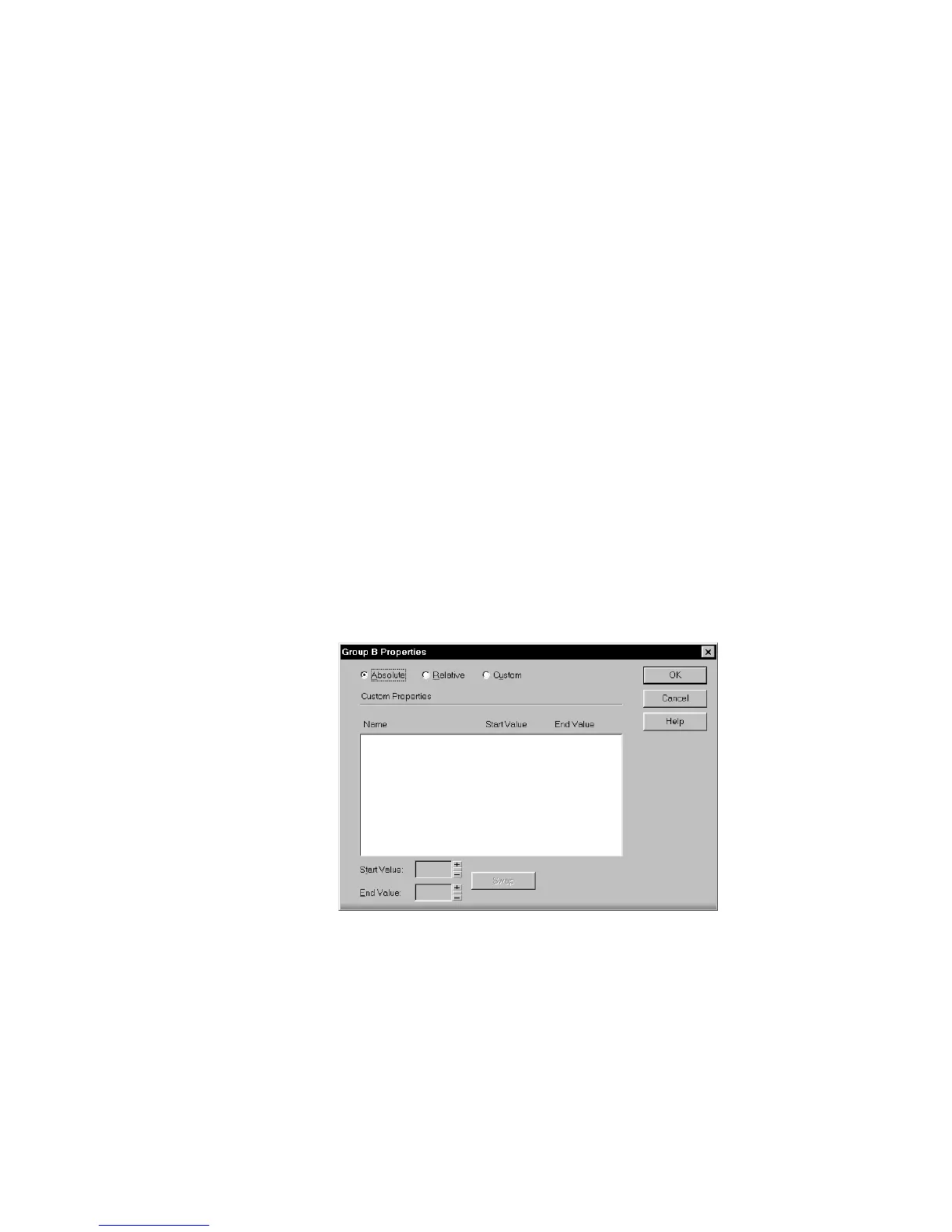
1. Right-click on any control in the group and choose
Group
Properties
to display the Group Properties dialog box.
2. Choose Absolute or Relative as the group type and click OK.
Pro Audio uses the type to determine the range of motion for the
group’s controls.



 To Next Page