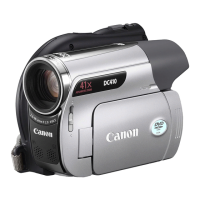
Moving the camcorder rapidly between hot and cold temperatures may cause
condensation (water droplets) to form
on
its internal surfaces. Stop using the camcorder if
~
condensation is detected. Continued use may damage the camcorder.
~
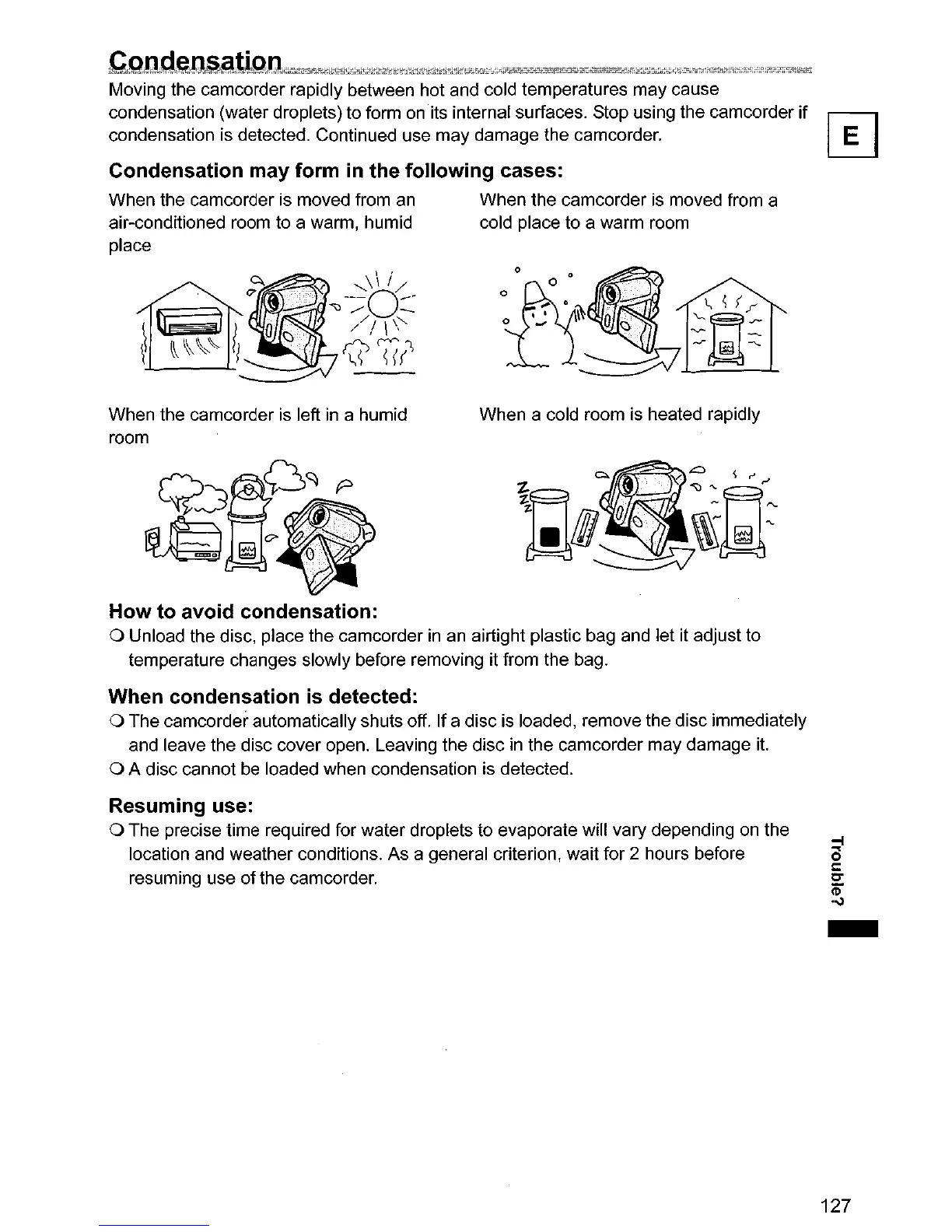
Condensation may form
in
the following cases:
When the camcorder is moved from
an
When the camcorder
is
moved from a
air-conditioned room to a warm, humid cold place to a warm room
place
When the camcorder
is
left
in
a humid
room
Q~~D'1~
'"
~
<>
e
..
·
..
,
.•...........•......•....
·
...
'(
.•
·
•...
<\-
~~~
When a cold room is heated rapidly
How
to avoid condensation:
o Unload the disc, place the camcorder in an airtight plastic bag and let it adjust to
temperature changes slowly before removing it from the bag.
When condensation
is
detected:
o The camcorder automatically shuts off. If a disc is loaded, remove the disc immediately
and leave the disc cover open. Leaving the disc
in
the camcorder may damage
it.
o A disc cannot be loaded when condensation is detected.
Resuming use:
o The precise time required for water droplets to evaporate will vary depending
on
the
location and weather conditions. As a general criterion, wait for 2 hours before
resuming use
of
the camcorder.
-
127


 To Next Page