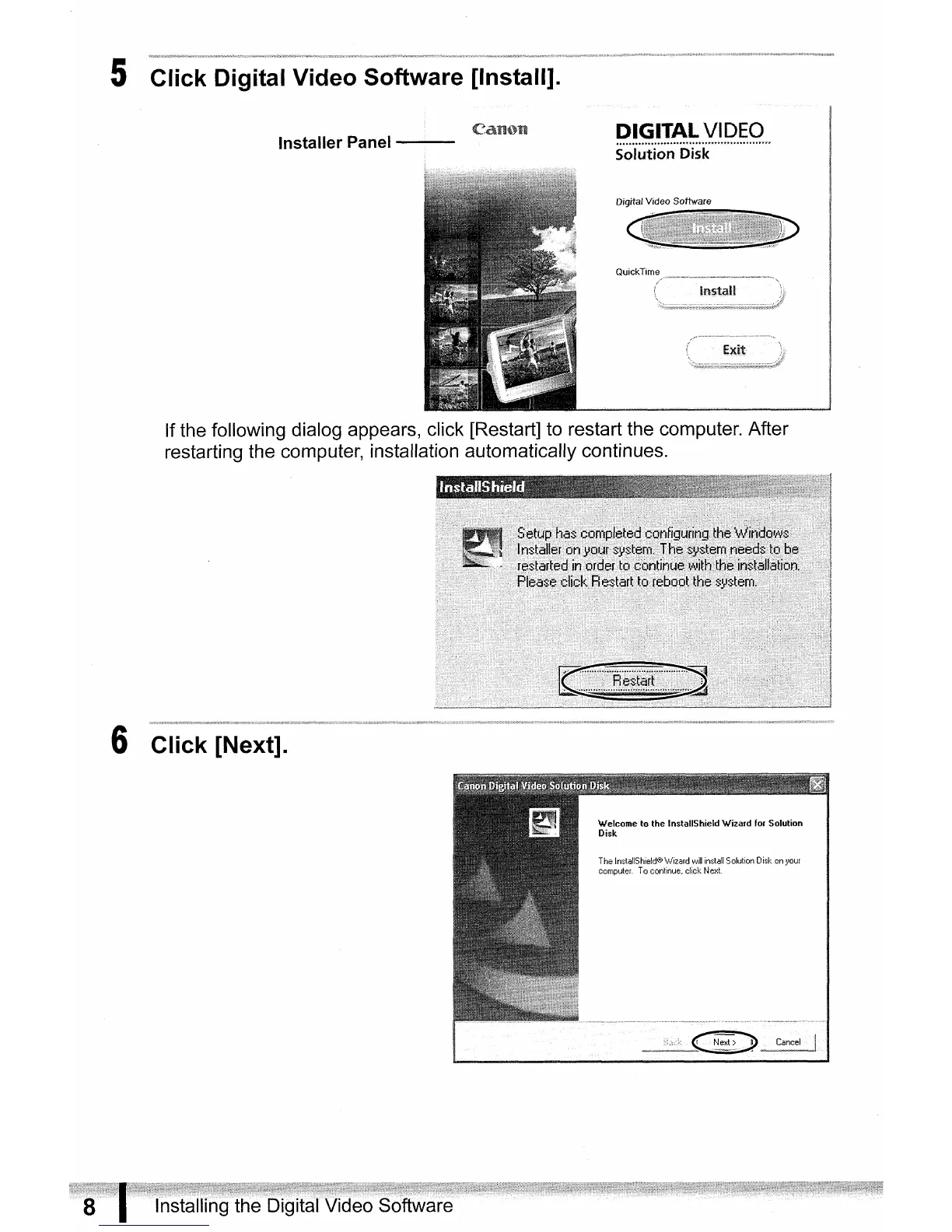
5 Click Digital Video Software [Install].
Installer Panel
-_.
-
Digital Video Software
If the following dialog appears, click [Restart] to restart the computer. After
restarting the computer, installation automatically continues.
6 Click [Next].
Welcome
10
lhe
InslallShieldWizard
for
Solulion
Disk
ThelnstaIiShield@V!izardwiliinstaIiSolulionDiskonl'our
computer.
Tocontinue,c1ickNexl.
Installing the Digital Video Software



 To Next Page