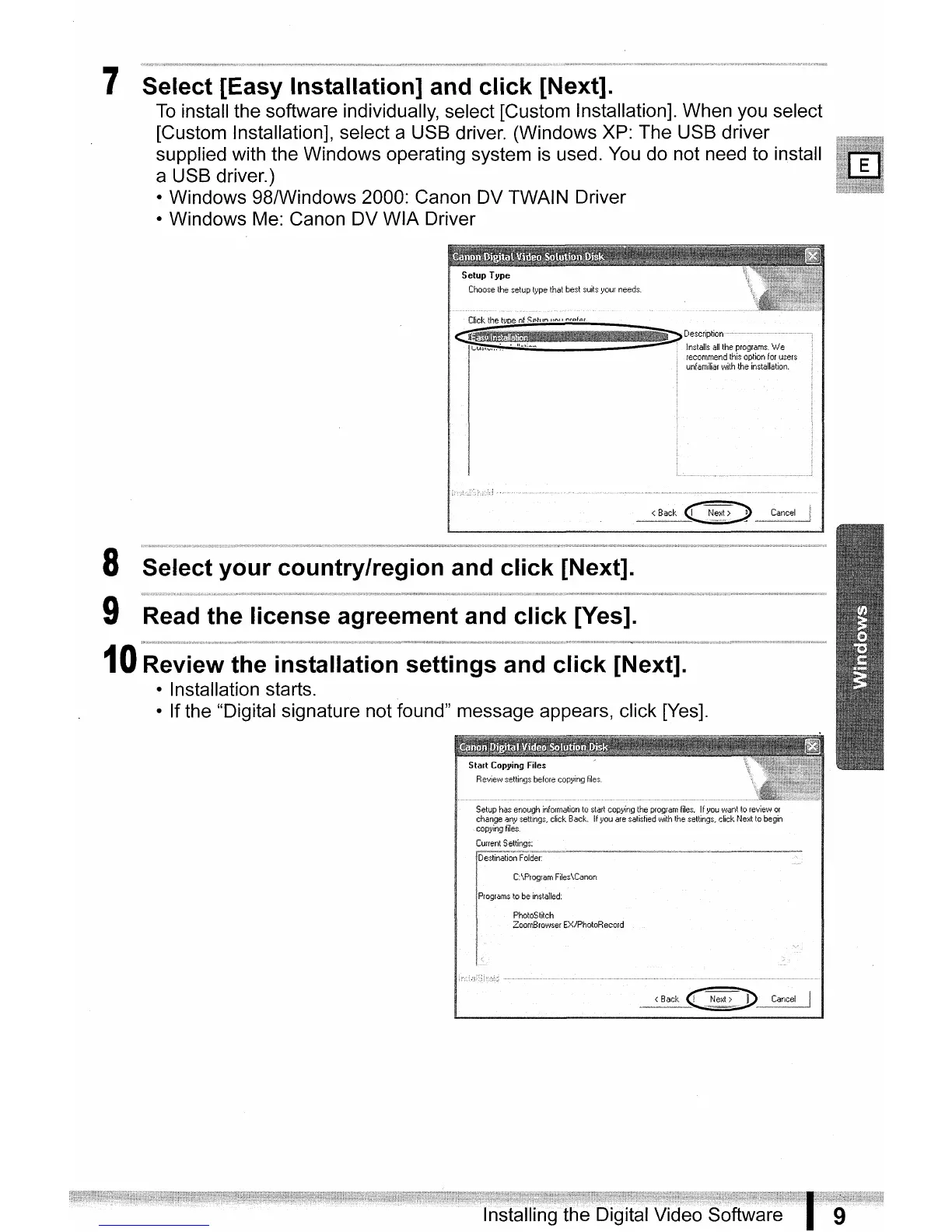
7 Select [Easy Installation] and click [Next].
To
install the software individually, select [Custom Installation]. When you select
[Custom Installation], select a USB driver. (Windows XP: The USB driver
supplied with the Windows operating system is used.
You
do not need to install
a USB driver.)
• Windows 98/Windows 2000: Canon DV TWAIN Driver
• Windows Me: Canon DV WIA Driver
SelupType
Choose
the
setup
lype
that
best
suilsyour
needs.
8 Select your country/region and click [Next].
9 Read the license agreement and click [Yes].
10
Review the installation settings and click [Next].
• Installation starts.
• If the "Digital signature not found" message appears, click [Yes].
Slarl
Copying Files
Review
settings
before
copying
files
PhotoSlilch
ZoomBrowser
EX/PholoRecord



 To Next Page