11
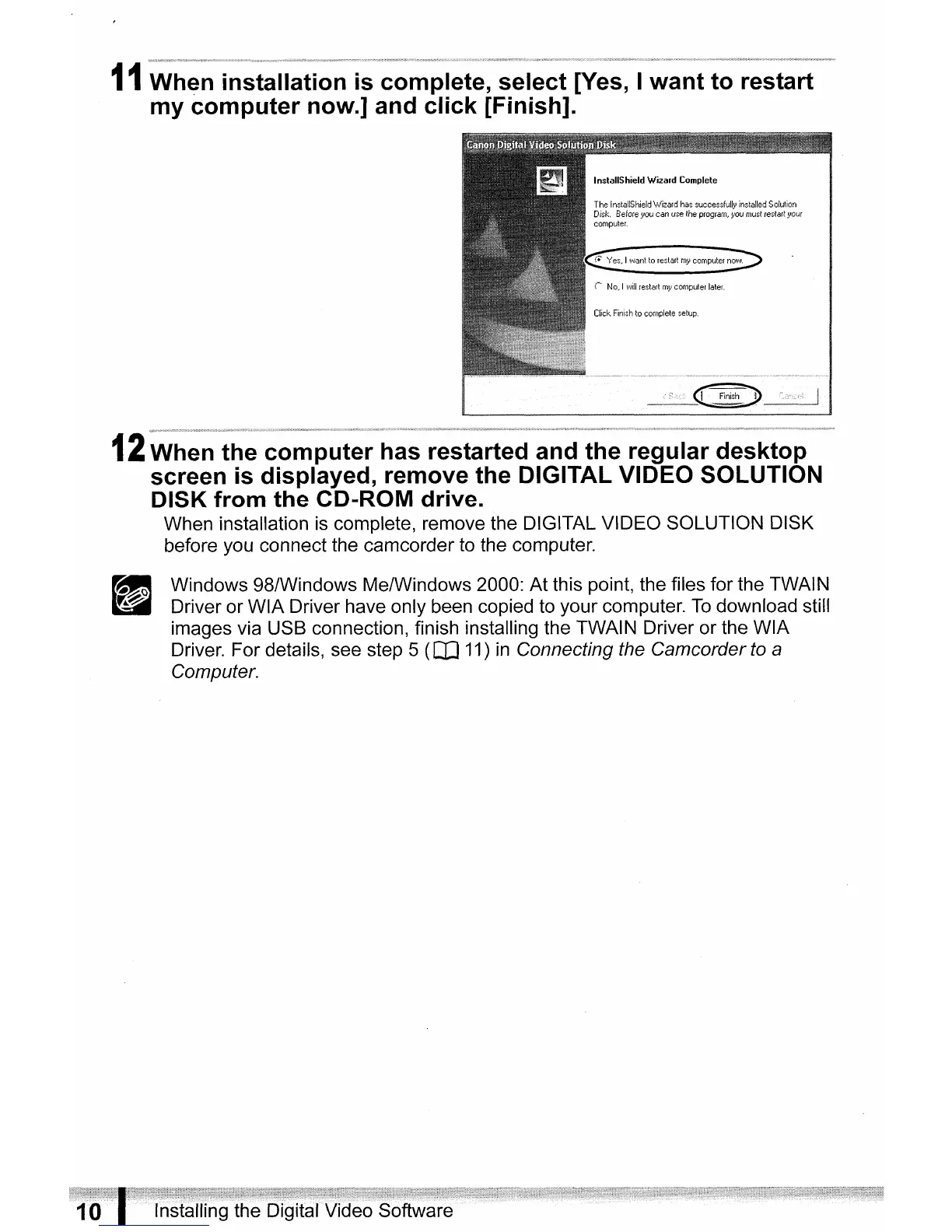
When installation
is
complete, select [Yes, I want to restart
my computer now.] and click [Finish].
InslallShieldWizardComplele
The
InstaliShieldWizard
has
successfully
installed
Solulion
Disk.
8eforeyou can
use
the
program,
you
must
restart
your
computer.
12
When the computer has restarted and the regular desktop
screen
is
displayed, remove the DIGITAL VIDEO SOLUTION
DISK from the CD-ROM drive.
When installation is complete, remove the DIGITAL VIDEO SOLUTION DISK
before you connect the camcorder to the computer.
Windows 98/Windows Me/Windows 2000: At this point, the files for the TWAIN
Driver or WIA Driver have only been copied to your computer.
To
download still
images via USB connection, finish installing the TWAIN Driver or the WIA
Driver. For details, see step 5
(CO
11)
in
Connecting the Camcorder
to
a
Computer.



 To Next Page