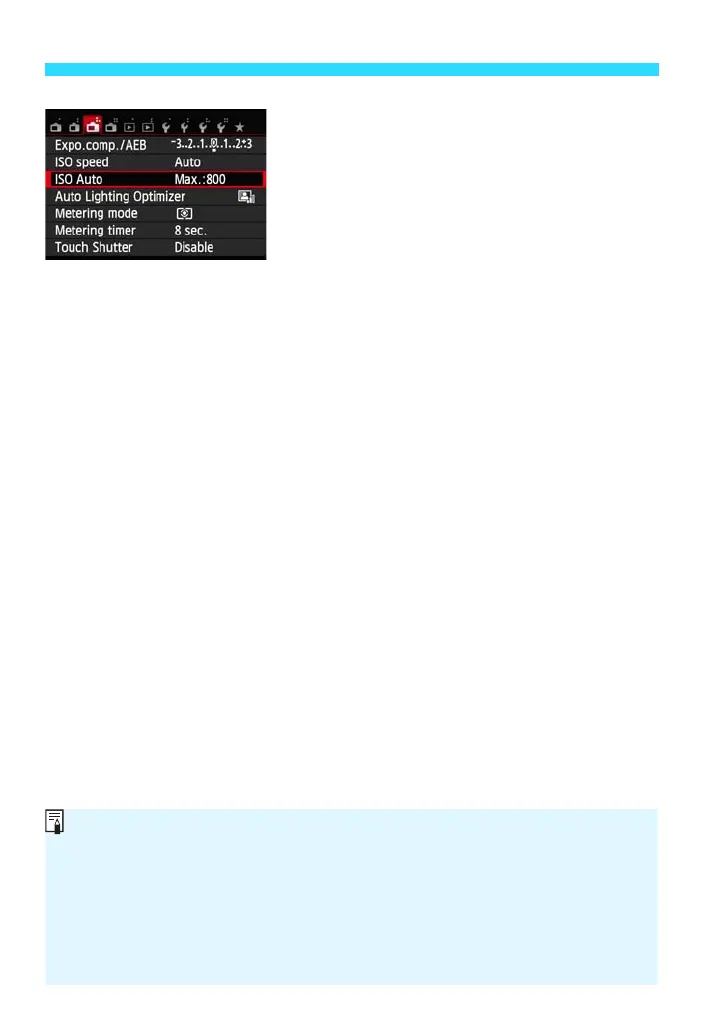
Exit the setting.
shooting function settings screen.
Even when the menu screen or captured image is displayed, pressing the
shutter button will enable you to shoot immediately.
In step 2, you can also turn the <5> dial to select a menu tab.
In steps 2 to 5, you can also use the LCD monitor’s touch screen (p.59).
The explanation of menu functions hereinafter assumes that you have
pressed the <M> button to display the menu screen.
To cancel, press the <M> button.
For details about each menu item, see pages 314-322.















 To Next Page