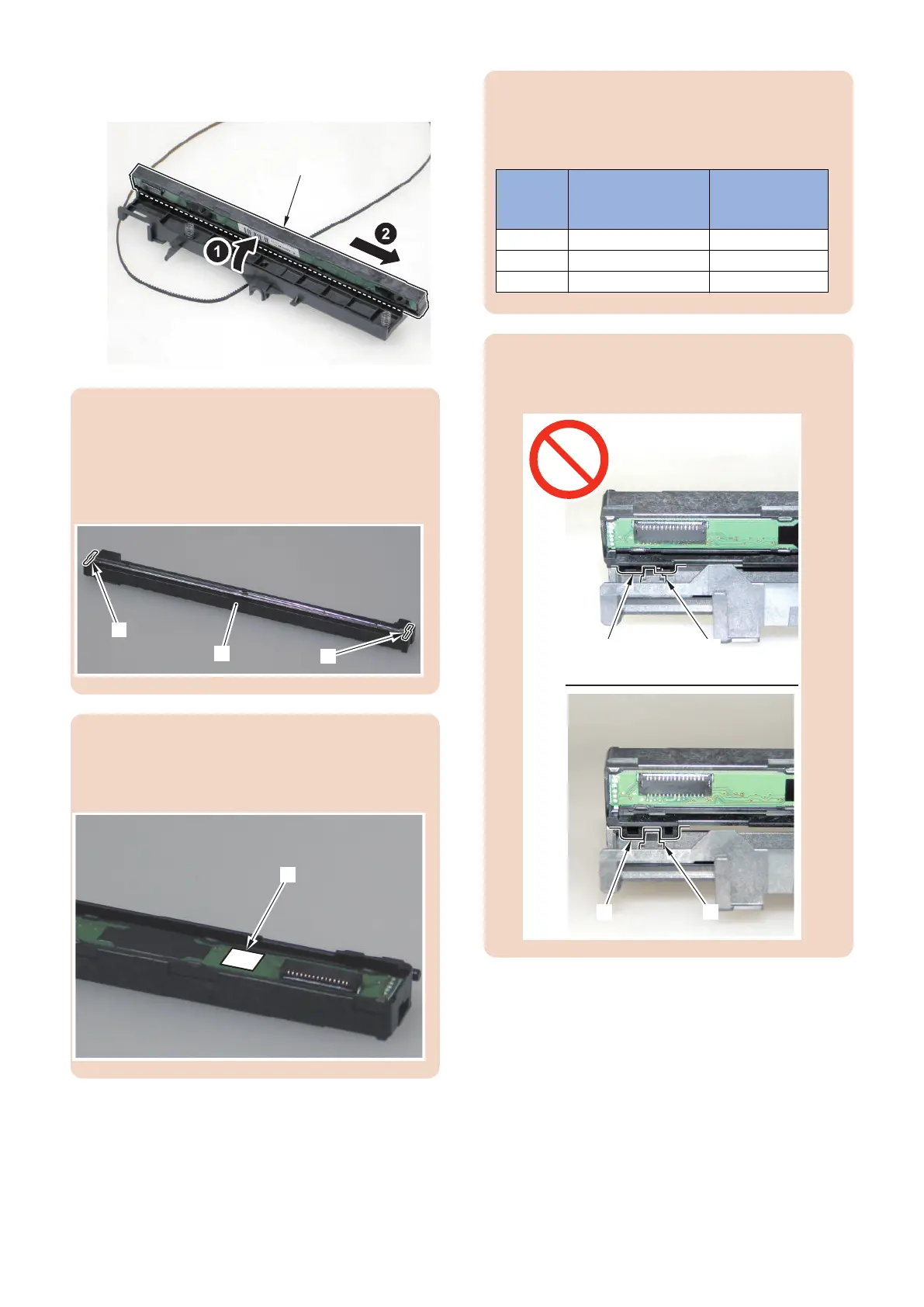
4. Bring up the CIS Unit [1] to remove in the direction
of the arrow.
CAUTION:
When replacing the CIS Unit [1], be sure to replace the
CIS Unit [1] and the CIS Spacer [2], which are included
in the package of the service part, at the same time. If
a different spacer is used, image reading error may
occur.
CAUTION:
When installing the CIS Unit [1], be sure to replace the
CIS Spacer [2] together with the CIS Unit [1] (included
in the pacage of the Service Parts).
CAUTION:
When the CIS Spacers are mixed up or lost, check the
CIS Rank Label [3] to use, and use the appropriate CIS
Spacer that fits the rank of the CIS Unit.
Rank Color of spacer Dimension
(Height of
spacer)
rank A light gray 1.17 mm
rank B dark gray 1.27 mm
rank C brown 1.37 mm
CAUTION:
When installing the CIS Unit, be sure to check that the
projection [1] is fitted to the dent [2] to install.
4. Disassembly/Assembly
148



 To Next Page