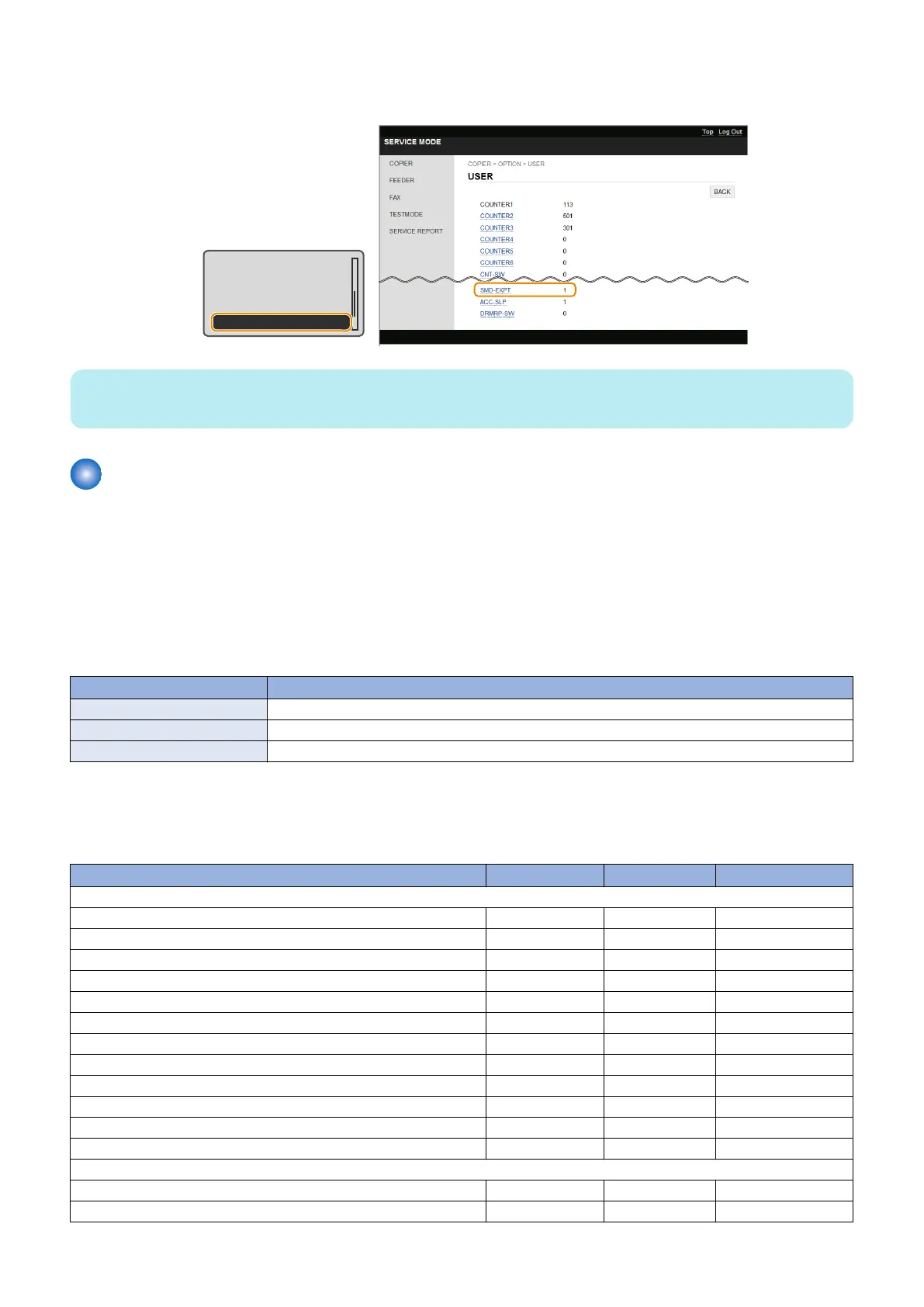
9. Enter service mode, and set the following item to "0".
• COPIER > OPTION > USER > SMD-EXPT
TNRB-SW : 0
SCALL-SW : 0
SCALLCMP : 0
PC-MODE : 0
SMD-EXPT : 1
NOTE:
The [SMD-EXPT] setting can be specified either from the Control Panel or from the remote UI.
List of Items Which Can Be Imported
The following shows the items to be imported for this model.
Note that the setting values are not imported in cases such as below:
• Items which are originally not included in a DCM file (e.g.:"Settings/Registration Basic Information" of a DCM file exported
using service mode)
• Not included in the import coverage (Cases A to C)
• There are no options and functions related to setting values
The import coverage shown in the table below is as shown below. Those that are not described here cannot be imported.
Import coverage Description
Case A: The same machine Import to the same machine (for backup and restoration, etc.)
Case B: The same model Import to a different machine of the same model (the same series)
Case C: Different model Import to a different machine of a different model (a different series)
■ Settings/Registration Basic Information
● Preferences
Setting Information Case A Case B Case C
Volume Settings
Fax Volume Yes Yes Yes
Ring Tone Yes Yes Yes
TX Done Tone Yes Yes Yes
RX Done Tone Yes Yes Yes
Scanning Done Tone Yes Yes Yes
Entry Tone Yes Yes Yes
Invalid Entry Tone Yes Yes Yes
Restock Supplies Tone Yes Yes Yes
Warning Tone Yes Yes Yes
Job Done Tone Yes Yes Yes
Energy Saver Alert Yes Yes Yes
Original in Feeder Detection Tone Yes Yes Yes
Display Settings
Default Screen after Startup/Restoration Yes Yes Yes
Language Yes Yes Yes
2. Technical Explanation
73



 To Next Page