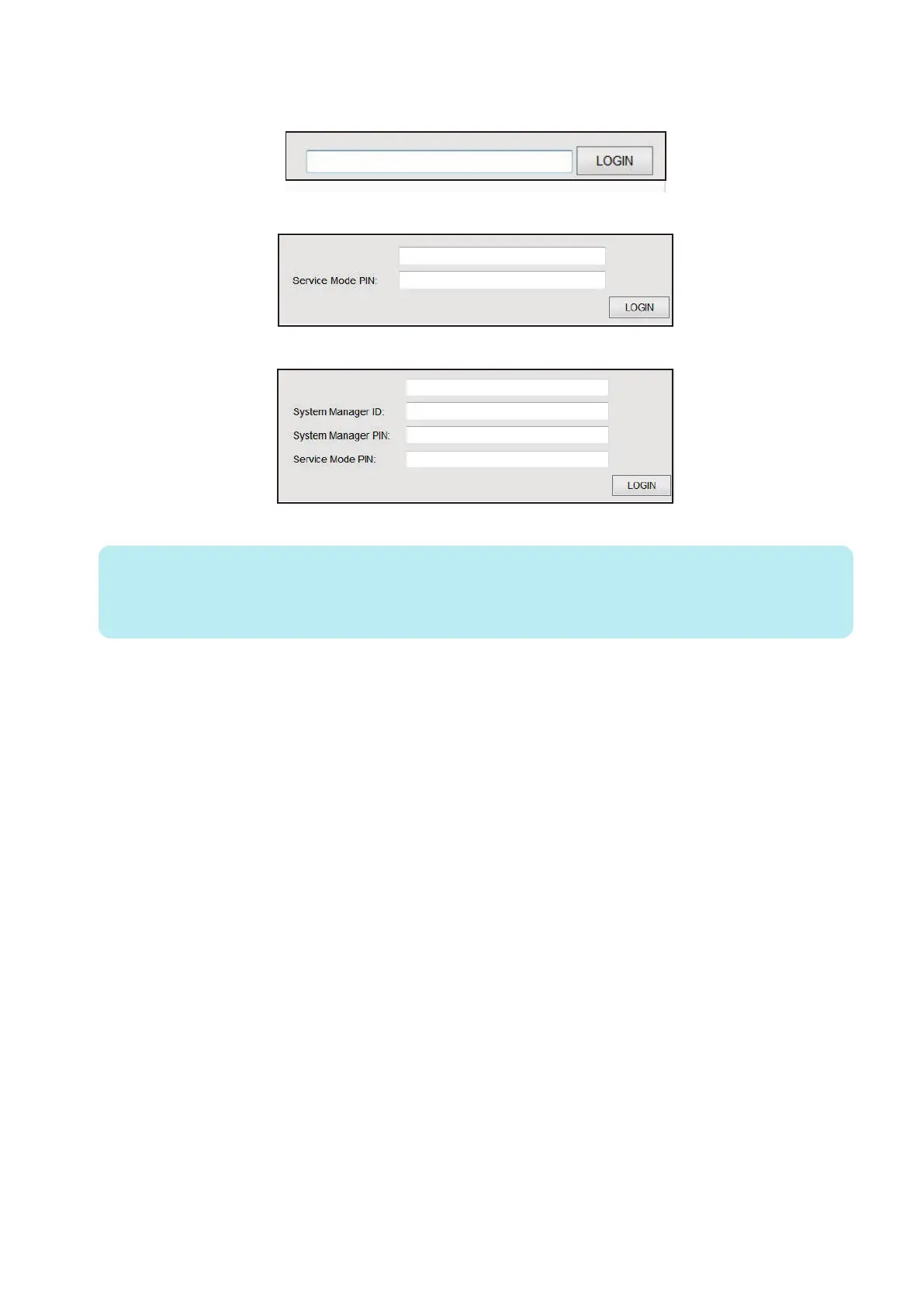
● Authentication screen
1. PSWD-SW: 0
2. PSWD-SW: 1
3. PSWD-SW: 2
4. Click “Logout” to end the operation.
NOTE:
After login, if you close the browser without “logout”, it is recognized that you have been “logged in”. Therefore, in order to
log in to service mode again, you must wait for a certain period of time (3 minutes) from the last access to make the system
timeout or turn OFF/ON the power.
8. Service Mode
263



 To Next Page