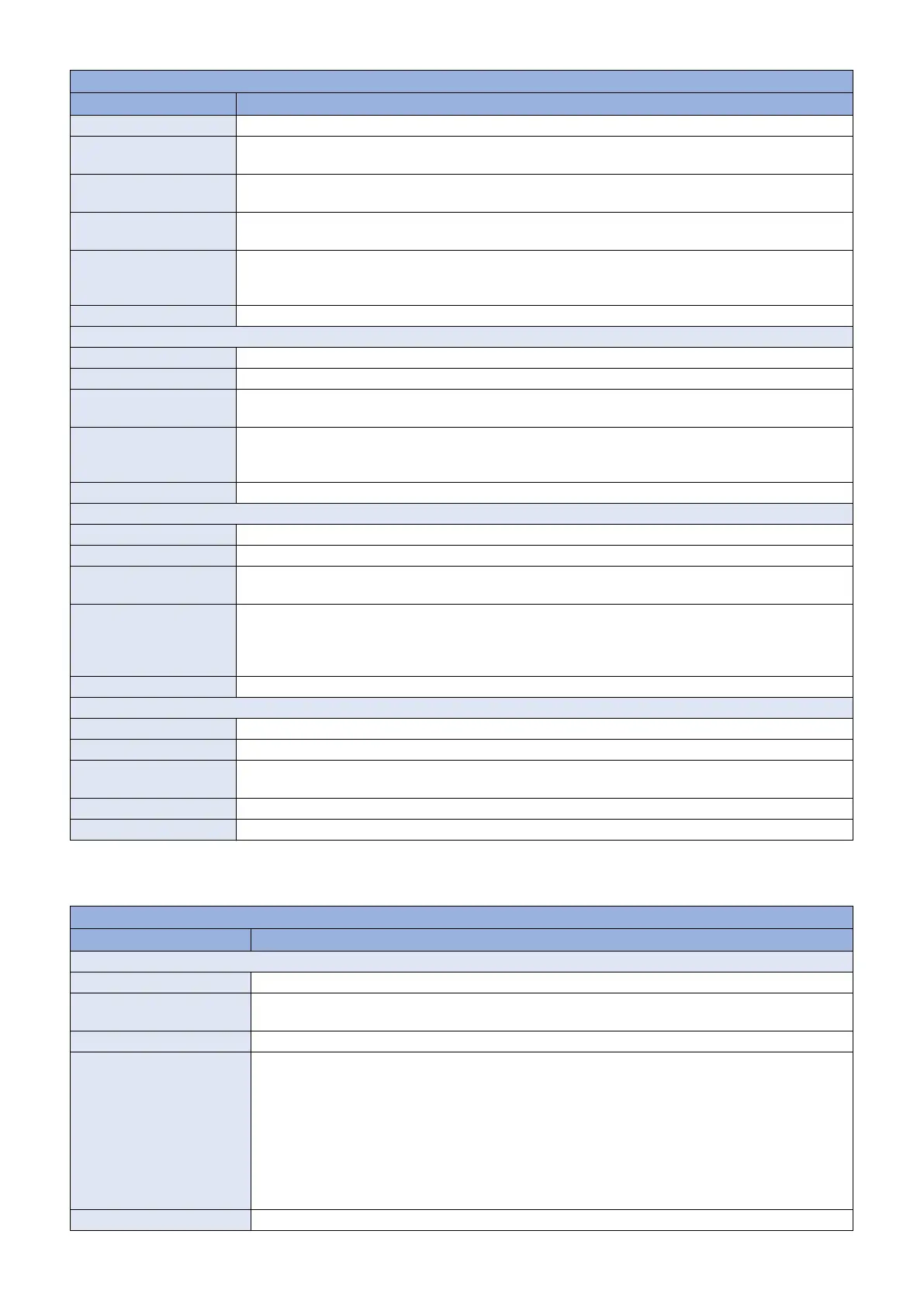
COPIER > OPTION > BODY
Item Description
Title Setting of automatic shutdown menu display
Details It is a new function added to support LOT6. To display the auto shutdown menu in the machine supporting
LOT6.
Adj/set/operate method 1. Enter the setting value, and then press Apply key.
2. Turn OFF / ON the main power switch.
Caution Even the models not supporting auto shutdown function display the service mode item (In such case, the
menu will not be displayed even 1 is set).
Display/adj/set range 0 to 1
0 : Hide the menu
1 : Display the menu
Default value 0
RMT-SW
Title ON/OFF of RUI service mode function
Details To set whether to enable the service mode function that can be used on remote UI.
Adj/set/operate method 1. Enter the setting value, and then press Apply key.
2. Turn OFF / ON the main power switch.
Display/adj/set range 0 to 1
0 : OFF
1 : ON
Default value 1
PSWD-SW
Title Service mode password level
Details To change the service mode password level.
Adj/set/operate method 1. Enter the setting value, and then press Apply key.
2. Turn OFF / ON the main power switch.
Display/adj/set range 0 to 2
0: Password is not required
1: Password for service engineer is required
2: Passwords for service engineer and system administrator at user's site are required
Default value 0
SM-PSWD
Title Password for service engineer
Details To set the password for service technician in 8-digit decimal number.
Adj/set/operate method 1. Enter the setting value, and then press Apply key.
2. Turn OFF / ON the main power switch.
Display/adj/set range 1 to 99999999
Default value 11111111
■ FNC-SW
COPIER > OPTION > FNC-SW
Item Description
IMGCNTPR
Title Switching of PS / PDF image quality mode
Details To switch the image quality mode of PS/PDF. The UI value (default) of PS / PDF is changed according
to the value (mode) of IMGCNTPR.
Adj/set/operate method Enter the setting value, and then press Apply key.
Display/adj/set range 0 to 1
In the case of 0
• Output profile => PS Photo
• RGB pure black process => No
• CMYK pure black process => No
In the case of 1
• Output profile =>PS TR Photo
• RGB pure black process => Yes
• CMYK pure black process => Yes
Default value 1
8. Service Mode
292



 To Next Page