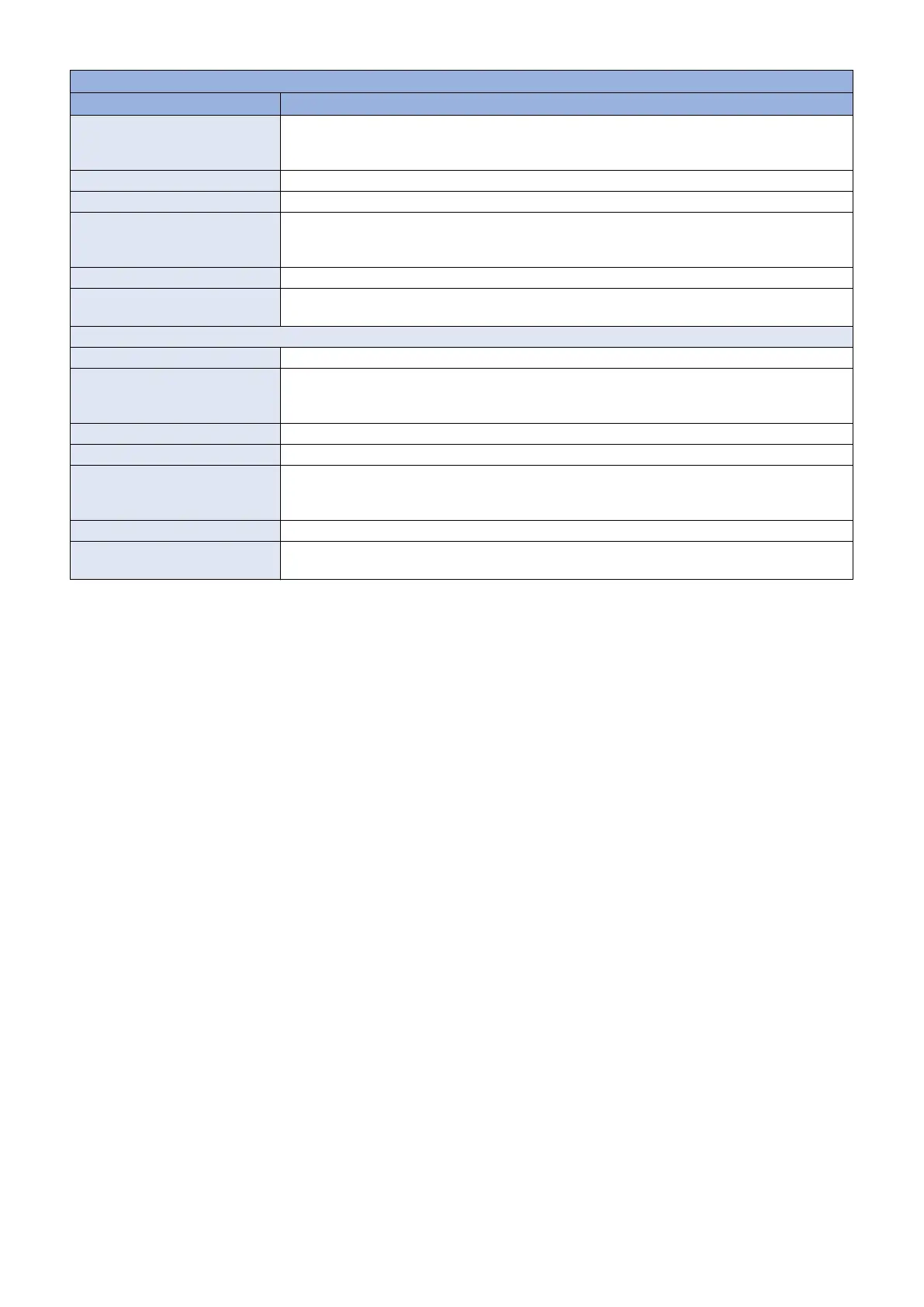
TESTMODE > FAX > FACULTY
Item Description
Details To check calling tone signal and FED.
Set the CML relay to ON and detect the calling tone.
The detection results are displayed on the console (UART).
Adj/set/operate method Enter the setting value, and then press Apply key.
Caution Be sure to set the value back to 0 after the test.
Display/adj/set range 0 to 1
0: OFF
1: ON
Default value 0
Supplement/memo CML (Connect Modem to Line) relay: Relay installed at the NCU (Network Control Unit) Board to
switch between the telephone and fax.
DETECT3
Title Calling tone detection test 2
Details To check calling tone signal and FED.
Set the CML relay to OFF and detect the calling tone.
The detection results are displayed on the console (UART).
Adj/set/operate method Enter the setting value, and then press Apply key.
Caution Be sure to set the value back to 0 after the test.
Display/adj/set range 0 to 1
0: OFF
1: ON
Default value 0
Supplement/memo CML (Connect Modem to Line) relay: Relay installed at the NCU (Network Control Unit) Board to
switch between the telephone and fax.
8. Service Mode
313



 To Next Page