3-CONTROLSANDINSTRUMENTS
Thepreviousscreencanbeaccessedbyusingtheup
arrowkey.
RCPH10WHL353AAH9
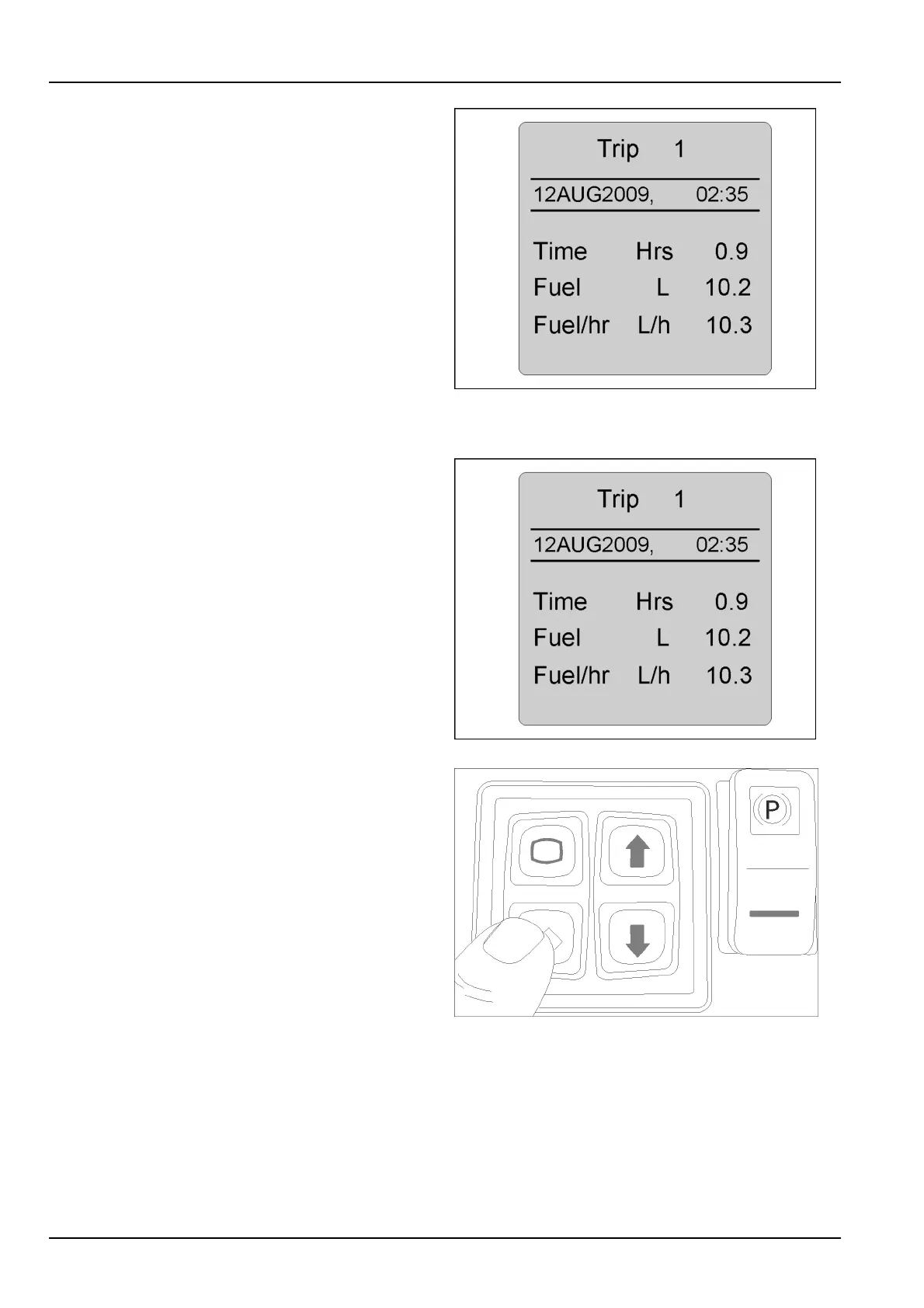
Settingtripscreens
Highlightthetripscreenyouwishtoset.(Capacitycanbe
setinU.S.gallons,Imperialgallons,ormetricliterswhen
settingmeasurementpreferences).
RCPH10WHL353AAH10
Presstheconrmkeytoresettothedesiredtripscreen.
Thetripscreenwillindicatearesetmessage.Atthis
screen,presstheconrmkeytoclearthenumbersand
resetthetripinformation.Thecurrentdateandtimewill
displayautomatically.Thehours,fuelconsumption,and
fuelusedperhourwillresetandreverttozero.
Presstheescapekeytoreturntothemaindrivingscreen
andlocksettingsintomemory.Thescreenwillbeginto
recordtimeandfuelusageimmediately.
RCPH10WHL156BAL11
3-48



 To Next Page