THS – FI022GB2K8v3 --- V - MAINTENANCE
46
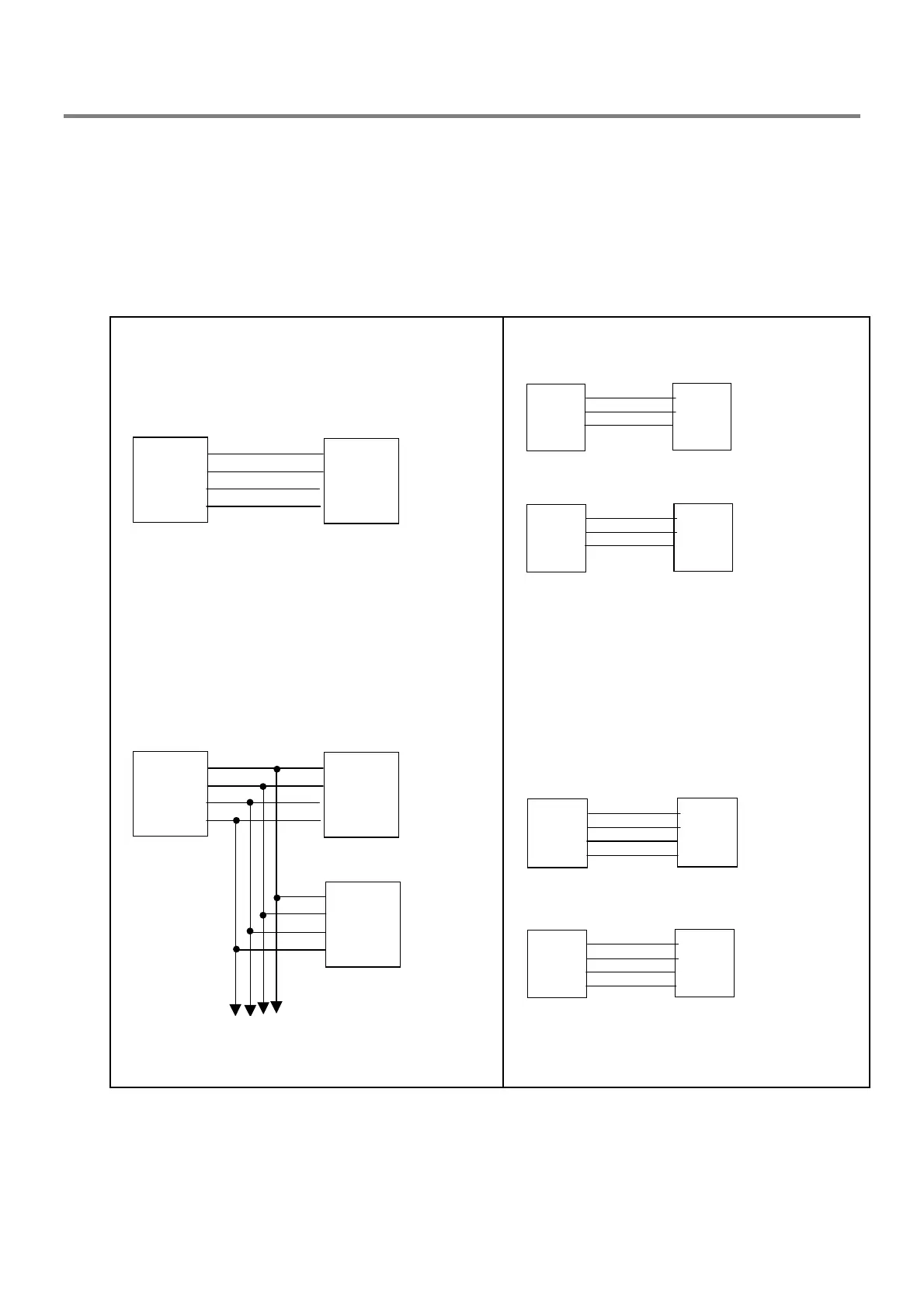
Serial line connection (J3 and J4 connectors)
Connect the serial communication cable to the terminal board: contacts for both RS485 and RS232 standards are
catered for.
The RS 485 connection allows:
• long-distance connection of a personal computer to a THS metal detector
• connection of a personal computer to several metal detectors linked in a network
The RS 232 connection allows:
• connection of a personal computer to a single THS metal detector only
• connection of a printer fitted with a serial interface
RS 485 connections
personal computer THS
TX-
TX+
RX+
RX-
RX-
RX+
TX+
TX-
6
5
4
3
J4
Fig. II –40a
personal computer
TX-
TX+
RX+
RX-
RX-
RX+
TX+
TX-
6
5
4
3
TX-
TX+
RX+
RX-+
6
5
4
3
THS 2
THS 1
J4
J4
to the next THS
Fig. II –40b
RS 232 connections
THS personal computer
(25p)
RX (SI)
TX(SO)
GND
TX
RX
GND
2
3
5
2
3
7
J6
THS personal computer
(9p)
RX (SI)
TX(SO)
GND
TX
RX
GND
2
3
5
3
2
5
J6
Fig. II –41a
THS printer
(25p)
RX (SI)
TX(SO)
DTR
GND
TX
RX
DTR
GND
2
3
6
5
2
3
20
7
J6
THS printer
(9p)
RX (SI)
TX(SO)
DTR
GND
TX
RX
DTR
GND
2
3
6
5
3
2
4
5
J6
N.B.: Select DTR=H mode on the THS
Fig. II –41b



 To Next Page