THS – FI022GB2K8v3 --- V - MAINTENANCE
61
Programming
General points on programming
The control of the Metal Detector and the setting of the device parameters are performed through the control panel
keyboard, as shown below:
Key Function
Access and exit from the programming phase
Return back from the submenus to the main menu
Exit from the Metal Detector Status visualization
Scroll through the sequence of instructions
Choice of the parameters to be changed
Modification of the parameter values
Metal Detector Status visualization
Selection of the selected submenu from the main menu
Confirmation of the data entered
Reset of some kinds of fault
A password is requested upon entry to programming mode.
When it is first powered up, the Metal Detector’s configuration includes 6 factory-set passwords (shown in the following
table). The standard values are:
Access level Password
Operator 000001
Supervisor 000002
Engineer 000003
Control Quality Operator 000004
Head of Control Quality 000005
Remote programming 000006
Every level of programming allows access to various groups of operating parameters.
Only the engineer and the remote programmer can alter the passwords to the various levels.
It is extremely important that the person in charge of the detector modifies the passwords in order to avoid unauthorised access to
programming.
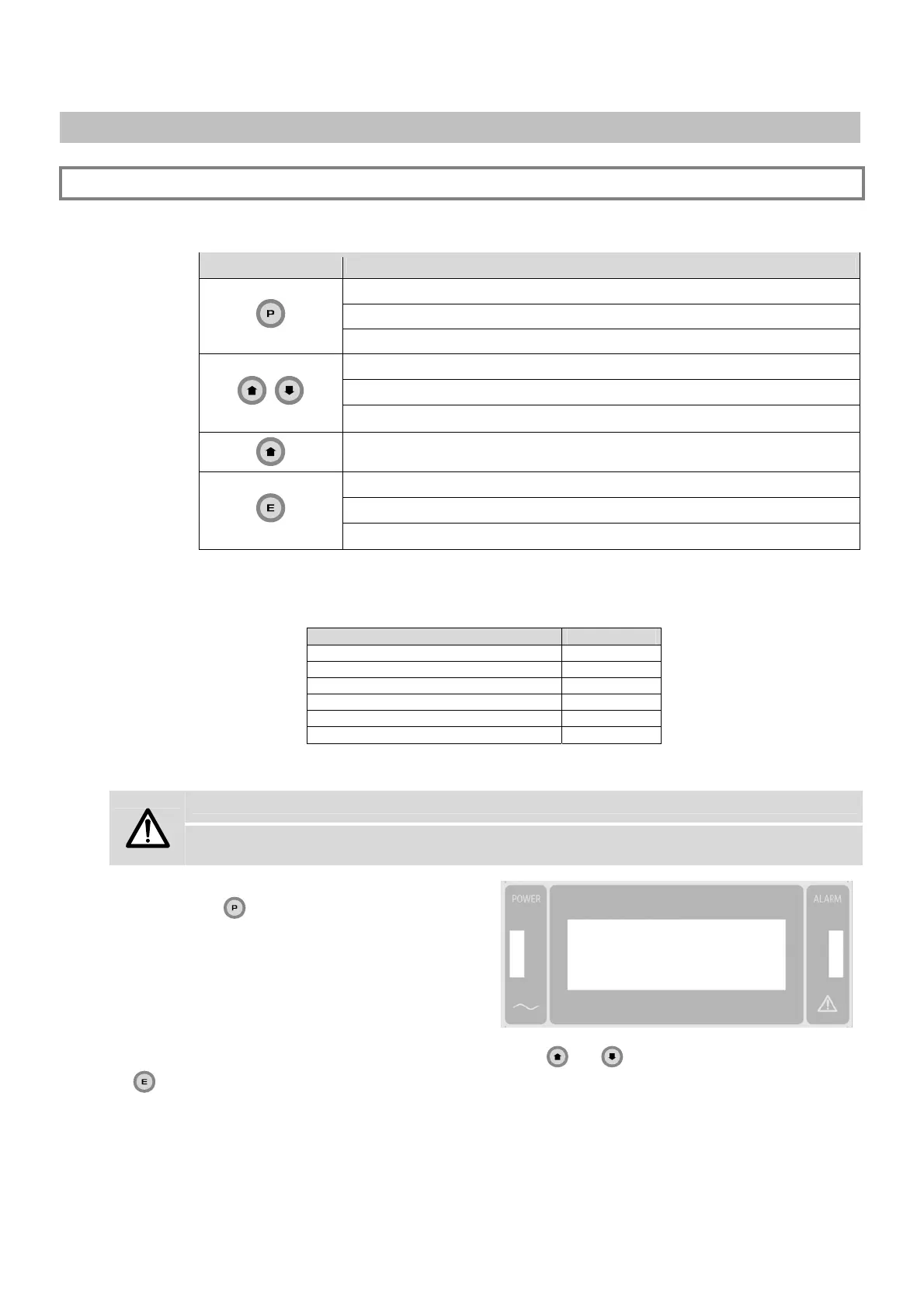
Programming mode is accessed by pressing
key
.
The Metal Detector requests a password to be
entered:
Access Code
000001
The password is entered by selecting one character at a time via the
and keys, confirming each selection with
the
key.
After the password has been entered, access to programming is given, and the display shows the parameters available
for the programming level.



 To Next Page