M-Series Operator’s Manual 4/9/15
10-85
ESC/CANCEL Creation of the part is complete. Intercon programs automatically
turn the spindle and coolant off at the end.
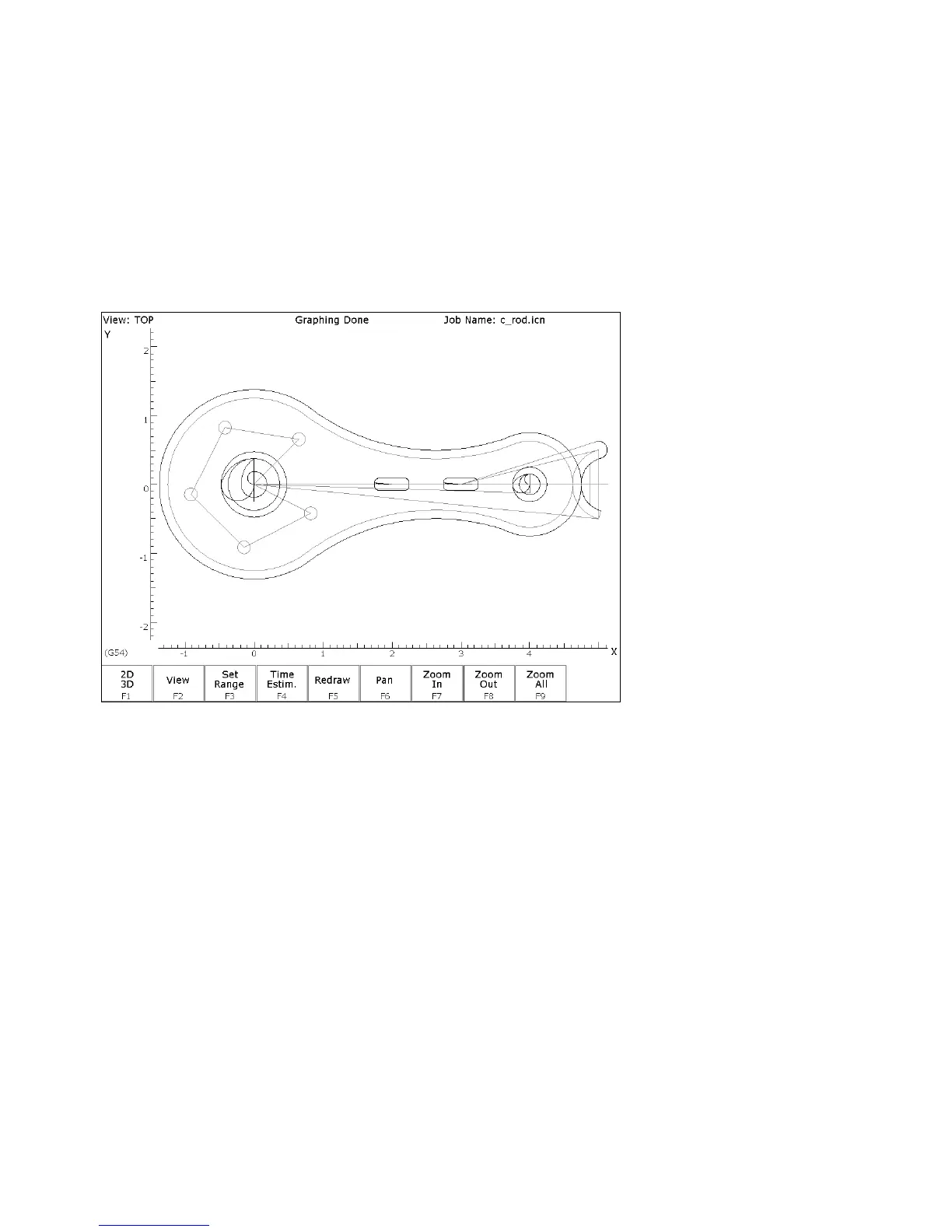
F8 - Graph Display a preview of the finished part. Just make sure that the
finished part is going to look the way you want it to. The display
shown in Figure 7 has rulers placed around the various view
windows that are scaled to the same size as the part displayed to
allow visual inspection of the part. Remember, this preview
shows where the center of the current tool will move (cutter
compensation is not represented except in pocket and frame
displays).
FIG. 9 - Draw screen showing complete part
ESC/CANCEL Return to Main screen.
F1 - File Go to the File Menu. Press F3 - Save to save under the current
file name or press F4 - Save As to save the program under a
different name.
F10 - Post The CNC file needed to run this part on your mill will be
generated at this time. The Intercon program displays the
operation number of the part it is processing as it works through
each operation in memory:



 To Next Page