117
• Set-up mode On/Off
This function is helpful during set-up mode of components because you
can change here the parameters without triggering a warning message or
error message which would lead to an interruption of the welding process.
When the set-up mode is “on”, the following signal outputs are ignored:
• Warning messages
• Error messages
• Abort signal
Documentation entries are generated in the logbook, but no error mes-
sages. When the set-up mode is “off”, the above-mentioned signal outputs
are re-activated.
The welding data of the individual monitoring channels can be combined
in groups. Thus it is possible to allocate different priorities to the individual
monitoring channels.
Turn the middle rotary knob to select a monitoring channel. Press the mid-
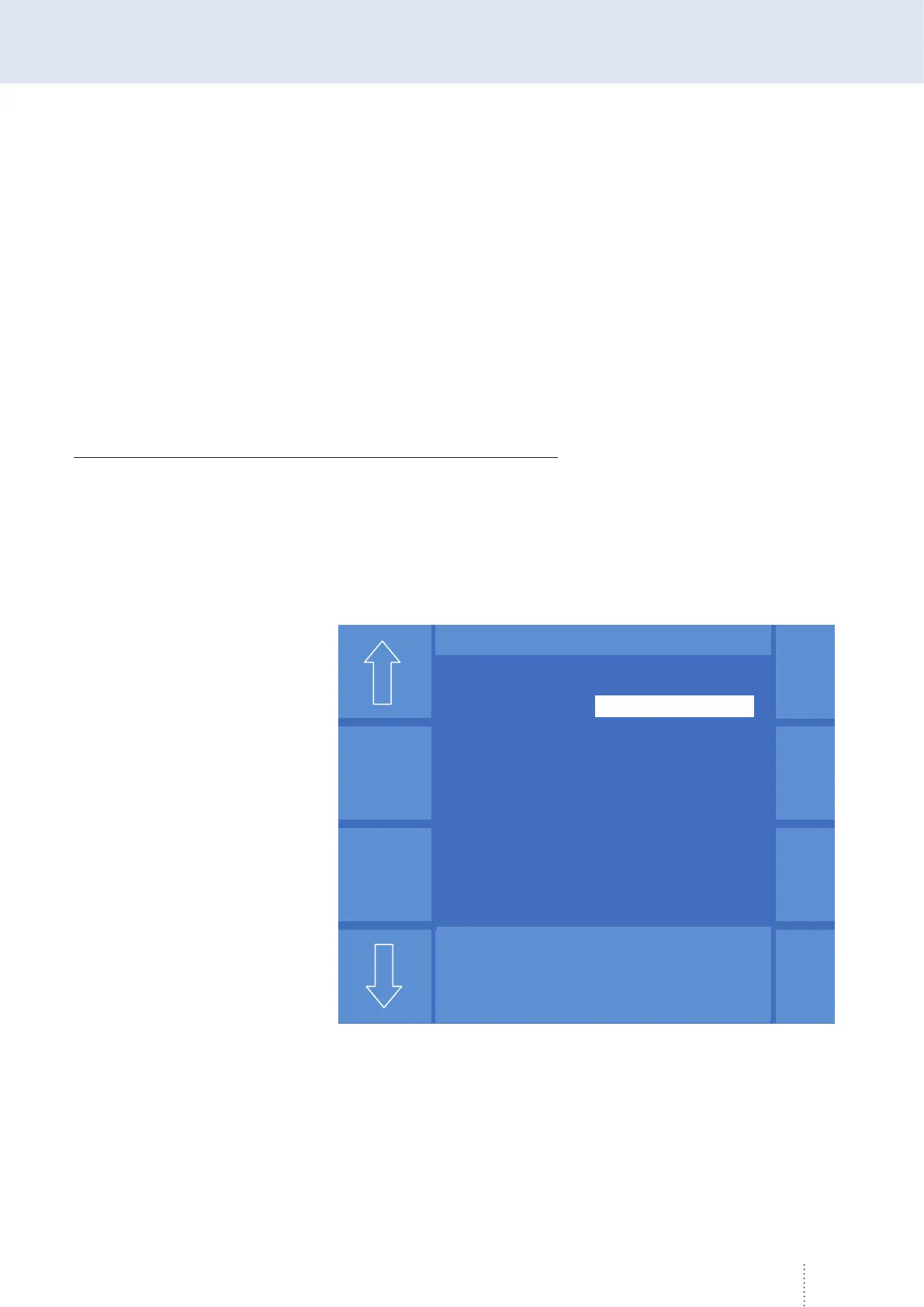
dle rotary knob to confirm your selection. You enter the menu "SD data",
e.g. current, see Figure 73.
3.3 Configure monitoring
channel
Puls 4 -Takt
V
0
A
1.2 mm Fe
82% Argon 18% Co
2
0.0
SD - Daten
Strom
Melden Gruppe 1
Sollwert 260 A
Warnbereich +/- 5 A
Grenzbereich +/- 10 A
Startverzögerung 1.2 sek
Fehlerzeit 1.0 sek
Puls 4 -Takt
V
0
A
1.2 mm Fe
82% Argon 18% Co
2
0.0
Puls 4 -Takt
V
0
A
1.2 mm Fe
82% Argon 18% Co
2
0.0
SD - Daten
Strom
Melden Gruppe 1
Sollwert 260 A
Warnbereich +/- 5 A
Grenzbereich +/- 10 A
Startverzögerung 1.2 sek
Fehlerzeit 1.0 sek
Figure 73. SD data



 To Next Page