65
Always use rotary knob 1 to set the wire speed.
Use rotary knob 2 to set the most important electrical parameters depend-
ing on the process. Depending on the selected process, the parameters
voltage, frequency or the arc length are selected.
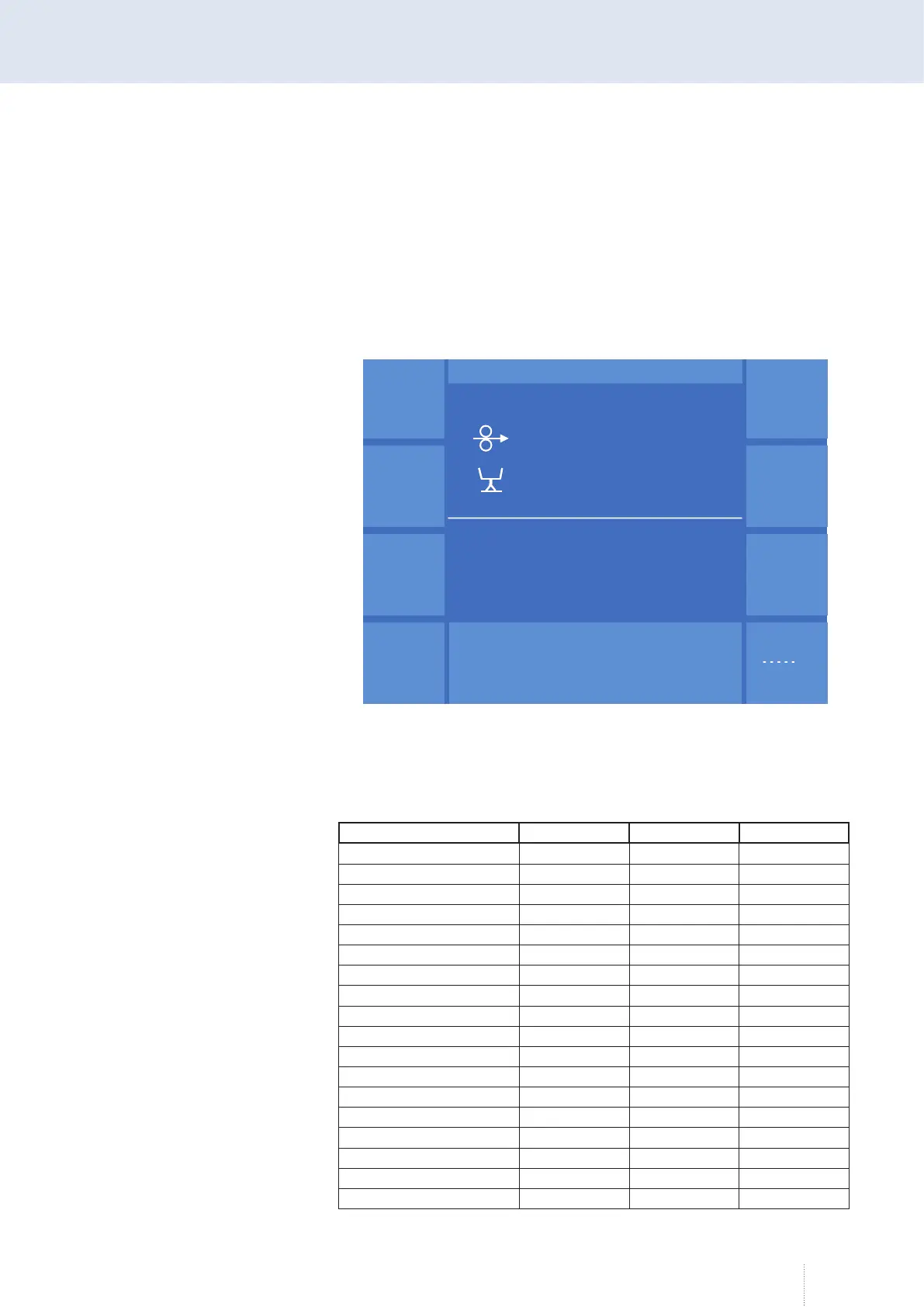
Use rotary knob 3 to select further welding relevant parameters depending
on the process. By pressing rotary knob 3 you reach the next parameter, see
Figure 22.
7.7.2 Secondary parameters in the "Expert Mode"
Depending on the process, the following secondary parameters are avail-
able:
Parameters MAG Normal Pulse S-Pulse
Time (duration) x x x
Upslope x x x
Wire speed
Downslope x x x
Gas pre-flow x x x
Gas post-flow x x x
Inching-in x x x
Ignition mode x x x
Voltage x
Choke x
Burnback x x x
Inclination x
Arc length x
Pulse frequency x x
Base current x x
Pulse time x x
Pulse current x
Pulse voltage x
Synergie
Betr.
Verfahren
Funktion
M A I N
Progr.
Messwerte
S-Puls 4 -Takt
12.6
m / min
V
0
A
1.2 mm Fe
82% Argon 18% Co
2
0.0
C - Start
Pulszeit 2.0 ms
Pulsspannung 38.5 V
Grundstrom 60 A
265
Hz
Synergie
Betr.
Verfahren
Funktion
M A I N
Progr.
Messwerte
S-Puls 4 -Takt
12.6
m / min
V
0
A
1.2 mm Fe
82% Argon 18% Co
2
0.0
C - Start
Pulszeit 2.0 ms
Pulsspannung 38.5 V
Grundstrom 60 A
265
Hz
Figure 22. "MAIN" "Expert Mode" function active



 To Next Page