91
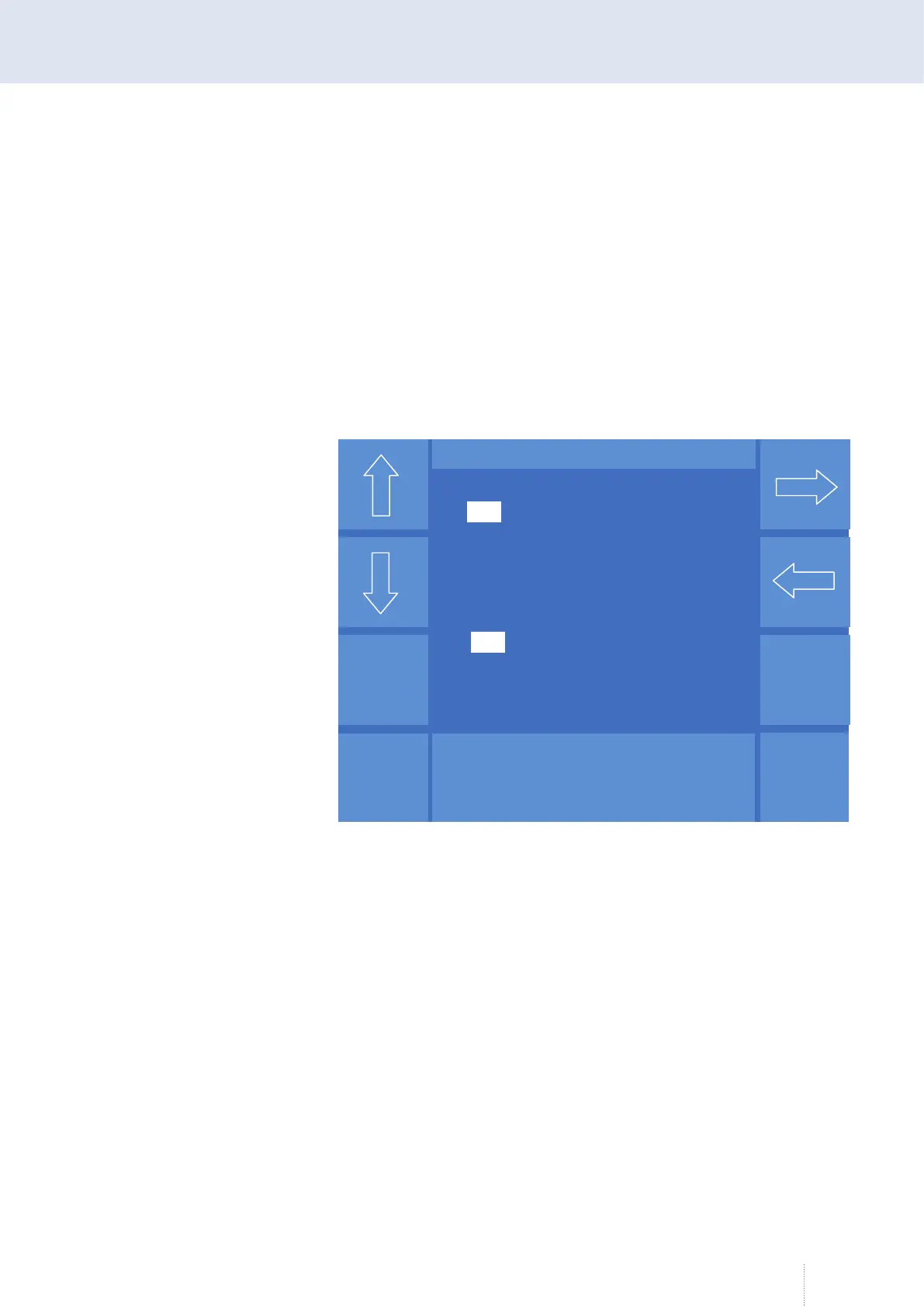
10.7 Config - PC adaptation
An Ethernet interface is used to connect the welding power source to the
QDM (Qineo Data Manager) software. For the communication of the weld-
ing power source within the network, the IP address and the subnet mask
must be set.
Use the arrow keys to move to the desired position for entering numbers.
The selected number field is highlighted in white. You can select a number
between 000 and 255 by means of rotary knob 3. Use one of the arrow keys
to move to the next input field. Press the rotary knob to exit the input
mode.
10.8 Config - Clock
For an exact data recording during weld data monitoring the exact time
and the correct data are important. You can enter this data in the "Config
- Clock" menu. Use the arrow symbols to switch between the individual
menu items. The input is made with rotary knob 3.
The input is finished by pressing rotary knob 3. To exit the menu, press the
"Esc" key.
Puls 4 -
Takt
V
0
A
1.2 mm Fe
82% Argon 18% Co
2
0.0
Konfig – PC Anpassung
IP - Adresse
185 . 168
. 169 . 200
Subnetzmaske
255 . 255 . 255 . 000
IP – Adresse SD- Modul
185 . 170
. 169 . 003
Subnetzmaske SD-Modul
255 . 255 . 255 . 000
Puls 4 -
Takt
V
0
A
1.2 mm Fe
82% Argon 18% Co
2
0.0
Konfig – PC Anpassung
IP - Adresse
185 . 168
. 169 . 200
Subnetzmaske
255 . 255 . 255 . 000
IP – Adresse SD- Modul
185 . 170
. 169 . 003
Subnetzmaske SD-Modul
255 . 255 . 255 . 000
Figure 49. Config - PC adaptation



 To Next Page