63
7.4.3 Deactivating the setting ranges
Select the "Progr." function from the "MAIN" page. Use the arrow keys to
select the appropriate start, main or end crater power. The display shows
the "Setting range" function.
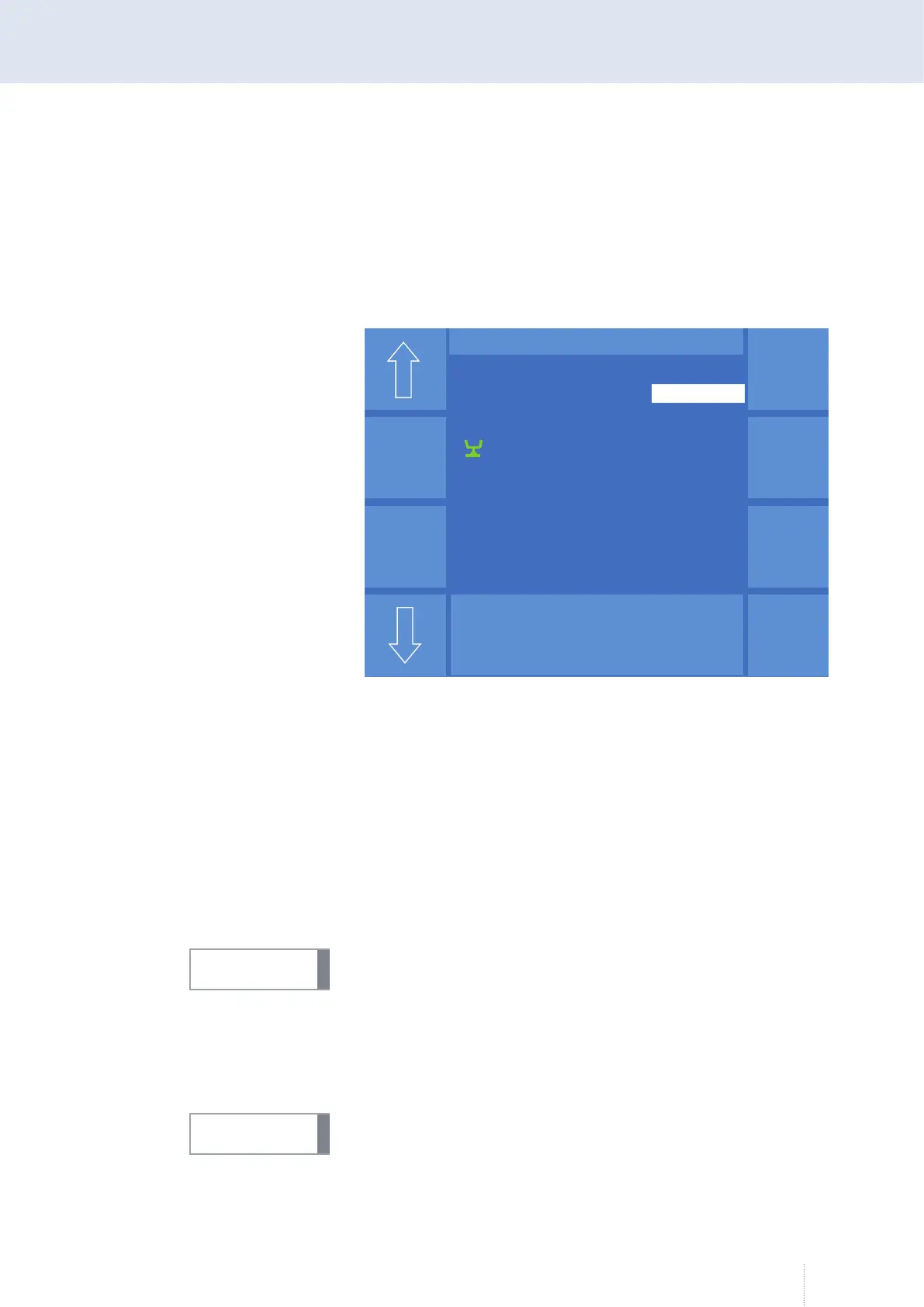
After activating the "Setting range" function, the following view appears.
Use the "Setting range Off" function to set the selected range to "Off", see
Figure 20.
You will return to the "MAIN" menu by pressing the "Esc" key or by pressing
again the rotary knob 3.
7.5 MAIN - Programming - Tandem
For further information and prerequisites for configuring the Tandem op-
erating mode, see section "Basic configuration Operating mode "Tandem""
on page 169.
If the "Expert Mode" function is active, the function is under MAIN - Pro-
gramming(2).
7.6 MAIN - Programming - Pulse synchronisation
For further information and prerequisites for configuring the Pulse syn-
chronisation function, see section "Pulse synchronisation" on page 178.
If the "Expert Mode" function is active, the function is under MAIN - Pro-
gramming(2).
Puls 4 -Takt
V
0
A
1.2 mm Fe
82% Argon 18% Co
2
0.0
S T E L L B E R E I C H
Hauptleistung
Aus
Max
Min
Stell-
bereich
Aus
Dyn.
Aus
Max
Min
Max
Min
- 10
15
Aus
Aus
In der Serienversion werden Min und Max
getauscht !! Max oben Stellbereich Aus
Figure 20. "Programming"- "Setting range" menu
INFO!
INFO!



 To Next Page