67
8. MAIN - Measured values
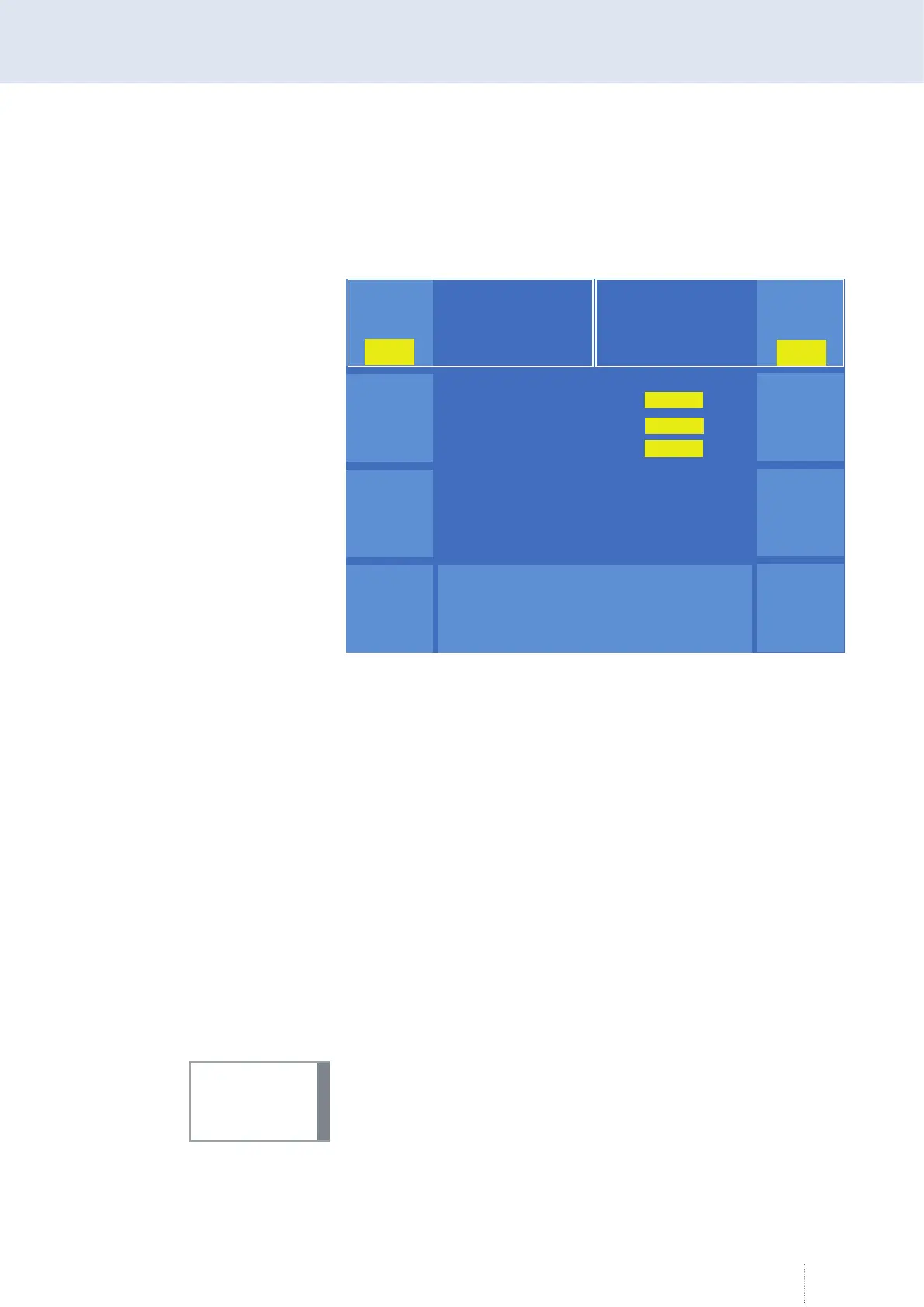
In the "Measured values" menu, the most important welding relevant
values are displayed.
The displays V (Volt) and A (Ampere) show the voltage and current actual
value during the welding process.
The "Hold" function switches the display for V or A from ACTUAL values to
Hold values. The Hold value display shows the averaged values for the last
weld.
Different parameters are shown, depending on the selected process and
the sensors used. The example in Figure 24 shows the pulse process.
8.1 Operating data
For the cost control and calculation purposes, the menu "Measured values"
provides the submenu "Operating data". Before determining the consump-
tion costs, the current values for wire weight, wire costs, gas costs and
energy costs must be entered in the "Cost rates" menu item.
The numerical values are selected by means of rotary knob 3. By pressing
the rotary knob 3, you can modify the adjustment speed (x10, x100, x1000).
Meaningful operating data can only be collected in conjunction with the
optional SD sensor in the wire drive. The operating data can be displayed
on the operating module or evaluated in conjunction with the "QDM" soft-
ware and stored on an external data carrier.
Puls 4 -Takt
V
0
A
1.2 mm Fe
82% Argon 18% Co
2
0.0
Hold
0.0
0
V
A
Hold
0.0
Leistung
Pulsspannung
Grundspannung
0.0
0.0
kW
V
V
Betriebs
daten
Puls 4 -Takt
V
0
A
1.2 mm Fe
82% Argon 18% Co
2
0.0
Hold
0.0
0
V
A
Hold
0.0
Leistung
Pulsspannung
Grundspannung
Leistung
Pulsspannung
Grundspannung
0.0
0.0
kW
V
V
Betriebs
daten
Figure 24. Menu measured values with switched on Hold function
INFO!



 To Next Page