72
MAIN (2) - Config (Configuration)
10. MAIN (2) - Config (Configuration)
From the MAIN(1) display, you can access the MAIN(2) display by pressing
the "-->" key. Then press the "Config" function.
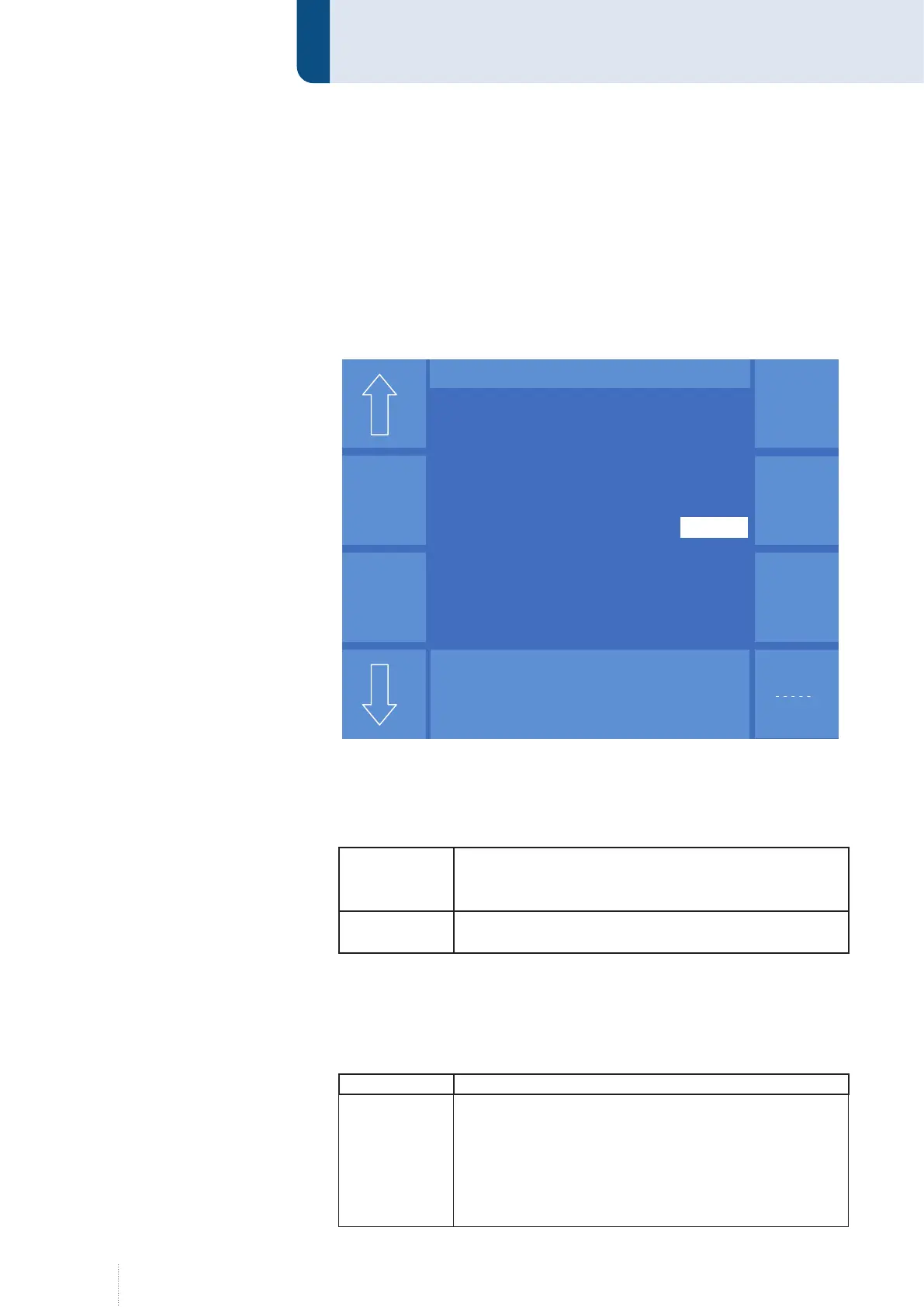
10.1 Config - General
Use the arrow symbols to switch between the individual menu items.
10.1.1 Display brightness
You can change the values by means of rotary knob 3.
Standby
If there is no entry via the operating module for more
than 10 minutes, the brightness of the display will be
reset to the given brightness value (%).
Normal opera-
tion
This parameter is used to adjust the brightness of the
display during normal operation (%).
10.1.2 MHW 405 TQ
Herewith one of the following parameters is defined for the additional
torch triggers.
Function Description
Setting pa-
rameters
The setting parameters "Power", "Fine" (arc length),
"Dynamics" and "Job" can be activated and varied by the
torch triggers during the welding process.
Except for the "Job" setting parameter, the interval and
step size can be adjusted on the operating module. If
the "Job" setting parameter has been selected, the step
size is automatically set to 1.
Grund-
einstellung
Puls 4 -Takt
V
0
A
1.2 mm Fe
82% Argon 18% Co
2
0.0
Konfig - Allgemein
Displayhelligkeit im Standby
Beleuchtung (%) 53
MWW 405 T
Stellparameter Dyn
Sense-
technik
QWD
SD-Modul
Displayhelligkeit im Normalbetrieb
Beleuchtung (%) 95
Intervall 3
Schrittweite 5
Pumpe Automatik
Steuerung Kühlwasserpumpe
Optionen
Grund-
einstellung
Puls 4 -Takt
V
0
A
1.2 mm Fe
82% Argon 18% Co
2
0.0
Konfig - Allgemein
Displayhelligkeit im Standby
Beleuchtung (%) 53
MWW 405 T
Stellparameter Dyn
Sense-
technik
QWD
SD-Modul
Displayhelligkeit im Normalbetrieb
Beleuchtung (%) 95
Intervall 3
Schrittweite 5
Pumpe Automatik
Steuerung Kühlwasserpumpe
Optionen
Figure 30. Menu Config general



 To Next Page