85
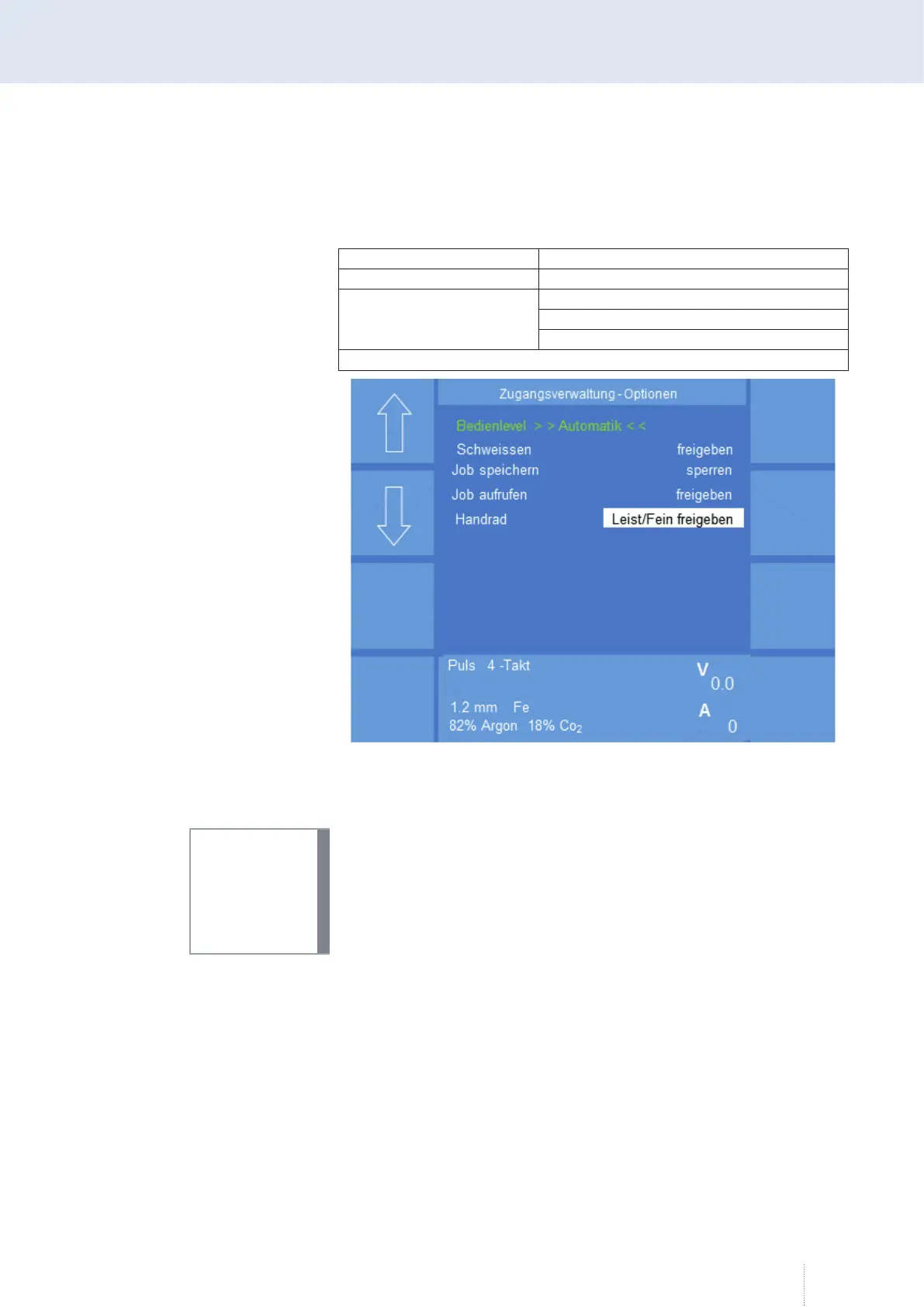
Access management - Option
In this menu, the following access rights can be set for the "Automatic"
operating level:
Welding enable / lock
Job call enable / lock
Rotary knob
Enable Power / Fine
Enable Fine
Enable Power / Fine
Power, Fine = Fine adjustment / ArcLength
Exit the "Config"- "Access management" menu by pressing rotary knob 3 or
the "Esc" key!
Forgotten your password?
After 5 unsuccessful attempts to enter the password, an 8-digit code num-
ber appears below the "Access code" line.
With the aid of the code number it is possible to decode the password by
calling the CLOOS Service Hotline. You can now enter again the code num-
ber.
10.6.2 Config - User management and PAK (option)
The access rights for certain functions, adjustments and welding
parameters are released or blocked and saved in a user profile via the user
management.
The user management allows to transfer these user profiles to a PAK
(Personal Access Key) each. For this, the welding power source or the
operating module must dispose of a PAK port.
The PAK is connected to the PAK port of the welding power source and the
user profile is loaded. The user is automatically logged on to the welding
power source as soon as the information saved in the PAK match with the
Figure 43. Config Access Management Options
INFO!



 To Next Page