55
7. MAIN - Progr. (Programming)
The welding power source always uses the existing synergic characteristic
curves. The values for all secondary parameters, including "CleanStart", are
already preset in the synergy characteristic curves.
Activate the "Programming" function to enter the programming mode. In
this menu the default values can be adjusted.
The correction is only an offset which is added to the characteristic curves.
The original characteristic curve is not changed. It can always be reset to
the original state (display "- 0 -").
In programming mode, the following display concept applies:
Yellow = time
Green = m/min, step size
Red = power
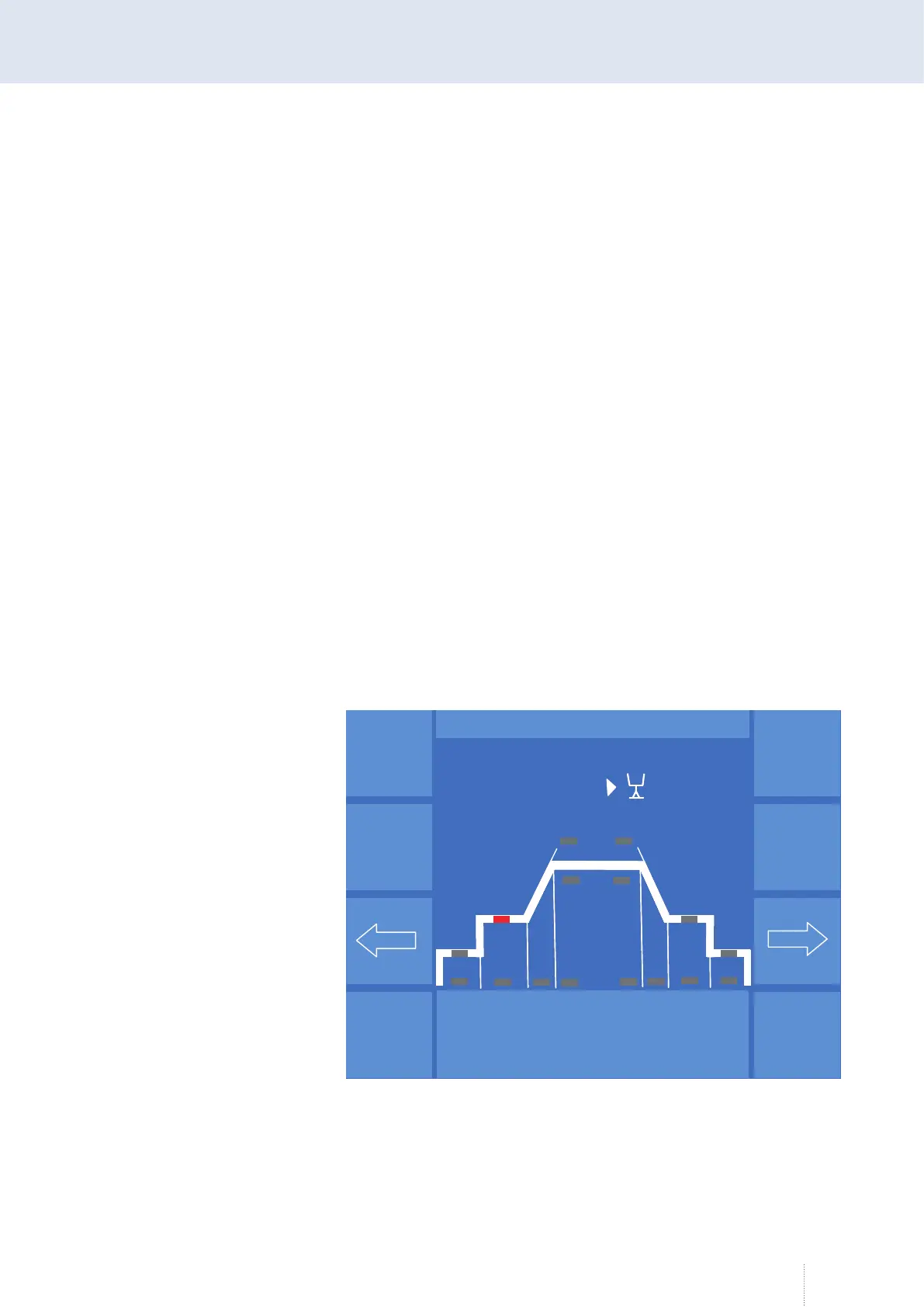
In the programming mode, you can access the next or previous parameter
by shortly tapping on the arrow buttons. A graphic display is integrated for
better orientation.
Above the graphic display the current parameter, the correction factor and
the absolute numerical value with the corresponding physical dimensions
are displayed. Depending on the selected parameter, the display may differ
from the example shown in Figure 11.
Puls 4 -Takt
V
0
A
1.2 mm Fe
82% Argon 18% Co
2
0.0
P R O G R A M M I E R E N
Startleistung
Dyn.
6.0 m/min
- 0 -
6
2
Puls 4 -Takt
V
0
A
1.2 mm Fe
82% Argon 18% Co
2
0.0
P R O G R A M M I E R E N
Puls 4 -Takt
V
0
A
1.2 mm Fe
82% Argon 18% Co
2
0.0
P R O G R A M M I E R E N
Startleistung
Dyn.
6.0 m/min
- 0 -
6
2
Figure 11. Programming menu



 To Next Page