56
MAIN - Progr. (Programming)
The correction value is entered by means of the rotary knob 3. The changed
parameters are saved simultaneously and do not have to be saved addi-
tionally.
During the Job mode, the job has to be saved again! If you did not save the
correction values in a job, the settings of the last selected characteristic
curve are lost!
The numerical values are dimension-free correction values and no absolute
numerical values. The absolute numerical value with the corresponding
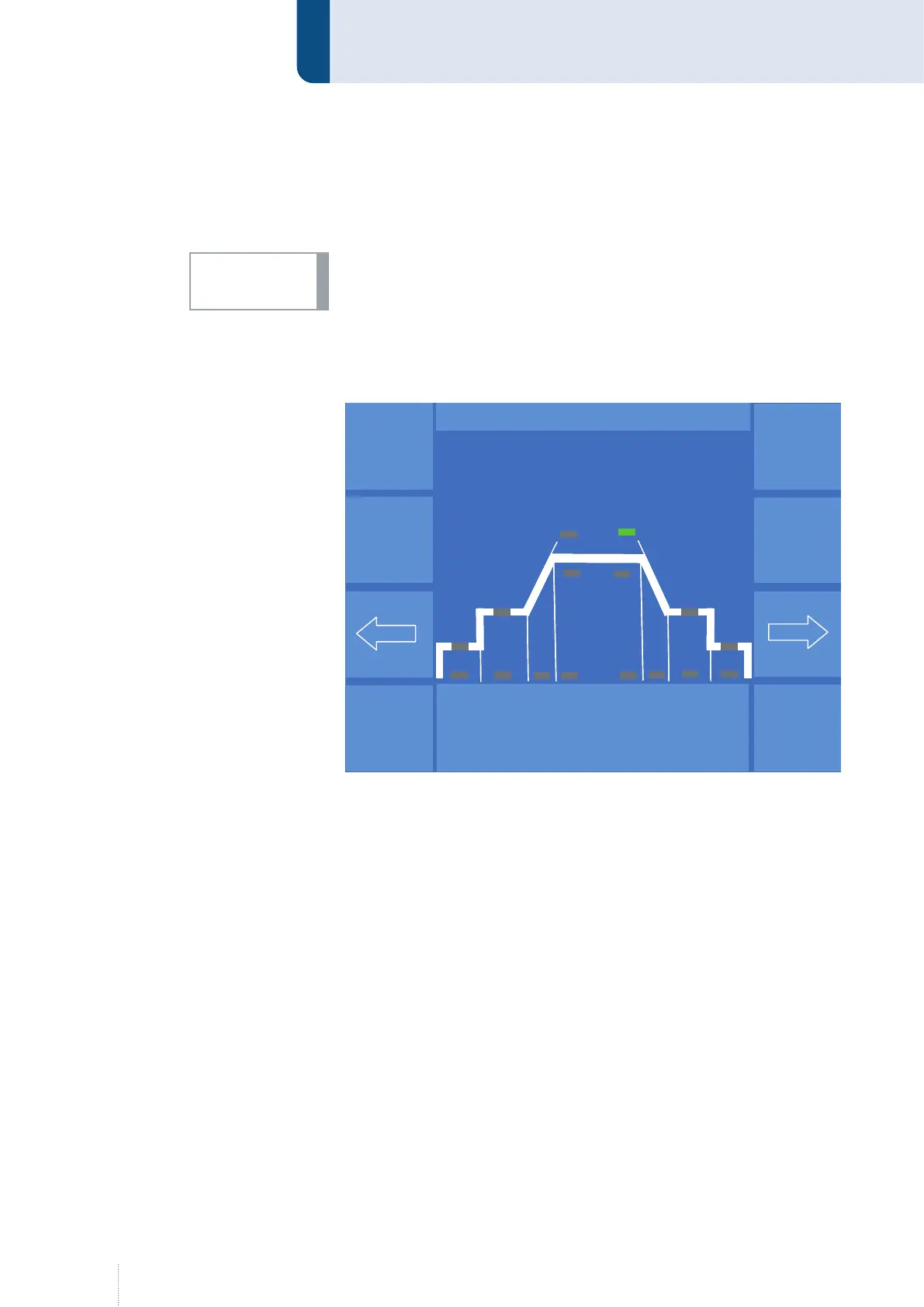
physical size is shown in a separate line, see example Figure 12.
When times are corrected (yellow LED), an "OFF" is displayed after "-99". The
function (e.g. Start program) is switched off if "OFF" is displayed.
All correction values are reset to "- 0 -" as soon as another gas/material
combination or another wire diameter is selected.
INFO!
Figure 12. Menu programming correction -0-
Puls 4 -Takt
V
0
A
1.2 mm Fe
82% Argon 18% Co
2
0.0
P R O G R A M M I E R E N
DuoPuls - Frequenz
1.5 Hz
- 0 -
Puls 4 -Takt
V
0
A
1.2 mm Fe
82% Argon 18% Co
2
0.0
P R O G R A M M I E R E N
Puls 4 -Takt
V
0
A
1.2 mm Fe
82% Argon 18% Co
2
0.0
P R O G R A M M I E R E N
DuoPuls - Frequenz
1.5 Hz
- 0 -



 To Next Page