94
MAIN (2) - Diagnostics
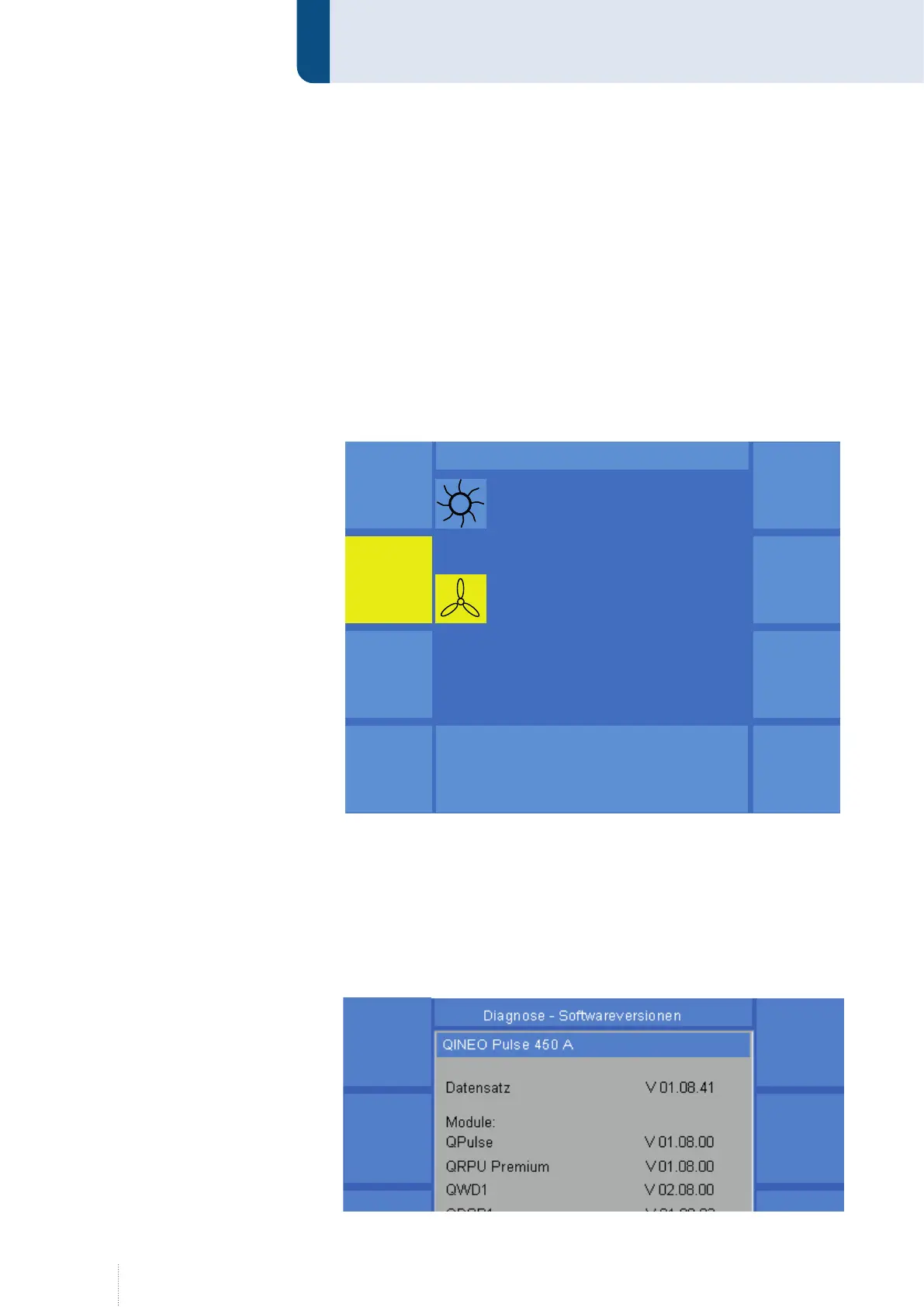
11.1 Diagnostics Cooling
In menu cooling the current functional state of the water pump and the
fan can be visualised. The symbols for the pump and the fan are high-
lighted in yellow when the components are in operation. As for the coolant
pump, the flow quantity and the coolant temperature are shown as well
(for wire drive units with water sensors).
For an active control of the functions, the pump and the fan can be
switched on or off by means of the function keys.
The menu item Coding shows whether an internal or external cooling is ac-
tive.
11.2 Diagnostics Software versions
In the "Software versions" menu, the design of the welding power source,
the power class and the data set number are displayed. The data set
number identifies the state of development of the synergy characteristic
curves. The software versions of the individual software modules are
displayed under "Modules". E. g. QPULSE, QRPU, QDSP etc.
Pumpe
Diagnose - Kühlung
Puls 4 -Takt
V
0
A
1.2 mm Fe
82% Argon 18% Co
2
0.0
Lüfter
I / 0
QWD
0.0 l / min 22 º C
Kodierung: interne Kühlung
Pumpe
Diagnose - Kühlung
Puls 4 -Takt
V
0
A
1.2 mm Fe
82% Argon 18% Co
2
0.0
Lüfter
I / 0
QWD
0.0 l / min 22 º C
Kodierung: interne Kühlung
Figure 53. Diagnostics Cooling
Figure 54. Diagnostics Software versions



 To Next Page