46
Main menu
2. Main menu
In the main menu (MAIN) you can call the following functions by means of
the function keys F1-F8:
Rotary knob 1
Always use rotary knob 1 to set the wire speed/power. The maximum wire
speed depends on the application.
• Manual welding max. 24 m/min
• Automated welding max. 30 m/min
Rotary knob 2
Use rotary knob 2 to set the most important electrical parameters depend-
ing on the process. Depending on the selected process, the parameters
voltage, frequency or the arc length and dynamics are selected.
Rotary knob 3
Use rotary knob 3 to select further welding relevant parameters depending
on the process.
Definition arc length
- 0 - The welding current is exactly on the characteristic curve.
- The wire speed is reduced, the arc becomes longer.
+ The wire speed is increased, the arc becomes shorter.
Definition Dynamics
By turning the rotary knob 2 the operator can influence the shape of the
arc.
• In the positive setting range the arc becomes concentrated and smaller.
• In the negative setting range the arc becomes softer and wider.
During the normal MAG process the shape of the arc is influenced in the
dynamic range. In the Rapid Weld process, the penetration shape and
depth can be influenced with the dynamic setting.
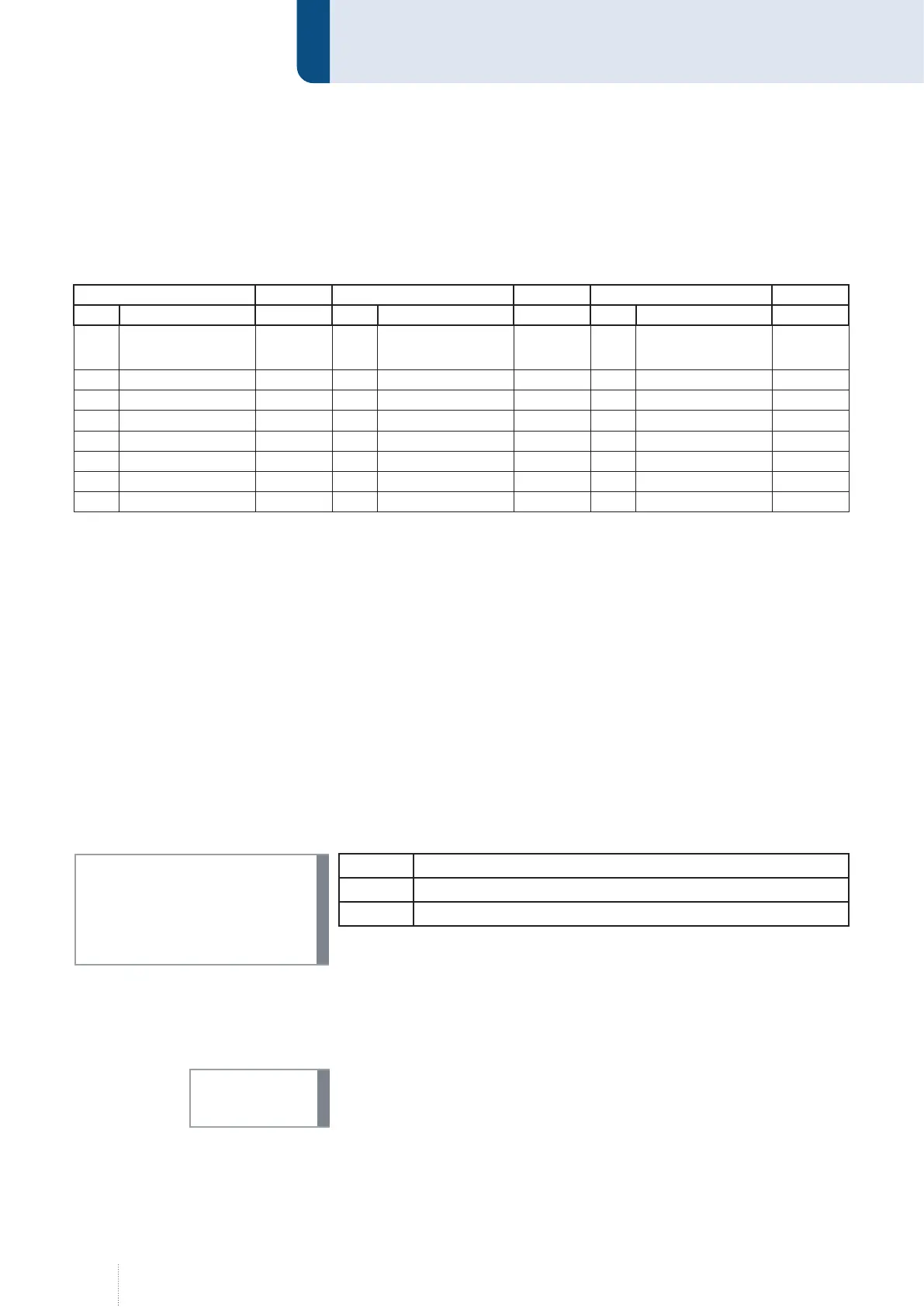
MAIN (1) active MAIN (2) active MAIN (3) active
Key Function Page Key Function Page Key Function Page
F1 Synergy Page 47 F1 Configuration Page 72 F1
Weld data moni-
toring
Page 113
F2 Operating mode Page 47 F2 Diagnostics Page 93 F2
F3 Processes Page 50 F3 Language Page 102 F3
F4 Function Page 53 F4 MAIN (1) F4
F5 Progr Page 55 F5 Data backup Page 103 F5
F6 Measured values Page 67 F6 Log on Page 105 F6
F7 Display Page 70 F7 Log off Page 105 F7
F8 MAIN (2) F8 MAIN (3) F8
INFO!
INFO!



 To Next Page