79
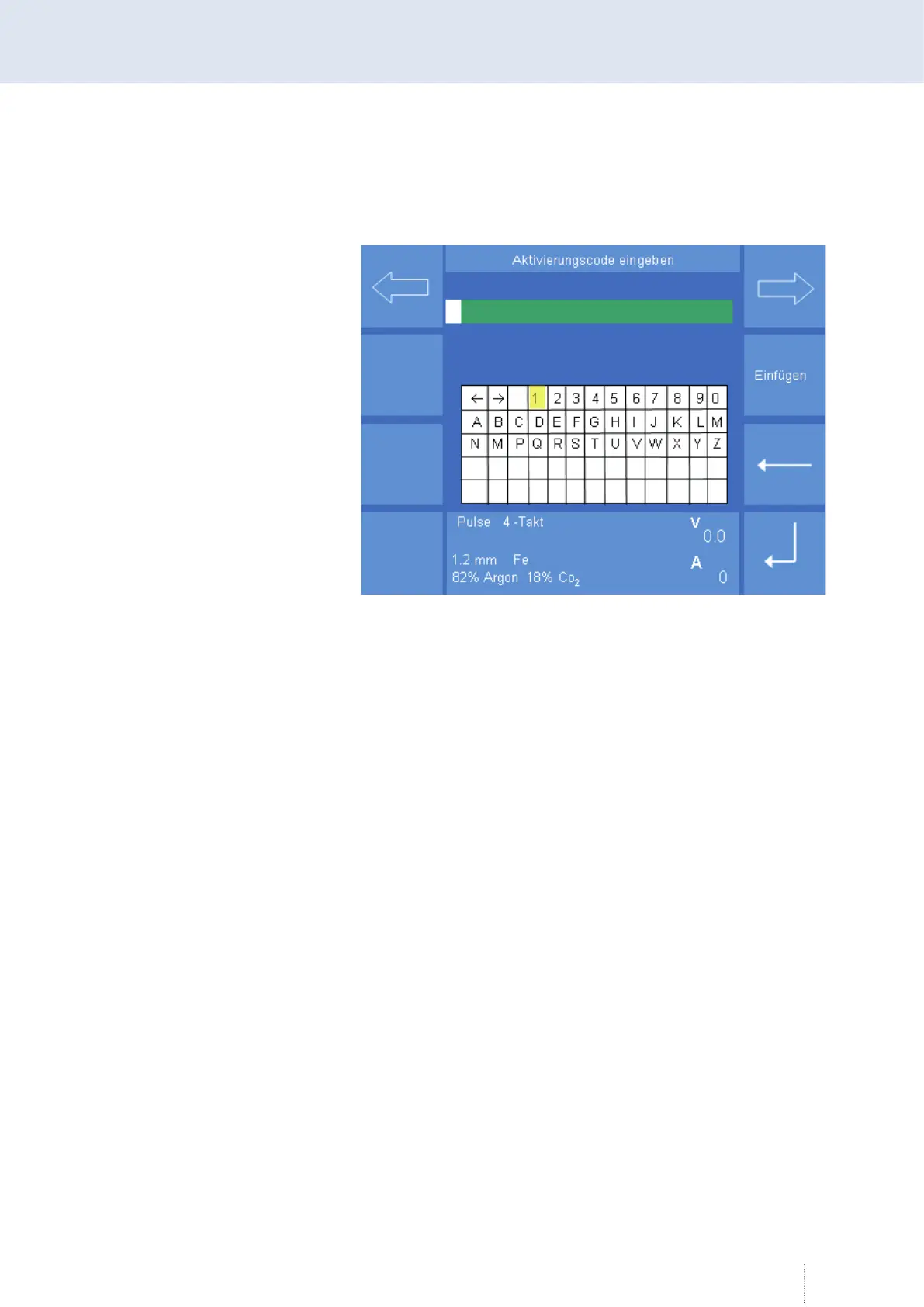
Enter this activation code after activating the "Activation code" function
and confirm with "Enter". If all information is correct, the newly activated
option is listed in the "Activated options" overview.
If an error occurred during the transmission or input of the activation
code, the error message "317 Wrong activation code!" appears. In this case
you have to check the information and repeat the process.
Figure 37. Config Activation code



 To Next Page