89
Create/edit new user
Push rotary knob 3 to select a free storage space in the user overview and
to save all relevant user data in the "Config - Edit user" menu.
Delete user
You can use the "Delete user" function to remove individual users:
1. Select the user via rotary knob 3.
2. Press the "Delete user" function.
• This is done without any further query.
If the last user with operating level "Configurator" is deleted, the error
message "Last configurator locked" appears.
This prevents the last authorised user from being deleted unintentionally.
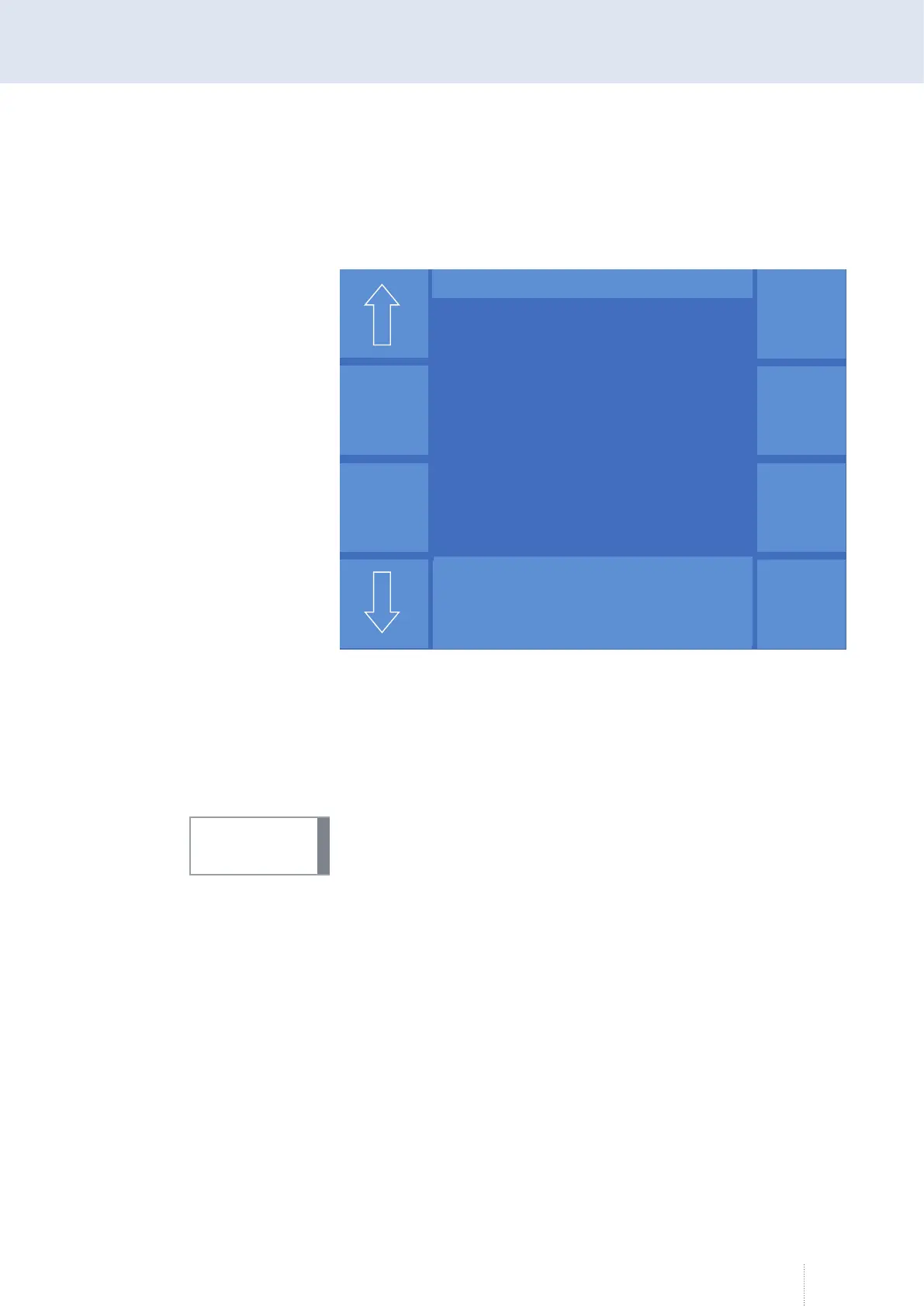
Figure 46. Conig - User - Edit
Puls 4 -Takt
V
0
A
1.2 mm Fe
82% Argon 18% Co
2
0.0
Konfig – Benutzer Editieren
Passwort
000000
Erlaubter Jobbereich
1 - 999
Speichern
Benutzername
Mustermann
Bedienlevel
Konfigurator
INFO!



 To Next Page