Web interface – Network Control Station Duetto
28 2.0/0518
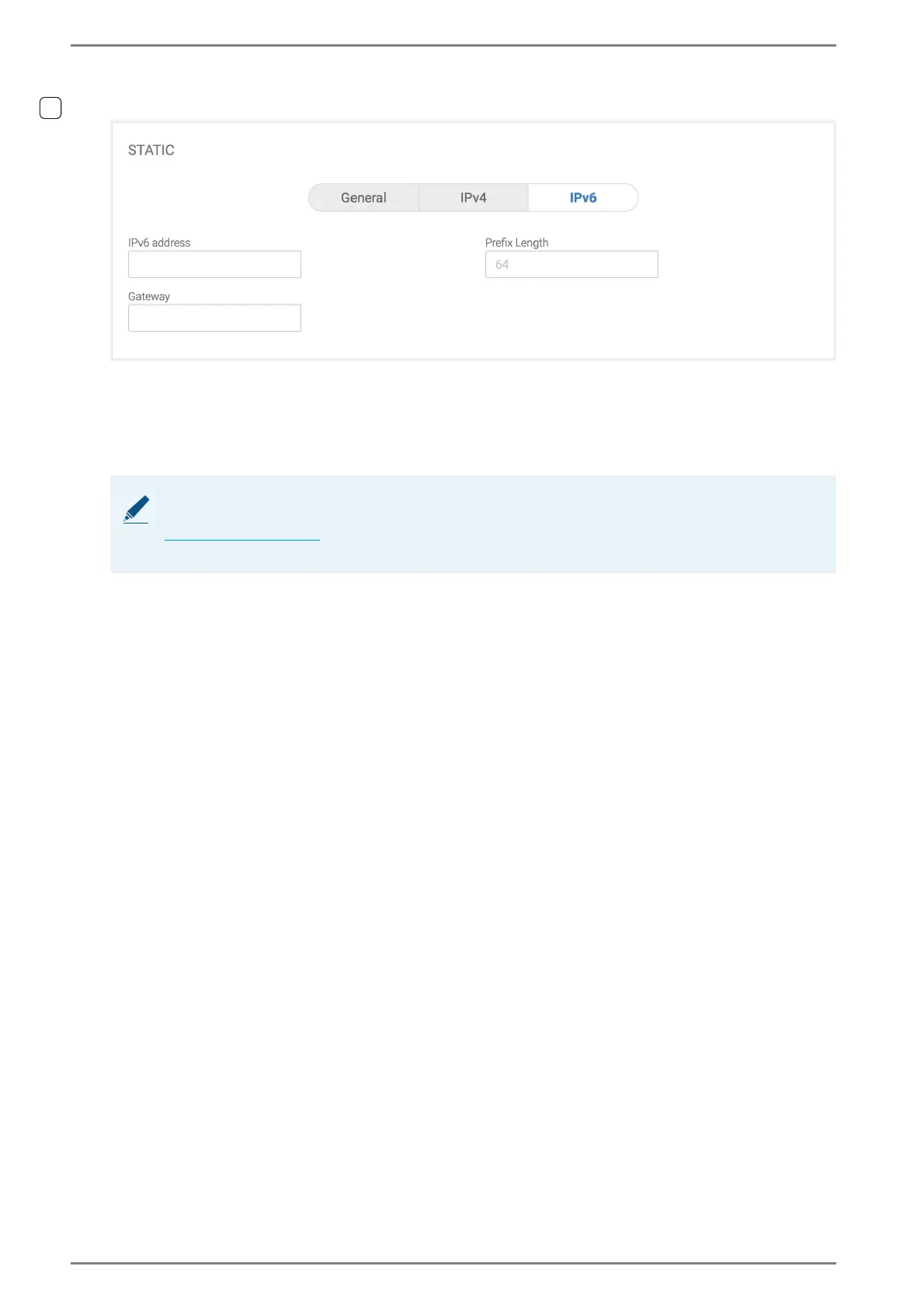
Static > IPv6
To enable this section and to configure the IP addresses manually, select the option box Static.
IPv6 address: In this field, enter the IPv6 address of DUETTO.
Prefix Length: In this field, enter the prefix length of DUETTO.
Gateway: In this field, enter the gateway IP address of DUETTO for reaching IP addresses out-
side the local subnet.
➥ Click on the button Save to save the changes.
NOTE: Web interface must be reloaded
When the IP address has been changed, the web interface has to be reloaded using the new IP address
(see ”Login” on page 20). Make sure that the IP configuration of the DUETTO device is correct. Other-
wise, the web interface cannot be reached.



 To Next Page